Systeme.io Communities - Setup, Paid Access and Honest Limits (2026)
Systeme.io Communities: The Short Answer
Systeme.io communities give your members a private place to post, comment and support each other, without sending them to a social network. You can create topics, make a community public or private, and sell access through a funnel as a one-time purchase, a subscription or an add-on to a course.
The feature is deliberately simple. Members can write text posts, add images, emojis and links, and reply to each other. There's no built-in live streaming or video hosting inside posts, and moderation tools are basic. For a course discussion area or a small paid group, that's often all you need.
What You Can Do in a Community
Here's how the roles break down, based on how the feature works today:
| Role | What they can do |
|---|---|
| Members | Create text posts, reply to others, add images, emojis and links |
| Owners | Create topics, set the community as public or private, add a cover image |
| Owners | Invite members by email, or by invite link for public communities |
| Owners | Connect access to funnels, courses and automation |
Video and audio need to be hosted elsewhere and linked into posts, so plan where your recordings will live. Course videos, by contrast, can be uploaded directly into systeme.io's course builder.
How to Set Up a Community
- Create the communityGive it a clear name and description so members know what it's for.
- Add topicsCreate a few topics, such as Introductions, Questions and Wins, so posts stay organized.
- Choose privacyMake it private for paid members, or public if it's a free lead-generation community.
- Add a cover imageUse a simple branded image so it feels like part of your business.
- Connect accessGrant access through a funnel purchase, a course bundle or an automation rule.
- Post the first threadsStart with a welcome post and a question, so new members see activity on day one.
Ways to Use and Monetize a Community
Course Companion
Give every course buyer access to a discussion space for questions and accountability.
Paid Membership
Sell private access through a sales funnel, either one-time or monthly. See how to start a paid community.
Course Upsell
Offer community access as a one-click upsell after someone buys a course.
Free Community for Leads
Run a free public group that builds trust and introduces your paid offers.
Because access is connected to payments, cancelled subscriptions can lose access automatically through your automation settings. That saves a lot of manual admin compared with running a group on a social platform.
Community Limits by Plan
Third-party reviews report community limits rising with each plan: one community on the free plan, then five on Startup, 20 on Webinar and no cap on Unlimited. Check the current numbers on systeme.io's pricing page before planning several communities.
For most creators, one or two communities are enough: one for course students and perhaps one for a premium membership.
Keeping a Community Active
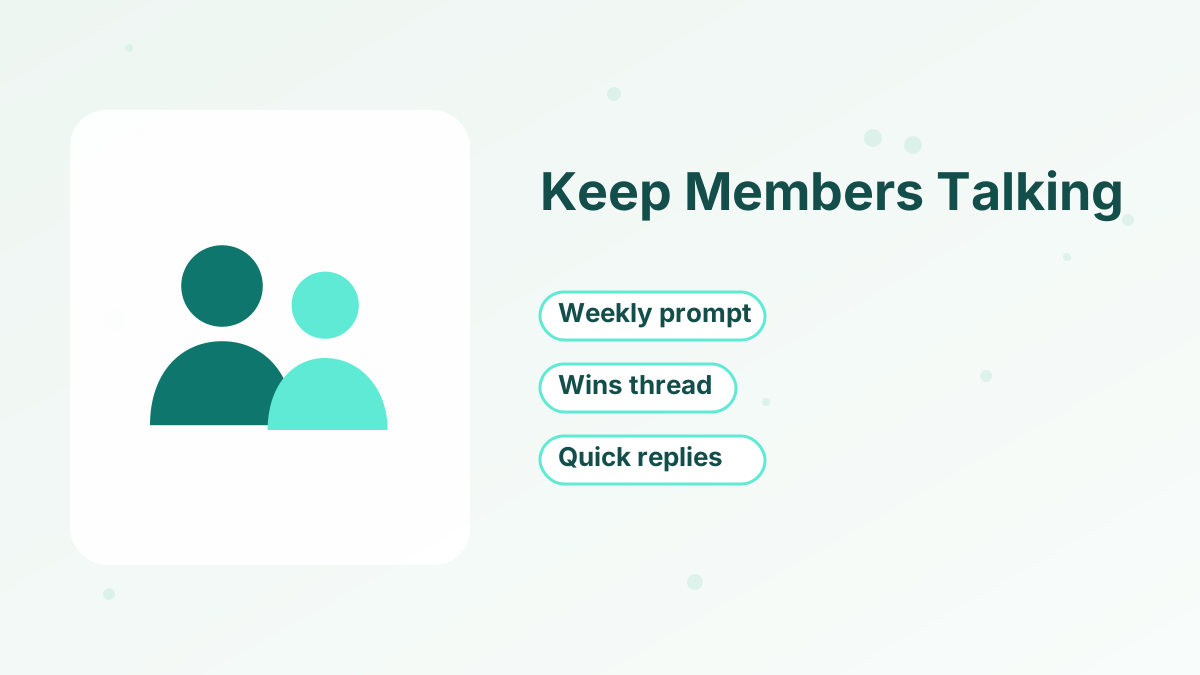
The software is the easy part. Activity comes from habits:
- Post a weekly prompt. A simple question each week gives members a reason to return.
- Celebrate wins. A dedicated thread for wins shows new members that your program works.
- Reply quickly at first. Early members need to see that posts get answers.
- Link lessons to discussion. End each course module with a question to discuss in the community.
- Send email nudges. Use email to point members to interesting threads, since there's no dedicated mobile app.
Community Rules Worth Setting on Day One
Because the community is yours, you set the rules. A short pinned post saves headaches later. We'd cover four things: what the community is for, what's off-limits (such as self-promotion or sharing paid content outside), how to ask a good question, and how quickly members can expect a reply from you.
Clear rules make moderation easier, especially since the built-in moderation tools are basic. If someone breaks the rules, a friendly private message usually fixes it.
When to Use a Dedicated Community Platform
If your community is the main product, with live events, video, member directories, gamification and a mobile app, a dedicated community platform will serve you better. Some systeme.io users mention wanting a dedicated app for communities.
If the community supports a course or coaching program, keeping it inside systeme.io means one login for members and one system for you. Compare options in our list of the best membership site platforms, and read how to create a membership site.
Create Your First Community Free
Add a members-only space next to your courses and funnels in systeme.io.
Try Systeme.io FreeSysteme.io Communities FAQs
Are systeme.io communities free?
Communities are included in systeme.io plans, with the free plan reported to include one community.
Can you charge for community access?
Yes. You can sell access through a funnel as a one-time purchase or subscription, or offer it as an upsell.
Can members post videos?
Members can post text, images, emojis and links. Videos need to be hosted elsewhere and linked.
Is there a mobile app for systeme.io communities?
There's no dedicated community app. Members use the community in a web browser.