Systeme.io Pricing - Which Plan Fits Your Business Right Now (2026)
Systeme.io Pricing: The Short Answer
Systeme.io has four plans: Free at $0, Startup at $17 a month, Webinar at $47 a month and Unlimited at $97 a month. The price mostly follows how many contacts you store, and every plan includes unlimited email sends and 0% transaction fees.
That pricing model is unusually friendly to new businesses. You don't pay more because you send more emails or sell more products. You pay more when your list grows, which usually means your business is growing too.
| Plan | Monthly price | Contacts | Sales funnels | Courses | Best for |
|---|---|---|---|---|---|
| Free | $0 | 2,000 | 3 | 1 | Testing an idea and first launches |
| Startup | $17 | 5,000 | 10 | 5 | Small businesses with steady sales |
| Webinar | $47 | 10,000 | 50 | 20 | Webinar sellers and multi-product creators |
| Unlimited | $97 | Unlimited | Unlimited | Unlimited | Large lists and many funnels |
We'd start almost everyone on the free plan. You can build a real funnel, collect leads and sell a product there, then upgrade the day you hit a limit.
Every Systeme.io Plan, One by One
Each plan unlocks the same core platform. The differences are in how much you can build and store, plus a few features that start on higher tiers.
Free Plan ($0)
The free plan includes 2,000 contacts, 3 sales funnels, 1 course, 1 blog, 1 custom domain, 1 affiliate program, 1 automation rule and 1 email campaign. It never expires and doesn't ask for a credit card.
The contact and funnel limits are generous. The tighter caps are automation rules and email campaigns, because most businesses want several automations once they start selling.
There's also a sales ceiling. According to systeme.io's help center, free accounts have a lifetime sales limit of $10,000. You'll see a warning banner at $8,000, and at $10,000 your payment pages stop accepting new sales until you upgrade to a paid plan. Our systeme.io free plan guide explains how to get the most out of those limits.
Startup Plan ($17 a Month)
Startup raises you to 5,000 contacts, 10 sales funnels and 5 courses. It's the natural first upgrade when you outgrow the free plan's single automation rule or single campaign, or when you need a fourth funnel.
For a coach with one lead magnet, one paid program and a webinar replay funnel, Startup is usually plenty for the first year or two.
Webinar Plan ($47 a Month)
Webinar doubles contacts to 10,000 and jumps to 50 funnels and 20 courses. It's also the plan where evergreen webinars become available, so you can run automated webinar presentations inside systeme.io.
Choose it when webinars are part of how you sell, or when your list passes 5,000 contacts. If you don't use webinars, the extra funnel and course capacity is the main reason to move up.
Unlimited Plan ($97 a Month)
Unlimited removes the caps on contacts, funnels and courses, and gives you unlimited automation rules. It's built for creators with large lists, many products or several brands.
At $97 a month, it's still priced at or below the entry tier of many premium funnel platforms, which makes it good value once you're past 10,000 contacts.
What Every Systeme.io Plan Includes
Some of the most valuable features aren't tied to a tier at all. According to the official pricing page, every plan includes:
- Unlimited email sends, so a bigger newsletter schedule doesn't raise your bill.
- Unlimited file storage for course videos, downloads and images.
- 0% transaction fees on sales, whichever plan you're on.
- Unlimited sub-accounts, each with the same limits as your main plan, which is useful for agencies and multi-brand owners.
- Payment integrations with Stripe, PayPal, Apple Pay, Razorpay, Flutterwave, Xendit and MercadoPago.
- Your own affiliate program, with one program on the free plan.
- 24/7 email support, with average response times listed as under two hours.
The 0% fee matters more than it looks. If you sell $3,000 a month of products, a platform that takes even 2% would cost you $60 a month on top of its subscription. Here, the subscription is the only platform cost.
Monthly vs Annual Billing
Systeme.io advertises annual billing as "2 months free." In other words, paying yearly should cost about the same as 10 monthly payments.
| Plan | Monthly × 12 | Annual at 10 months (estimate) | Estimated saving |
|---|---|---|---|
| Startup | $204 | $170 | $34 |
| Webinar | $564 | $470 | $94 |
| Unlimited | $1,164 | $970 | $194 |
These figures follow the advertised two-months-free offer, and they match the annual prices other reviewers report. Still, confirm the exact amount at checkout. We'd only switch to annual billing once you've been on a paid plan for a couple of months and know it fits. Until then, monthly billing keeps you flexible.
Which Systeme.io Plan Should You Choose?
The right plan depends less on your niche and more on your list size, number of offers and whether you sell with webinars. Here are common situations we see:
Testing Your First Offer
Stay on Free. Build one lead funnel and one sales funnel, and use your single automation rule to tag new buyers. Upgrade when the caps get in the way.
Coach With One Program
Startup at $17 is usually right. You get 10 funnels for lead magnets, booking and sales pages, plus room for several automations.
Creator Selling Through Webinars
Webinar at $47 unlocks evergreen webinars and room for 50 funnels, so you can run a webinar funnel for each offer.
Established List of 10,000+
Unlimited at $97 removes contact caps, which is often cheaper than standalone email tools at the same list size.
A quick rule of thumb: follow your contact count first, then check funnels and features. The FAQ on systeme.io's pricing page suggests the same approach, recommending plans by contact range.
Your First Year on Systeme.io: Three Worked Scenarios
Monthly prices only tell part of the story. Here's what a first year might cost in three common situations. These are illustrative scenarios based on the published monthly prices, not quotes.
| Scenario | Plan path | Estimated subscription cost in year one |
|---|---|---|
| New coach growing to 1,500 contacts | Free all year | $0 |
| Course creator passing 2,000 contacts in month 4 | Free for 3 months, then Startup for 9 months | $153 |
| Webinar seller who starts with 6,000 contacts | Webinar for 12 months | $564 |
The second scenario is the most common path we see. You build and test on Free, then upgrade once the list or the automation needs grow. Nine months of Startup at $17 is $153, which is less than many standalone email tools charge for a single quarter at a similar list size.
In the third scenario, switching to annual billing after the first couple of months could bring the cost down further, because of the advertised two months free.
What Usually Triggers an Upgrade
In our reading of the plan limits, the contact cap isn't always the first wall you hit. These are the most common reasons people move off the free plan:
- A second automation rule. The free plan includes one. As soon as you want "tag buyers" and "start onboarding emails" as separate rules, you'll want Startup.
- More than one email campaign. Separate sequences for a lead magnet and a product launch need more than the free plan's single campaign.
- A fourth funnel. Three funnels cover a lead funnel, a sales funnel and one more. A second product or a webinar funnel pushes you over.
- A second course. The free plan allows one course; Startup allows five.
- Evergreen webinars. These start on the Webinar plan only.
- $10,000 in lifetime sales. Free accounts stop taking payments at this point, so a successful launch can force the upgrade on its own.
Knowing which limit you'll hit first helps you plan the timing. If you know a launch needs extra sequences, upgrade a week before it, not on launch day.
Hidden Costs and Fees to Plan For
Systeme.io has very few add-ons, but there are still a few real costs to budget for outside the subscription.
Payment processing fees. Stripe, PayPal and other gateways charge their own fees per transaction. These apply on every platform, so they're not unique to systeme.io.
Domain names. You'll pay your domain registrar each year for your custom domain.
Third-party tools. If you connect other apps through Zapier, you may need a paid Zapier plan for multi-step or high-volume automations. Our integrations guide explains the options.
Taxes. Depending on where you live, VAT or sales tax may be added to your subscription at checkout.
There are no setup fees and no per-email charges, and you won't pay extra because your sales grow.
Upgrading, Downgrading and Cancelling
You can upgrade at any time from your account's billing settings, and the new limits apply right away. That makes it easy to start small and move up mid-launch if you suddenly need more funnels.
Downgrading works differently. The pricing FAQ says you contact support to downgrade, or you cancel, wait for your account to return to the free plan, and then upgrade to the lower paid plan you want.
If you cancel, you keep your paid plan until the next billing date, after which the account reverts to the free plan rather than being deleted. Anything above the free plan's limits may stop working, so tidy up funnels and automations first. Our guide to cancelling systeme.io covers what to check before you do.
Is Systeme.io Good Value Compared With Other Platforms?
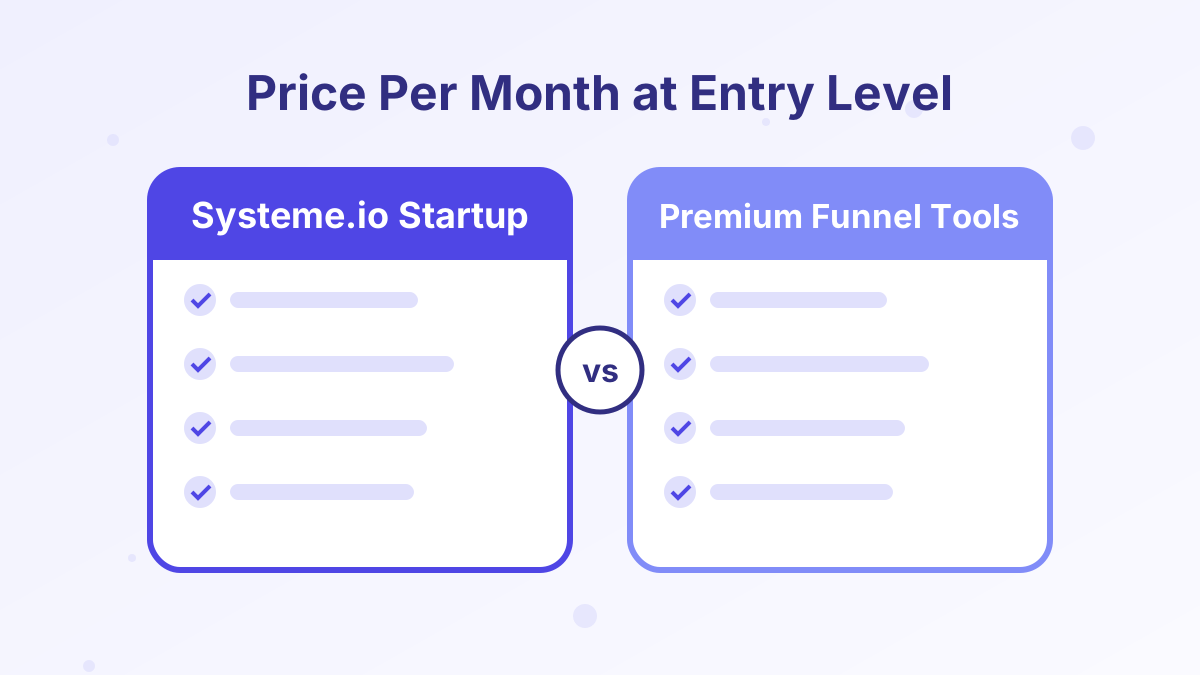
For what you get, yes. Most all-in-one funnel platforms have no permanent free plan, and their entry tiers cost several times more than systeme.io's Startup plan. ClickFunnels' entry Launch plan, for example, is listed at $97 a month.
The trade-off is that premium tools often include deeper design control, richer analytics or bigger communities. If you need those, the higher price can be justified. If you need funnels, email, courses and checkout that simply work, systeme.io's pricing is hard to beat. See our systeme.io vs ClickFunnels comparison for a feature-by-feature look.
Systeme.io Pricing FAQs
Is there a free trial of the paid plans?
The free plan works as an open-ended trial. You can use it for as long as you want, then upgrade when you need higher limits.
Does systeme.io charge transaction fees?
No. All plans have 0% transaction fees. You'll only pay your payment processor's standard fees.
What happens if you go over your contact limit?
You'll need to upgrade to a plan with a higher contact limit, or remove inactive contacts to stay within your current plan.
Can you switch from monthly to annual billing later?
Yes, you can change billing when you upgrade or renew. Check the billing page in your account for the exact options available to you.
Are webinars available on the Startup plan?
No. Evergreen webinars start on the Webinar plan at $47 a month.