Order Bumps and Upsells - What Each Does, When to Use Them and How to Price (2026)
Order Bumps and Upsells in One Minute
Order bumps and upsells both increase how much each customer spends, without needing more traffic. The difference is timing.
An order bump appears on the checkout page, before payment, as a checkbox offering a small, related add-on. An upsell appears after payment, as a separate page offering a bigger or complementary product that can be added with one click, because the buyer's payment details are already saved.
Used together, they can noticeably raise the average order value of a funnel. And because buyers are already saying yes, the offers feel helpful rather than pushy when they're relevant.
Bumps before payment, upsells after
An order bump is a small, one-checkbox add-on at checkout. An upsell is a bigger, one-click offer on the page after payment. Both raise revenue from the same buyers.
Order Bump vs Upsell: Key Differences
| Factor | Order bump | One-click upsell |
|---|---|---|
| When it appears | On the checkout page, before payment | On a new page, right after payment |
| How it's accepted | Tick a checkbox | Click one button; no need to re-enter card details |
| Typical price | A small fraction of the main product | Often similar to or higher than the main product |
| Space to explain | A sentence or two | A full page, often with a video |
| Best offers | Quick, complementary add-ons | Next-step products, bundles or upgrades |
A downsell is a related idea: if a buyer declines the upsell, you show a smaller or lower-priced alternative. And a cross-sell recommends related products, often on product pages or later by email.
Good Order Bump Ideas
The best order bumps are small, relevant and easy to say yes to without much thought. They should make the main purchase more useful or convenient.
For a Course
A workbook, a set of templates or a recording of a bonus workshop.
For an Ebook
The audiobook version or a printable companion guide.
For Templates
An extra pack in a related style or a video showing how to customize them.
For Coaching
A recorded mini-session or a planning worksheet to complete before the first call.
For Physical Products
A refill, accessory or protection add-on.
For Software or Tools
A setup checklist or a done-for-you configuration guide.
Write the bump copy in a sentence or two: what it is, why it helps and the price. A short headline such as "Yes, add the workbook" makes the checkbox clear.
Good Upsell Ideas
Upsells can be bigger, because you have a full page to explain them and the buyer has just committed.
| Main product | Upsell idea | Downsell if declined |
|---|---|---|
| Low-priced ebook | Online course on the same topic | Mini-course or workshop |
| Template pack | Full template library | Smaller themed bundle |
| Online course | Group coaching or a premium tier | Single coaching call |
| Membership monthly plan | Annual plan at a better rate | Quarterly plan |
| Workshop ticket | Recording plus resources bundle | Recording only |
These are illustrative pairings. The rule is simple: the upsell should help buyers get the result they bought the main product for, faster or more completely.
How to Price Bumps and Upsells
There's no universal formula, but some practical principles help.
Order bumps work best at a price that feels like an easy add-on relative to the main product. Many sellers price them well below the main product, so the decision takes seconds. Test a few prices and watch both the acceptance rate and total revenue.
Upsells can be priced higher than the main product when the value is clear, but they should still feel like a logical next step. If acceptance is very low, try a lower-priced version, a payment plan or a downsell rather than abandoning the upsell.
What it means for you: measure revenue per buyer, not just acceptance rates. A slightly less popular offer at a better price can still earn more.
Writing an Upsell Page
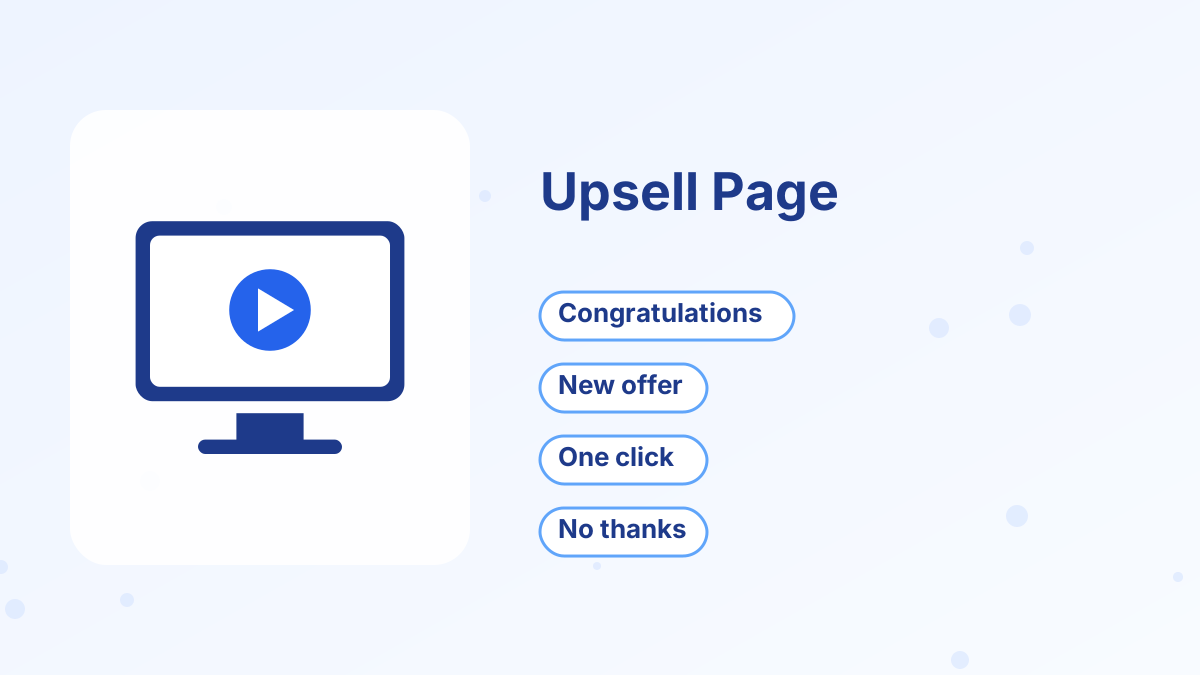
A good upsell page starts by confirming the purchase, so buyers know their order went through. Then it introduces the offer, explains how it complements what they just bought, shows what's included and makes accepting easy with one clear button.
Always include a clear "No thanks" link. Buyers should never feel trapped or confused about whether they've been charged. A respectful upsell builds trust; an aggressive one creates refunds and complaints.
Keep it short. A brief video or a few paragraphs, a list of what's included, the price and the button are usually enough.
An Order Bump and Upsell Example
Here's an illustrative example for a course on meal planning. The main product is the course. On the checkout page, an order bump offers a printable recipe card pack for a small extra amount; it's quick to understand and clearly useful alongside the course.
After payment, the upsell page congratulates the buyer and offers a three-month group coaching add-on, with weekly live sessions for questions and accountability. If the buyer declines, a downsell offers a single recorded workshop on batch cooking at a lower price.
Each offer helps the buyer get more from the course, so accepting feels natural. Buyers who want only the course can complete their purchase quickly with no pressure.
Common Mistakes to Avoid
Offering something unrelated is the biggest mistake. A bump or upsell should make sense in context. Too many upsells in a row is another; one upsell and one downsell is plenty for most funnels.
Avoid hiding the "No thanks" option or using confusing wording. And never pre-tick the order bump checkbox; buyers should actively choose it.
Finally, deliver everything correctly. Make sure bump and upsell purchases grant the right access and trigger the right emails, and test the full flow before launch.
Adding Order Bumps and Upsells in Systeme.io
Systeme.io includes order bumps on checkout pages and one-click upsells and downsells as funnel steps. Each product can grant course access, deliver files or add tags automatically, so buyers receive exactly what they paid for. Every plan charges 0% transaction fees, which means every extra dollar from a bump or upsell stays with you, apart from payment processing.
For a step-by-step setup, see systeme.io order bumps and upsells, and for funnel structures that use them, see tripwire funnel.
Measuring Results
Track three numbers: the order bump acceptance rate, the upsell acceptance rate and the average order value of the whole funnel. Compare average order value before and after adding each offer, and keep the offers that raise revenue without increasing refunds. See sales funnel metrics.
Add Bumps and Upsells to Your Funnel
Checkout bumps, one-click upsells and downsells on systeme.io, with 0% transaction fees.
Try Systeme.io FreeOrder Bumps and Upsells FAQs
What is an order bump?
A small add-on offered as a checkbox on the checkout page, before the buyer completes payment.
What is a one-click upsell?
An offer shown right after purchase that buyers can accept with one click, without re-entering payment details.
Should you use both order bumps and upsells?
Many funnels do, as long as each offer is relevant. One bump and one upsell, with a downsell, is a common structure.
How much should an order bump cost?
Usually well below the main product, so adding it is an easy decision. Test prices and watch total revenue.
Does systeme.io support order bumps and upsells?
Yes. Systeme.io includes order bumps, one-click upsells and downsells, with 0% transaction fees.