Thank You Page - What to Show After an Opt-In or Purchase, With Examples (2026)
What Is a Thank-You Page?
A thank-you page is the page people see right after they take action: joining your email list, registering for a webinar, booking a call or buying a product. Its first job is simple: confirm that the action worked and tell people what happens next.
Its second job is where the opportunity lies. The moment after someone says yes is when they're most engaged with you. A thoughtful thank-you page uses that moment to offer a helpful next step, whether that's watching a short video, joining a community, booking a call or adding a related product.
What it means for you: many businesses treat the thank-you page as a dead end with a single sentence. Turning it into a useful next step can deepen trust and increase sales without any extra traffic.
Confirm, reassure, then offer one next step
Tell people their action worked, explain what happens now, and give them one relevant thing to do next while their attention is high.
Thank-You Page After an Opt-In
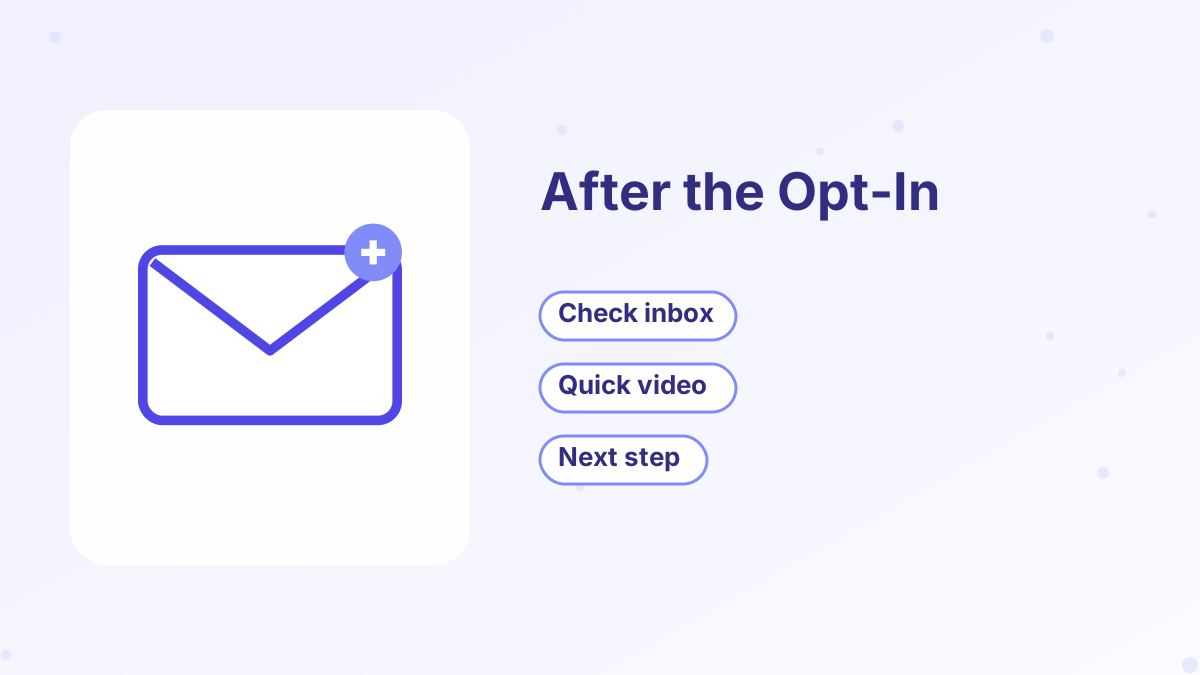
After someone joins your list, they want their freebie. Your thank-you page should confirm the sign-up and make sure the delivery email doesn't get lost.
- Confirm it worked"You're in! Your checklist is on its way."
- Explain where to lookTell them which email address it comes from and to check promotions or spam folders.
- Deliver instantly if you canOffer a download button on the page as well as by email.
- Offer one next stepA short welcome video, a community link, a low-priced offer or a booking link.
A popular approach is to place a low-priced offer on the opt-in thank-you page, turning some new subscribers into customers right away. That's the heart of a tripwire funnel. Keep it optional and relevant, and never make it harder to get the free resource. See tripwire funnel.
Thank-You Page After a Purchase
After a purchase, people want reassurance that the payment went through and clear instructions for accessing what they bought. Confusion here creates support requests and refunds.
| Element | Purpose | Example |
|---|---|---|
| Confirmation | Reduce anxiety | "Your order is confirmed. Welcome!" |
| Access instructions | Help them start | "Check your inbox for your login details." |
| First step | Build momentum | "Start with Module 1, Lesson 1 today." |
| Support contact | Remove worry | "Questions? Reply to your receipt email." |
| Optional next offer or community | Deepen engagement | Join the community or book an onboarding call |
For digital products and courses, the best thank-you pages get buyers to their first win quickly. Someone who starts using a product right away is more likely to finish it, get results and buy again.
Thank-You Page After a Booking or Registration
For a booked call, confirm the date, time and time zone, offer an "add to calendar" link and explain how to prepare. A short preparation questionnaire can make the call more useful for both of you.
For a webinar registration, confirm the session details, offer calendar links and give a reason to attend live, such as a worksheet to use during the session. See webinar funnel.
Next-Step Ideas for Your Thank-You Page
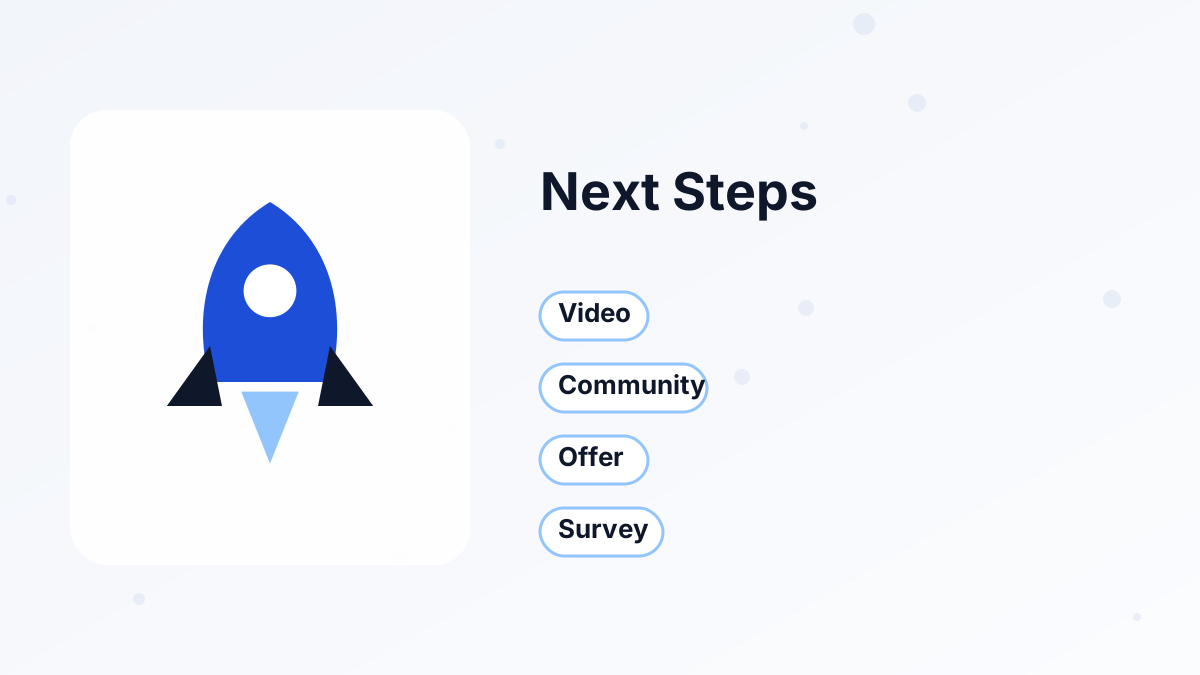
Choose one main next step. Several competing options often mean people choose none.
Welcome Video
A one- to two-minute video introducing you and explaining how to get the most from the freebie or product.
Low-Priced Offer
A relevant product that helps new subscribers go further, ideal after an opt-in.
Community Invitation
A link to join your free or paid community.
Booking Link
For coaches and service businesses, an invitation to book a call.
Quick Survey
One or two questions about their goals, which helps you send more relevant emails.
Share or Refer
An invitation to share the free resource with a friend who'd find it useful.
A Thank-You Page Example
Here's an illustrative example for a photographer who offers a free "Camera Settings Cheat Sheet." After opting in, visitors land on a page headed "You're in! Your cheat sheet is on its way." A short line explains that the email comes from the photographer's name and might land in a promotions tab.
Below, a one-minute video shows how to use the cheat sheet on a real shoot. Under the video, a single button invites new subscribers to a recorded editing workshop at a small introductory price. Subscribers who skip the offer still receive their cheat sheet and a welcome sequence over the following week.
Thank-You Page Mistakes
The most common mistake is a dead end: a single "Thanks!" with no information or next step. Others include unclear access instructions, missing support details and aggressive offers that make people feel tricked after they've just trusted you.
Keep the page consistent with the promise that brought people there. If the opt-in page promised a checklist, the first thing on the thank-you page should be about that checklist.
Building Thank-You Pages in a Funnel
In a funnel builder, the thank-you page is simply the next step after the opt-in or checkout page. You can design it from a template, add a video, a button to a low-priced offer or a booking link, and connect it to the right emails.
Systeme.io includes thank-you page templates in its funnels and lets you trigger emails, tags and course enrollments when someone reaches a step or buys. After a purchase, one-click upsell pages can appear before the final thank-you page, and buyers get automatic access to courses or downloads. See order bumps and upsells and create a funnel in systeme.io.
Measuring Your Thank-You Page
Track what people do on the page: how many click the next-step button, accept the offer, join the community or book a call. If few people act, test a clearer headline, a shorter video or a more relevant offer.
Also watch support emails. If people often ask how to access what they bought, your instructions need to be clearer. See sales funnel metrics.
Build Smarter Thank-You Pages
Templates, instant delivery, upsells and follow-up emails on systeme.io, starting free.
Try Systeme.io FreeThank-You Page FAQs
What is a thank-you page?
The page people see right after taking an action, such as opting in or buying, which confirms the action and suggests a next step.
What should a thank-you page include after an opt-in?
Confirmation, where to find the email, an instant download if possible and one relevant next step.
Should you put an offer on a thank-you page?
Many funnels do, especially a low-priced, relevant offer after an opt-in. Keep it optional and helpful.
What should a post-purchase thank-you page include?
Order confirmation, access instructions, a clear first step and support contact details.
Can you customize thank-you pages in systeme.io?
Yes. Thank-you pages are funnel steps you can design from templates and connect to emails, tags and offers.