Systeme.io A/B Testing - How to Split Test Funnels and Newsletters (2026)
Systeme.io A/B Testing: The Short Answer
Systeme.io lets you A/B test both funnel pages and newsletters. For pages, you create two versions inside the same funnel and systeme.io splits visitors between them, so you can see which one converts better. For newsletters, you can send two versions to a small sample and automatically send the winner to everyone else.
That's useful because small changes, like a clearer headline or a different button label, can change how many people opt in or buy. Testing replaces guesswork with real results from your own audience.
How Page Split Testing Works
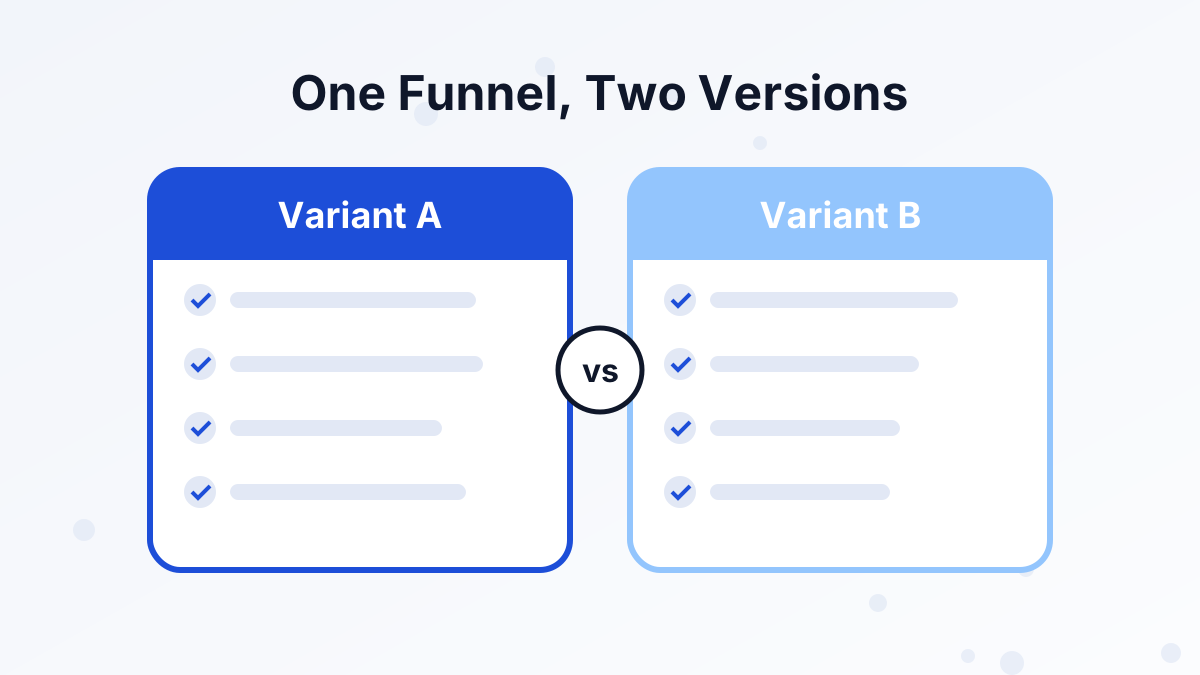
A page test compares Variant A, usually your current page, with Variant B, a copy with one thing changed. Both pages must live in the same sales funnel. When the test is running, visitors to that funnel step are shared between the two versions, and systeme.io tracks how each one performs.
According to systeme.io's help center, pages in an A/B test are marked with an icon so you can spot them in the funnel. Pages that are part of a test can be duplicated, but they can't be deleted or moved to another funnel, so set the test up in the funnel where you want to keep it.
You can test squeeze pages, sales pages and order forms, which are the pages with the biggest impact on your results. Our funnel builder guide explains the step types.
How to Set Up a Page Test
- Pick the page with the biggest drop-offLook at your funnel stats and find the step where most visitors leave without acting.
- Decide on one changeWrite down what you're changing and why, such as "a more specific headline should raise opt-ins."
- Create Variant BDuplicate the page within the same funnel and make only that one change.
- Start the split testSet the two pages as Variant A and Variant B in the funnel step settings.
- Send traffic as normalKeep using the same link. Systeme.io shares visitors between the two versions.
- Wait for enough dataLet the test run until both versions have a meaningful number of visitors and conversions.
- Keep the winnerEnd the test and keep the better-performing page as your main version.
Testing Newsletters
Systeme.io's help center describes two modes for testing newsletters. Each one tests two versions of an email, usually with one difference, such as the subject line, content or call to action.
| Mode | How it works | Best for |
|---|---|---|
| Optimize | Sends A and B to a sample of your list, then sends the winner to the rest | Getting the best result from a single important email |
| Compare | Splits the whole audience 50/50 and doesn't pick a winner | Learning what your audience prefers for future emails |
In Optimize mode, you choose the winning criterion before you start, either the best open rate or the best click rate. The help center suggests letting the test run for at least 24 hours, and typically 48 to 72 hours, before the winner is sent.
Pick the sample size carefully. Too small, and the result is mostly luck. Too large, and you lose the benefit of sending the winner to most of your list. Our systeme.io email marketing review covers the rest of the email tools.
What to Test First
Not every test is worth your time. Start with the elements that have the biggest effect on whether people act:
Headlines
The headline decides whether visitors keep reading. Test a specific result against a general promise.
The Offer Itself
A different lead magnet, a bonus or a payment plan can change results far more than design tweaks.
Button Text
Compare a generic label with one that names the outcome, such as "Send Me the Checklist."
Email Subject Lines
In newsletters, the subject line drives opens, so it's the easiest email test to run.
Colors and fonts rarely matter as much as words and offers. Test those later, if at all.
Running a Fair Test
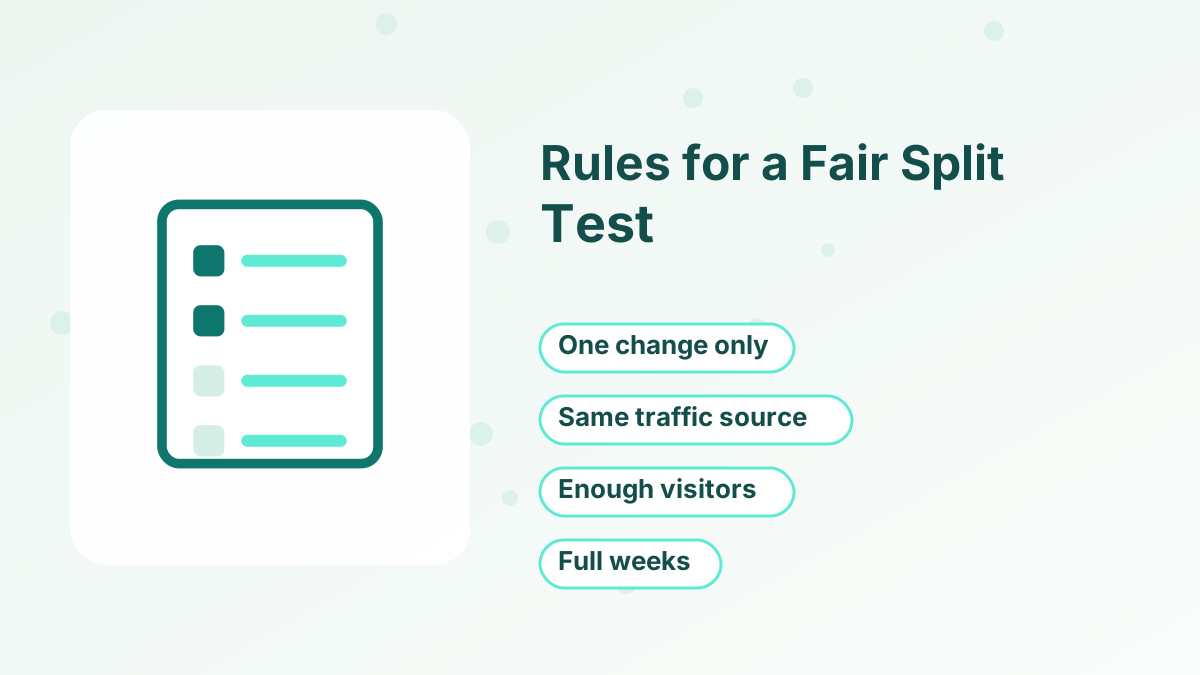
A/B tests are only useful if the result is trustworthy. A few simple rules help:
- Change one thing at a time. If you change the headline and the image, you won't know which one made the difference.
- Keep traffic consistent. Don't switch ad campaigns or traffic sources halfway through a test.
- Wait for enough results. A handful of conversions can swing either way by chance. Let the test gather a solid number before deciding.
- Run through full weeks. Behavior can differ on weekdays and weekends, so avoid stopping a test after two or three days.
- Write down what you learned. Keep a simple log of tests and results, so you don't repeat old experiments.
Test Ideas for Each Funnel Step
If you're not sure where to start, here are practical tests for each part of a typical funnel:
| Funnel step | Test idea | What it can improve |
|---|---|---|
| Squeeze page | Specific result headline vs curiosity headline | Opt-in rate |
| Squeeze page | Checklist lead magnet vs short video training | Opt-in rate and lead quality |
| Sales page | Short page vs long page | Sales page conversion |
| Sales page | Price shown early vs after the benefits | Sales page conversion |
| Order form | With order bump vs without | Average order value |
| Newsletter | Question subject line vs benefit subject line | Open rate |
Notice that most of these test the message or the offer, not the design. That's where the biggest differences usually come from.
Reading Results and Picking a Winner
Compare the conversion rate for each version: conversions divided by visitors. If one version is clearly ahead after a reasonable amount of traffic, keep it and plan your next test.
If the results are close, that's still a useful result. It tells you the change didn't matter much, so test something bigger next time, such as the offer or the main promise.
For a wider view of which numbers to watch, read our guides to sales funnel metrics and improving funnel conversion rates.
Start Testing Your Funnel Pages
Build two versions of your page in systeme.io and let your visitors show you which one works.
Try Systeme.io FreeSysteme.io A/B Testing FAQs
Can you A/B test on the systeme.io free plan?
A/B testing is part of systeme.io's funnel builder. Plan allowances can change, so check your plan's current limits on the pricing page before you start several tests.
Can you test more than two versions at once?
Systeme.io's page tests compare two variants, A and B. To test more ideas, run tests one after another.
Can you delete a page that's in a split test?
Not while it's part of the test. The help center notes that A/B test pages can be duplicated but not deleted or moved to another funnel.
What should you test in emails?
Start with subject lines, because they have the biggest effect on opens. Then test calls to action to improve clicks.