Systeme.io Funnel Builder - Steps, Templates, Selling Tools and Limits (2026)
Systeme.io Funnel Builder: The Short Answer
The systeme.io funnel builder is a simple, fast way to build complete sales funnels without code. You choose a goal, add steps such as an opt-in page, sales page, order form and upsell, then edit each page with a drag-and-drop editor and templates.
It's strongest at standard funnels: lead magnets, product sales, webinar registrations and upsell sequences. It includes the selling tools that matter, like order bumps, one-click upsells, coupons, countdown timers and A/B split testing. Where it's weaker is design freedom. Highly custom layouts take more effort than in a specialist page builder.
A great funnel builder for solo businesses, with simple design controls
If you want funnels that work and connect directly to your emails, checkout and courses, systeme.io is one of the best-value builders available, and you can start on the free plan with three funnels.
Try Systeme.io FreeHow the Funnel Builder Works
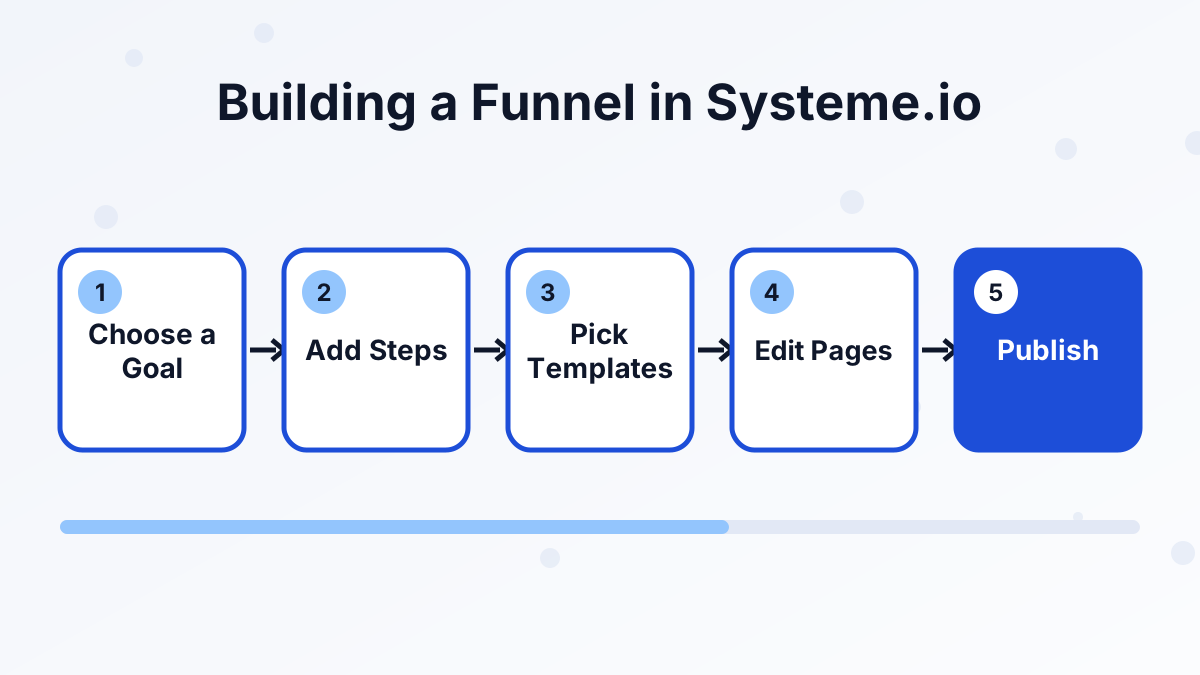
Every funnel starts with a goal. When you create a new funnel, systeme.io asks what you want it to do, such as building an audience, selling a product or running an evergreen webinar, or you can choose a custom funnel and add steps yourself.
The goal decides which steps and templates you see first. An audience-building funnel starts with a squeeze page and a thank-you page. A sales funnel starts with a sales page and an order form. You can add, remove and reorder steps at any time.
Each step is a page with its own URL. Once you've edited and published the steps, you share the first step's link, and visitors move through the funnel in order. Contacts, purchases and tags all land in the same database you use for emails and courses.
Funnel Step Types You Can Use
Steps are the building blocks of every funnel. Here are the main step types and what each one is for:
| Step type | What it's for |
|---|---|
| Squeeze page | Collects an email address in exchange for a lead magnet |
| Opt-in thank-you page | Confirms the signup and points to the next step |
| Pop-up and inline forms | Capture leads on other pages without a full squeeze page |
| Sales page | Explains and sells your offer |
| Order form | Takes payment, with optional order bump and coupon field |
| Upsell and downsell pages | Offer one-click add-ons after purchase |
| Thank-you page | Confirms the order and explains access |
| Webinar registration, thank-you and broadcast pages | Run an evergreen webinar funnel |
| Info pages | General pages such as an about or contact page |
That covers almost every common funnel shape. If you're new to funnel structure, our guide to types of sales funnels shows how these steps combine.
The Page Editor
The page editor uses sections, rows and blocks. You drag in elements such as headlines, text, images, videos, buttons, forms, countdown timers and testimonials, then adjust fonts, colors and spacing in a side panel.
It's quick to learn, which is the point. Most people can edit a template and publish a page in an afternoon. Pages are mobile-responsive, and you can check the mobile view while editing.
The trade-off is precision. You won't get the pixel-level control of tools built only for page design, so complex, layered layouts can feel fiddly. Most funnels don't need that, but design-led brands should test the editor on the free plan before committing.
Selling Tools Built Into Funnels
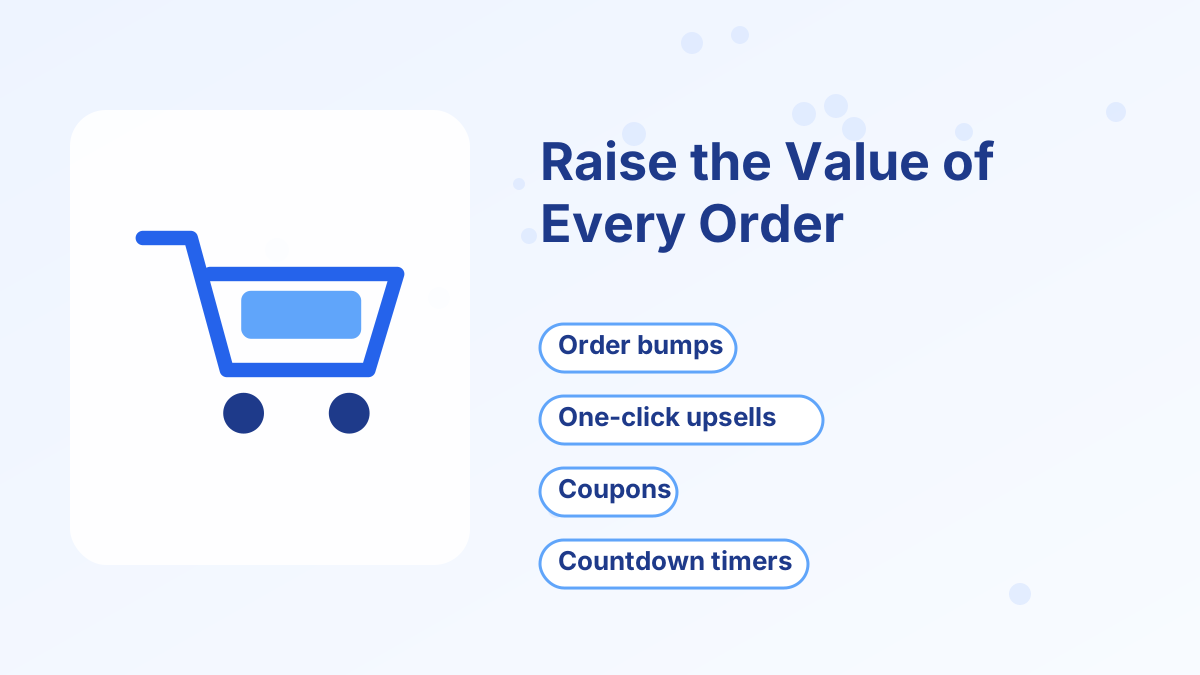
The funnel builder includes the tools that turn a single sale into a bigger order.
Order bumps add a checkbox offer to the order form, such as "Add the workbook for $17." Buyers add it without leaving the checkout. See our guide to systeme.io order bumps and upsells.
One-click upsells and downsells appear after the first purchase. Because the payment details are saved, buyers can accept with one click. If they decline, a downsell can offer a lighter or cheaper version.
Coupons let you run promotions or give partner discounts. Countdown timers display deadlines, which work best when the deadline is real, such as the end of a launch.
A/B split testing sends traffic to two versions of a page so you can keep the one that converts better. Read systeme.io A/B testing for how to set up a fair test.
All of these connect to Stripe, PayPal and other gateways, with 0% transaction fees from systeme.io.
Funnel Limits by Plan
The number of funnels you can build depends on your plan. Each plan also has a cap on funnel steps, which matters if you build long funnels with many pages.
| Plan | Monthly price | Sales funnels |
|---|---|---|
| Free | $0 | 3 |
| Startup | $17 | 10 |
| Webinar | $47 | 50 |
| Unlimited | $97 | Unlimited |
Three funnels on the free plan is enough for a lead magnet funnel, a sales funnel and one extra. Our systeme.io pricing guide explains what else changes between plans.
Funnel Builder Pros and Cons
What We Like
- Goal-based setup points beginners to the right steps from the start.
- All the key selling tools are built in, including bumps, upsells, coupons, timers and A/B tests.
- Direct connection to email, courses and payments on one contact record.
- Free plan access with three funnels, so you can build before you pay.
What to Watch
- Limited design freedom compared with specialist page builders.
- Checkout customization is more restricted than some premium tools.
- Step caps per plan can matter for very long funnels.
Funnels You Can Build With It
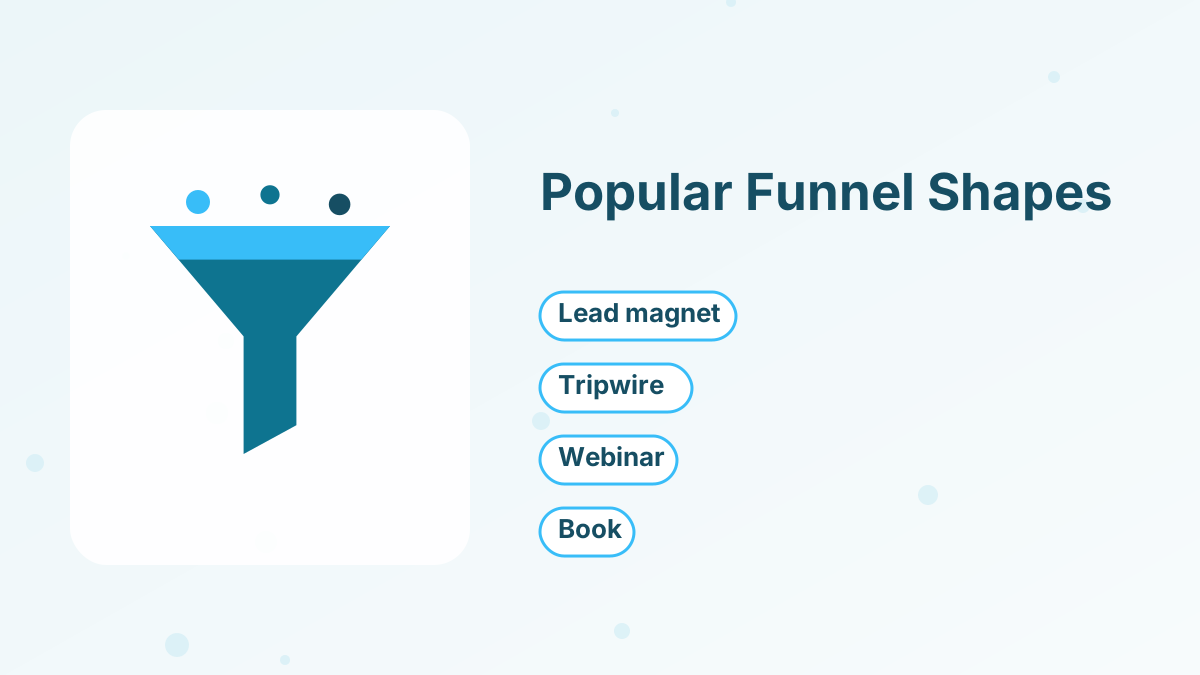
The builder handles most of the funnel shapes we cover on this site. Here are a few you can build directly:
Lead Magnet Funnel
Squeeze page, thank-you page and welcome emails. See lead generation funnels.
Tripwire Funnel
A low-priced first offer right after opt-in. See tripwire funnels.
Evergreen Webinar Funnel
Registration, thank-you and broadcast pages on the Webinar plan. See webinar funnels.
Book Funnel
A free or low-cost book with shipping, plus bumps and upsells. See book funnels.
Want the step-by-step version? Our guide to creating a funnel in systeme.io walks through every click.
Tips for Better Funnels in Systeme.io
A few habits make a big difference to how well your funnels perform, whatever template you start from.
Name steps clearly. Use names like "Opt-in: Meal Planner" and "Sales: Meal Prep Course." Once you have several funnels, clear names save time when you're setting up automation rules and emails.
Keep funnel pages focused. Remove extra links and menus from squeeze and sales pages. Each page should have one button that moves people to the next step.
Connect automations right away. Set a tag on opt-in and on purchase before you publish. Tags let you send the right emails later and stop sales emails for people who've already bought.
Check the mobile view. Many visitors arrive on phones. Preview every step on mobile and shorten headlines that wrap awkwardly.
Test one change at a time. When a page underperforms, use A/B testing to try a new headline or offer before redesigning the whole funnel.
How It Compares With Other Funnel Builders
Against ClickFunnels, systeme.io trades some design depth and analytics for a much lower price and a free plan. Against page builders such as Leadpages, systeme.io gives you less layout control but includes email, checkout and courses, which page builders usually don't.
For a solo business, that trade usually favors systeme.io. If you mainly need beautiful standalone landing pages, see our list of the best landing page builders. For full funnel suites, see the best sales funnel builders and systeme.io vs ClickFunnels.
Build Your First Funnel Free
Pick a goal, choose a template and publish your first funnel today on the free plan.
Try Systeme.io FreeSysteme.io Funnel Builder FAQs
Is the systeme.io funnel builder free?
Yes. The free plan includes the funnel builder with three funnels, plus order bumps, upsells and payment integration.
Does systeme.io have funnel templates?
Yes. Each step type has templates you can customize, and the funnel goal you choose determines which templates appear first.
Can you build a funnel without a website?
Yes. Funnel pages are hosted by systeme.io, and you can use a systeme.io subdomain or connect your own domain.
Can you sell physical products in a systeme.io funnel?
Yes. You can sell physical products with variants and shipping costs, or add a physical product as an order bump.
Does the funnel builder support A/B testing?
Yes. You can split traffic between two page versions and compare their results.