Systeme.io Email Marketing - Newsletters, Sequences, Tags and Limits (2026)
Systeme.io Email Marketing: The Short Answer
Systeme.io's email marketing is a capable, no-fuss tool for creators and small businesses who use email to sell and onboard. You get newsletters, automated sequences, tags, automation rules and A/B testing, with unlimited sends on every plan, priced by contacts rather than emails.
Its real advantage is the connection to everything else. Your opt-in pages, checkout, courses and bookings all update the same contact record, so emails can react to what people do without any syncing. The trade-off is design: templates and layout options are simpler than in dedicated email tools.
Strong value for selling and onboarding, lighter on design
If email exists to grow your list, sell products and deliver courses, systeme.io covers it well, and the free plan includes 2,000 contacts with unlimited sends. If beautiful, design-heavy newsletters are your product, a specialist tool may suit you better.
Try Systeme.io FreeWhat's Included in Systeme.io Email Marketing
Every plan includes the same core email tools. What changes is how many contacts you can store and how many campaigns and automation rules you can create.
| Feature | What it does | Availability |
|---|---|---|
| Newsletters | One-off emails to all or part of your list | All plans |
| Campaigns | Automated email sequences sent over time | All plans (one on the free plan) |
| Tags | Labels that group contacts by interest or behavior | All plans |
| Automation rules and workflows | Trigger actions such as tagging or starting a campaign | All plans (one rule on the free plan) |
| Newsletter A/B testing | Tests two versions and can send the winner | Available in the email tools |
| Unlimited email sends | No monthly send cap | All plans |
| Contact limit | Number of stored contacts | 2,000 Free, 5,000 Startup, 10,000 Webinar, unlimited on Unlimited |
That pricing model is friendly to active senders. If you email your list three times a week, your bill doesn't change, because you pay for stored contacts, not sends.
Newsletters and Broadcasts
Newsletters are one-off emails, such as a weekly tip, a product announcement or a launch email. You write the email, choose who receives it by tag or filter, and send it now or schedule it.
The editor covers the essentials: text, images, buttons, links and personalization fields such as the contact's first name. You can send a test email to yourself before scheduling, which we'd do every time.
Newsletters are also where A/B testing lives. You can send two versions to a sample of your list and automatically send the winner, based on open or click rate, to everyone else. Our systeme.io A/B testing guide explains both test modes.
Campaigns: Automated Email Sequences
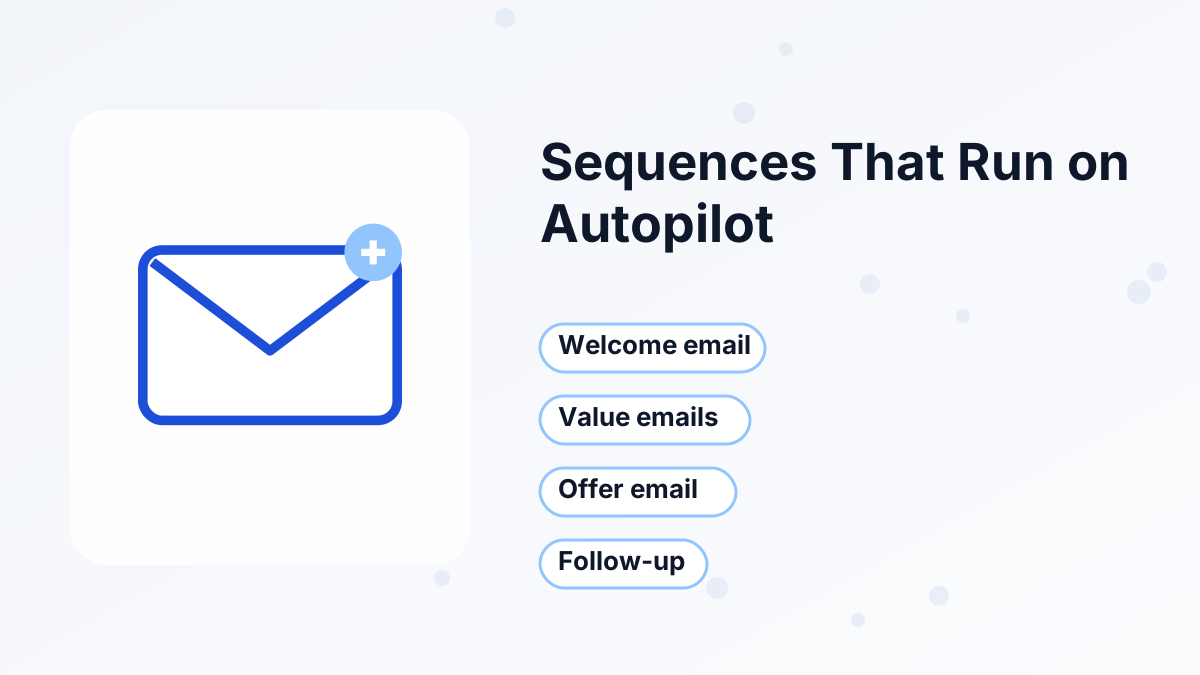
Campaigns are automated sequences: a series of emails sent on a schedule after someone joins, such as email 1 immediately, email 2 a day later and email 3 two days after that.
They're the backbone of a funnel. A new subscriber who downloads your lead magnet can automatically get a welcome email, a few useful lessons, your story and then your offer. Buyers can get a separate onboarding sequence that helps them start the course.
The free plan includes one campaign, so you'll build a single welcome-and-sell sequence at first. Paid plans let you create separate sequences for different lead magnets, products and launches. For copy ideas, see our welcome email sequence and sales email sequence guides.
Tags, Segments and Automation
Tags are labels you add to contacts, such as "downloaded-checklist," "bought-course" or "webinar-registered." They let you send the right message to the right people and keep buyers out of sales emails for products they already own.
Automation rules apply those tags for you. A rule has a trigger and an action, for example: when someone subscribes through the checklist funnel, add the "checklist" tag and start the welcome campaign. Workflows let you chain several steps with delays and conditions.
This is where an all-in-one tool shines. Because purchases, course progress and bookings happen inside systeme.io, they can trigger emails directly. Our automation rules guide and email segmentation guide show practical setups.
Email Design and Templates
Systeme.io's email editor is clean and simple. It's built for readable, mostly text-based emails with images and buttons, which is the style many creators use anyway because it feels personal.
If you want rich, magazine-style newsletters with complex layouts, you'll find the template choice limited. Some reviewers also describe the templates as basic. For most selling and onboarding emails, that's not a problem. For design-led newsletters, compare systeme.io vs Kit and systeme.io vs Mailchimp.
Deliverability and Sender Setup
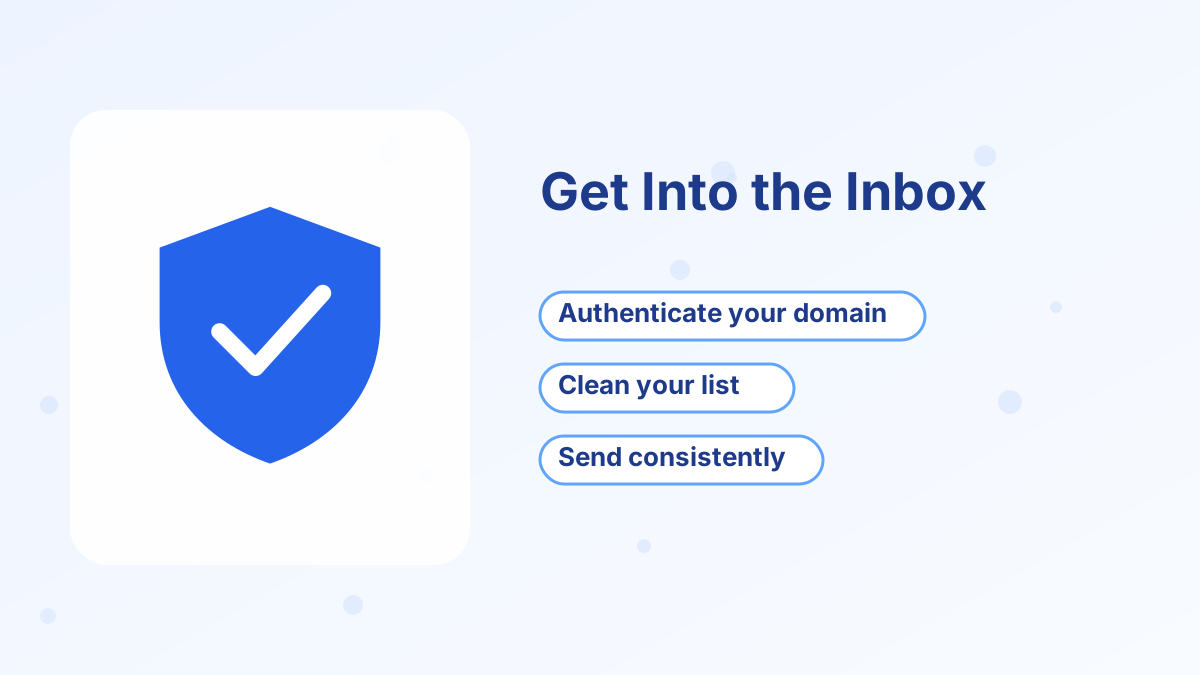
Deliverability is whether your emails reach the inbox. On any platform, it depends mainly on your sending domain setup, your list quality and what you send.
Systeme.io lets you send from your own domain, and its help center has a dedicated deliverability section. Authenticating your domain helps inbox providers trust your emails. Our sender email setup guide walks through it.
Beyond setup, the usual rules apply: only email people who opted in, remove contacts who haven't engaged in months, and avoid spammy subject lines. Our email deliverability tips cover the details.
Setting Up Your First Sequence in Systeme.io
If you're new to systeme.io, here's the order we'd set things up in so your first emails go out smoothly:
- Set your sender detailsAdd your name, sender email and business address, and authenticate your domain.
- Create your tagsMake tags for each lead source and product, such as "lead-checklist" and "customer-course."
- Write the campaignDraft four to six emails: delivery, two or three value emails, the offer and a final reminder.
- Set the delaysSpace emails a day or two apart so the sequence feels personal, not pushy.
- Connect it to your funnelAdd an automation rule so the opt-in form tags the contact and starts the campaign.
- Test it end to endSign up with a test email and check that each message arrives with working links.
Once it's live, check open and click rates for each email after the first few dozen subscribers. The email with the biggest drop is the one to rewrite first.
Email Statistics and Reporting
Systeme.io shows the core numbers you need for each email: how many were sent, opened and clicked, plus unsubscribes. That's enough to judge subject lines, spot weak emails in a sequence and see which newsletters your audience enjoys.
What you won't get is deep revenue attribution per email or advanced cohort reports. Most small businesses don't need those. If you do, you'll likely pair systeme.io with an analytics tool or choose a specialist email platform.
How the Price Compares With Email-Only Tools
Most dedicated email tools charge by list size, and many also limit monthly sends on lower tiers. Systeme.io also charges by list size, but includes unlimited sends and adds funnels, courses and checkout in the same price.
That means the fair comparison isn't "systeme.io vs an email tool." It's "systeme.io vs an email tool plus a page builder plus a course platform plus a checkout." On that basis, systeme.io's $17 Startup plan for 5,000 contacts is very good value. See our systeme.io pricing guide for every plan.
Systeme.io Email Marketing Pros and Cons
What We Like
- Unlimited sends on every plan, so frequent emailing doesn't cost more.
- Behavior-based automation from funnels, purchases, courses and bookings.
- Free plan with 2,000 contacts for building your first list.
- Newsletter A/B testing with automatic winner sending.
What to Watch
- Basic templates compared with design-focused email tools.
- Free plan caps of one campaign and one automation rule.
- Fewer advanced reporting options than specialist email platforms.
Who Systeme.io Email Marketing Is Right For

Course Creators and Coaches
Sell with sequences, onboard buyers automatically and tag students by course.
Affiliate Marketers
Build a list through bridge pages and promote offers with follow-up sequences.
Small Product Sellers
Connect checkout and email so buyers get receipts, access and follow-ups.
Not Ideal For
Publishers whose main product is a highly designed newsletter, or teams that need advanced email analytics.
Start Your List for Free
Get 2,000 contacts and unlimited email sends on the free plan, connected to your funnels and checkout.
Try Systeme.io FreeSysteme.io Email Marketing FAQs
Does systeme.io limit how many emails you can send?
No. All plans include unlimited email sends. Plans are limited by the number of contacts you store.
Can systeme.io replace Mailchimp or Kit?
For most small businesses that use email to sell and onboard, yes. If your newsletter design or advanced analytics are central to your business, a specialist tool may still be a better fit.
Can you import your existing email list?
Yes, you can import contacts. Only import people who opted in to hear from you, and expect some checks on large imports to protect deliverability.
Can you send emails from your own domain?
Yes. You can set up a sender email on your own domain, and authenticating it helps your emails reach the inbox.
Is there an email limit on the free plan?
There's no send limit, but the free plan allows 2,000 contacts, one campaign and one automation rule.