Systeme.io Blog - Setup, Posts, Opt-In Forms and SEO Basics (2026)
Systeme.io Blog: The Short Answer
Systeme.io includes a built-in blog on every plan, and the free plan gives you one blog with unlimited posts. You create it from the Sites tab, pick a template, set its domain and URL path, and start publishing posts with the same drag-and-drop editor used for funnels.
The real benefit is what sits next to the blog. Each article can include opt-in forms and pop-ups that feed straight into your email sequences, so readers become subscribers and buyers without any plugins or integrations. The trade-off is SEO depth: you get the basics, not the advanced controls of WordPress.
How to Create a Blog in Systeme.io
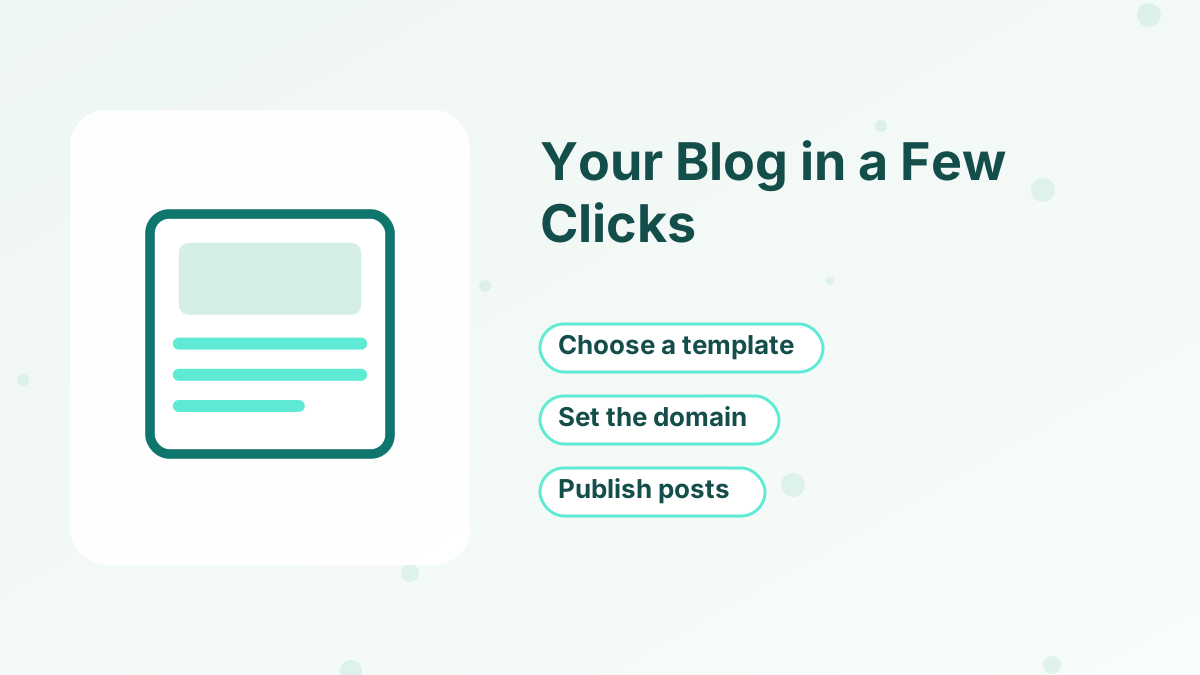
Systeme.io's help center describes the setup like this:
- Go to BlogsOpen the Sites tab, click Blogs, then click Create.
- Name it and choose a domainEnter a name, select the domain the blog will use, set the URL path and pick a template.
- Open blog settingsAdjust the blog's name, domain, URL path and language whenever you need to.
- Edit the layoutUse the blog layout options to change how the home page and post pages look.
- Add pages and a menuCreate pages such as About and Contact, then build a blog menu so readers can navigate.
- Preview and publishUse the preview to check the design, then publish.
If you haven't connected a custom domain yet, our custom domain guide explains how.
Writing and Organizing Posts
Posts are created inside your blog and edited with the familiar block editor. You can add headings, text, images, videos, buttons and forms, and assign posts to categories so readers can browse by topic.
Categories matter more than they seem. A blog with clear categories, such as "Funnels," "Email" and "Courses," helps readers find related posts and helps search engines understand what your site covers. Keep categories few and broad.
A simple structure we'd use for most business blogs: one category per main problem your audience has, and every post linking to the lead magnet that solves the next step of that problem.
Turning Readers Into Subscribers
This is where a systeme.io blog earns its keep. The help center covers adding forms and pop-ups to your blog, and those forms connect to the same tags and email campaigns as your funnels.
Inline Opt-In Forms
Place a form mid-article offering a checklist or template related to the post.
Pop-Ups
Show a pop-up offering your main lead magnet to engaged readers.
Content Upgrades
Offer a bonus specific to one post, such as a worksheet for a how-to article.
Links to Funnels
Link to a squeeze page or sales page when a reader is ready for the next step.
Pair those forms with automation rules so each opt-in gets the right tag and welcome sequence. See our guides to lead magnet ideas and opt-in forms.
SEO on a Systeme.io Blog
The blog covers the on-page basics: titles, descriptions and readable URLs. That's enough for well-written posts to be indexed and rank for specific, lower-competition searches.
Reviewers point out that advanced SEO controls are limited compared with WordPress, where plugins handle detailed technical settings. If you plan to publish hundreds of articles and compete for very competitive search terms, that difference matters.
Our practical advice: focus on what you control. Answer specific questions your audience searches for, write clear headings, link related posts together and keep publishing consistently. Those habits matter more than any plugin.
RSS Feeds and Other Extras
Systeme.io blogs can provide an RSS feed, which you can use to send new posts to an email newsletter tool, a social scheduler or a news reader. It's a small feature, but it saves time if you share every new post.
You can also run more than one blog on paid plans. Reviews report blog limits rising with each plan, which is useful if you manage several brands or niches from one account.
Blog or Sales Funnel: Which to Use?
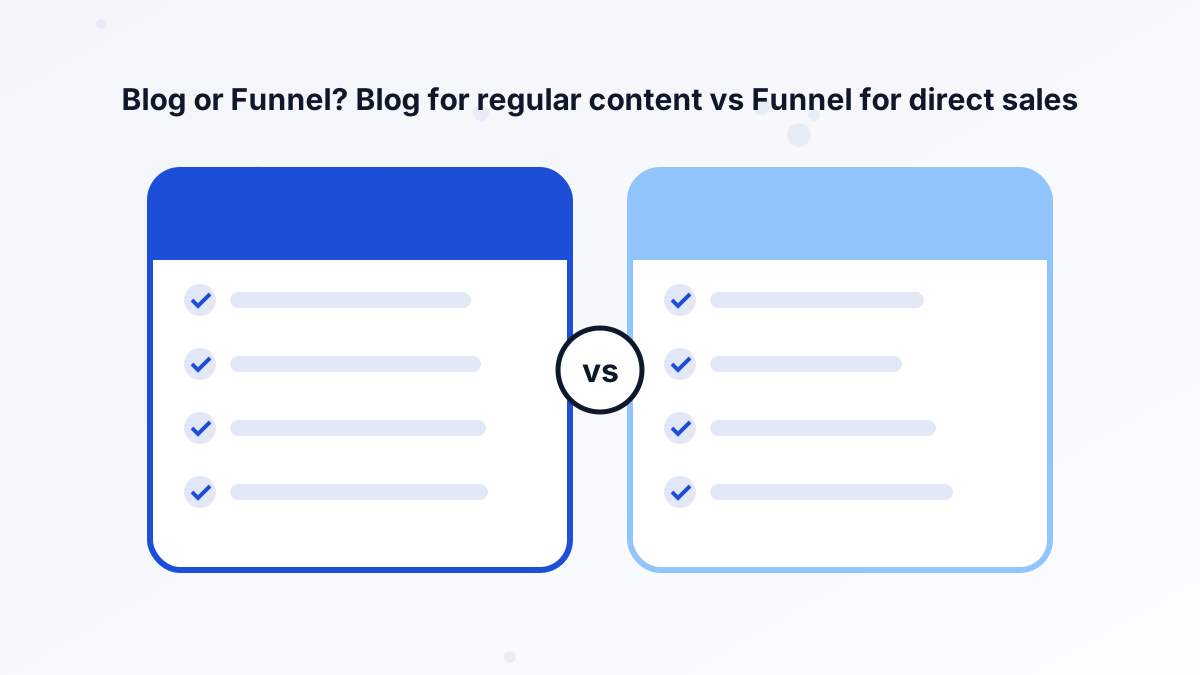
Systeme.io's own help center sums it up well: use a blog to publish content regularly and support SEO, and use a sales funnel for direct conversions and simple websites.
In practice, most businesses use both. The blog attracts and educates readers, and the funnel captures leads and sells. If you're deciding where your whole website should live, read our guide to the systeme.io website builder.
When WordPress Is the Better Blog
WordPress is the better choice if organic search is your main traffic source, you need advanced SEO plugins, or you want full control over site structure and performance. Many creators keep a WordPress blog and send readers to systeme.io opt-in pages and checkouts. Our systeme.io vs WordPress comparison explains the trade-offs.
If your blog supports a coaching, course or affiliate business and publishes a few posts a month, systeme.io keeps everything in one place for free.
Start Your Blog for Free
The free plan includes one blog with unlimited posts, connected to your funnels and emails.
Try Systeme.io FreeSysteme.io Blog FAQs
Is the systeme.io blog free?
Yes. The free plan includes one blog with unlimited posts.
Can you add opt-in forms to a systeme.io blog?
Yes. You can add forms and pop-ups to your blog, connected to your email campaigns and automation.
Does a systeme.io blog have categories?
Yes. You can organize posts into categories so readers can browse by topic.
Is a systeme.io blog good for SEO?
It covers basic on-page SEO such as titles, descriptions and URLs. WordPress offers more advanced SEO control.