Systeme.io Booking Calendar - Setup, Paid Sessions and Reminders (2026)
Systeme.io Booking Calendar: The Short Answer
The systeme.io booking calendar is a built-in scheduling tool. Clients pick a time slot, receive automatic confirmation and reminder emails, and can pay for a session upfront, all without a separate scheduling app. It can connect to Google Calendar, Google Meet and Zoom to avoid double-bookings and create meeting links automatically.
What makes it different from a standalone scheduler is the funnel connection. You can put a booking calendar on any funnel page, take payment through the same checkout as your products, and follow up with emails, tags and even a one-click upsell. Every booking lands on the same contact record as the rest of your marketing.
Add Booking to Your Funnels
The booking calendar is part of systeme.io, so you can schedule and sell sessions from the same account.
Try Systeme.io FreeWhat the Booking Calendar Can Do
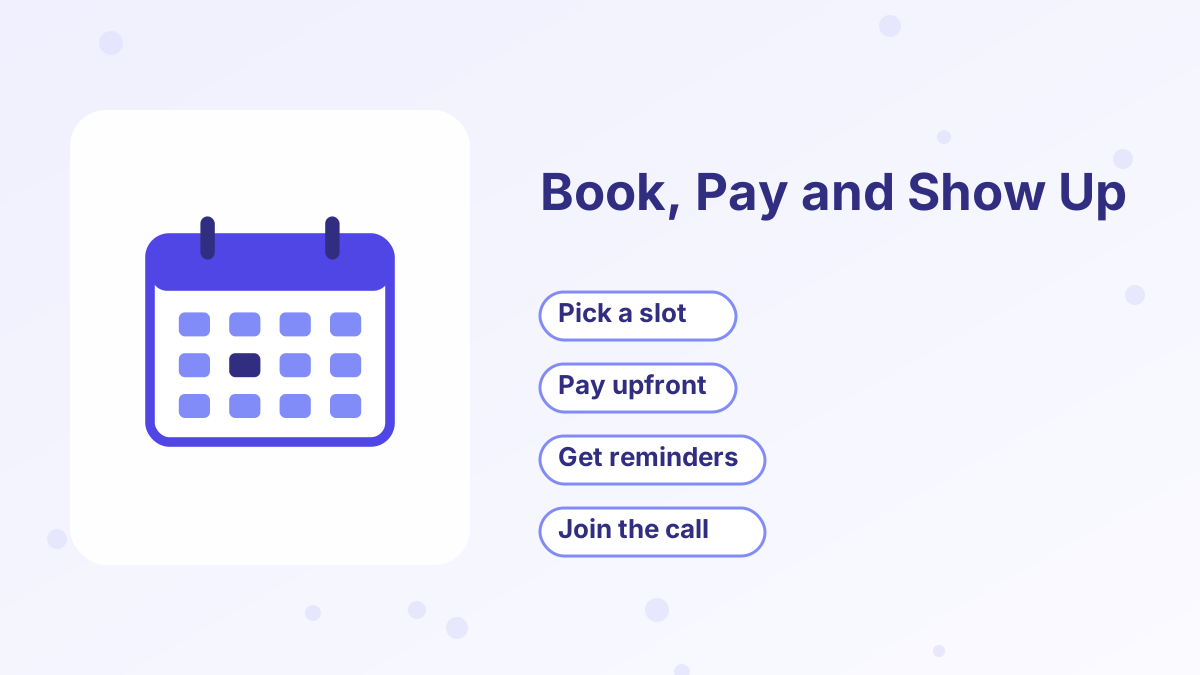
According to systeme.io's help center and feature pages, the calendar covers the jobs most coaches and consultants need:
| Feature | What it means for you |
|---|---|
| Free and paid events | Offer free discovery calls and paid sessions from the same tool |
| Calendar sync | Connect Google Calendar to block busy times and avoid double-bookings |
| Meeting links | Connect Google Meet or Zoom to create links automatically |
| Availability settings | Set the days and hours each event can be booked |
| Confirmation and reminder emails | Automatic emails, with your own logo if you upload one |
| Rescheduling and cancellations | Manage changes from the bookings area |
| Group events | Host sessions with more than one attendee |
| Funnel integration | Place a calendar on any funnel page |
You'll find every booking in the Bookings tab, where you can see who booked, when and for which event.
How to Set Up Your First Booking Event
- Connect your calendar and video toolLink Google Calendar, plus Google Meet or Zoom, before creating events, as systeme.io recommends.
- Create a calendar eventName it, such as "Discovery Call," and set the duration and location or meeting link.
- Set your availabilityChoose the days and time windows when people can book, and add buffers between calls if you need breaks.
- Customize emailsUpload your logo so confirmations and reminders look like they come from your business.
- Add the calendar to a pagePlace the calendar element on a funnel page, such as after an application form.
- Make a test bookingBook a slot yourself and check that the confirmation, calendar entry and meeting link all appear.
Selling Paid Sessions
Paid bookings are where systeme.io stands out against basic schedulers. When you add a paid calendar to a funnel page, visitors get a two-step experience: they choose a date and time, then pay on the same page.
You can set it so the booking confirmation email is sent only after the payment succeeds. That prevents "ghost" bookings from people who never paid. The help center says this works with all of systeme.io's payment providers, including Stripe, PayPal and Mollie.
Because payments run through systeme.io, there's no platform fee on the sale; you only pay your payment processor's normal fees. And after someone books and pays, you can show a one-click upsell, such as a session bundle at a better rate.
Booking Funnels That Work
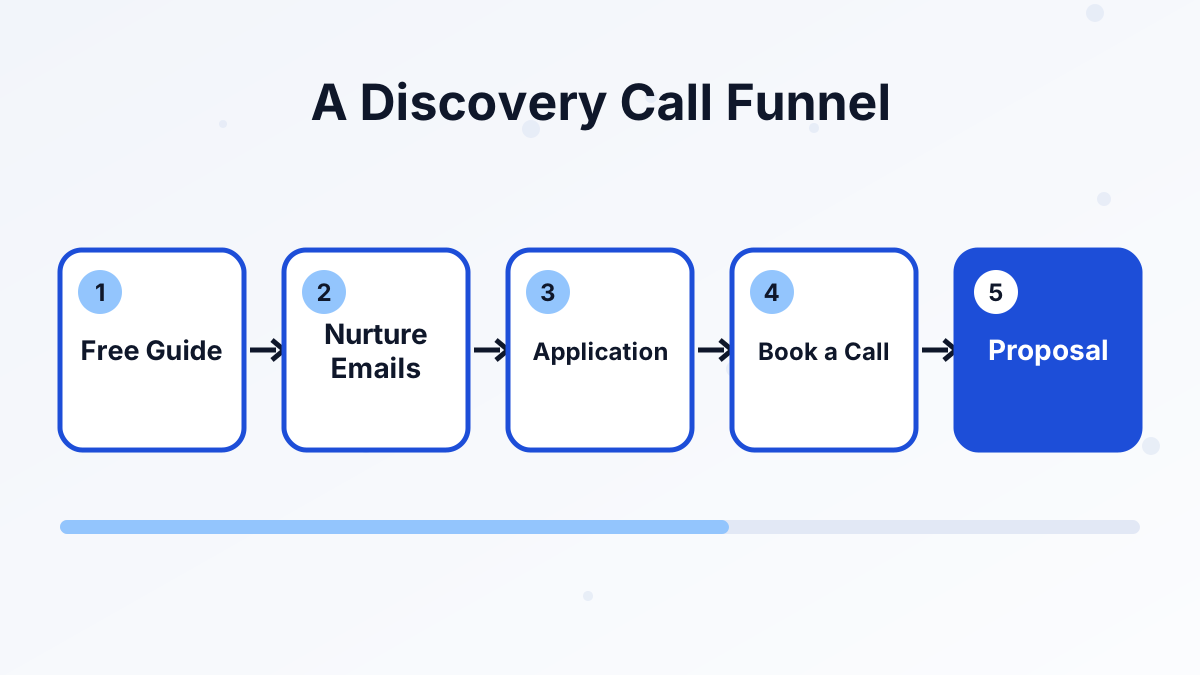
The calendar is most useful inside a funnel. Here are three common setups:
Free Discovery Call Funnel
A lead magnet, a short email sequence and an invitation to book a free call. Good for higher-priced coaching.
Paid Strategy Session
A sales page for a single paid session, with the paid calendar on the order step. Good for consultants who want qualified calls.
Application Then Booking
An application form first, then the calendar only for people who qualify. Good for limited-capacity programs.
Pair booked calls with your CRM pipeline to track each prospect from booking to "won." For the bigger strategy, see how to get coaching clients.
Reducing No-Shows
Automatic reminder emails help, but a few extra habits make a bigger difference:
- Ask for a small deposit for strategy sessions. People show up to things they've paid for.
- Send a preparation email with two or three questions to think about before the call.
- Add a text reminder through a workflow if you use SMS. See systeme.io SMS marketing.
- Make rescheduling easy so people move the call instead of skipping it.
How It Compares With Standalone Schedulers
Standalone tools such as Calendly are excellent schedulers, and some teams prefer their advanced routing and team features. The advantage of systeme.io's calendar is that it's part of your funnels, payments, emails and CRM, with no extra subscription.
If your business revolves around calls, keeping everything in one place means fewer integrations to maintain and one contact record per client. If you need advanced team scheduling across many staff members, a dedicated scheduler may still be worth it.
Systeme.io Booking Calendar FAQs
Is the systeme.io booking calendar free?
The booking calendar is part of systeme.io and available on its plans, including the free plan. Check current plan limits for events and bookings on the pricing page.
Can clients pay when they book?
Yes. You can add a paid calendar to a funnel page so clients pick a slot and pay in one flow.
Does it sync with Google Calendar?
Yes. Connecting Google Calendar helps prevent double-bookings, and bookings appear in your Google Calendar automatically.
Can it create Zoom or Google Meet links?
Yes. If you connect Zoom or Google Meet, meeting links are generated automatically for each booking.
Can you host group sessions?
Yes. Systeme.io supports group events as well as one-to-one sessions.