Systeme.io SMS Marketing - Twilio Setup, Automations and Consent (2026)
Systeme.io SMS Marketing: The Short Answer
Systeme.io lets you send text messages to contacts from the same automation workflows you use for email. It connects to Twilio, a messaging service, which actually delivers the texts. The SMS feature itself is included in systeme.io at no extra cost, but Twilio charges for each message based on the destination country.
That setup is handy for small businesses. A lead who registers for a webinar can get an email and a text reminder from the same workflow, and both actions sit on the same contact record. You don't need a separate SMS platform or a second contact list.
How SMS Works in Systeme.io
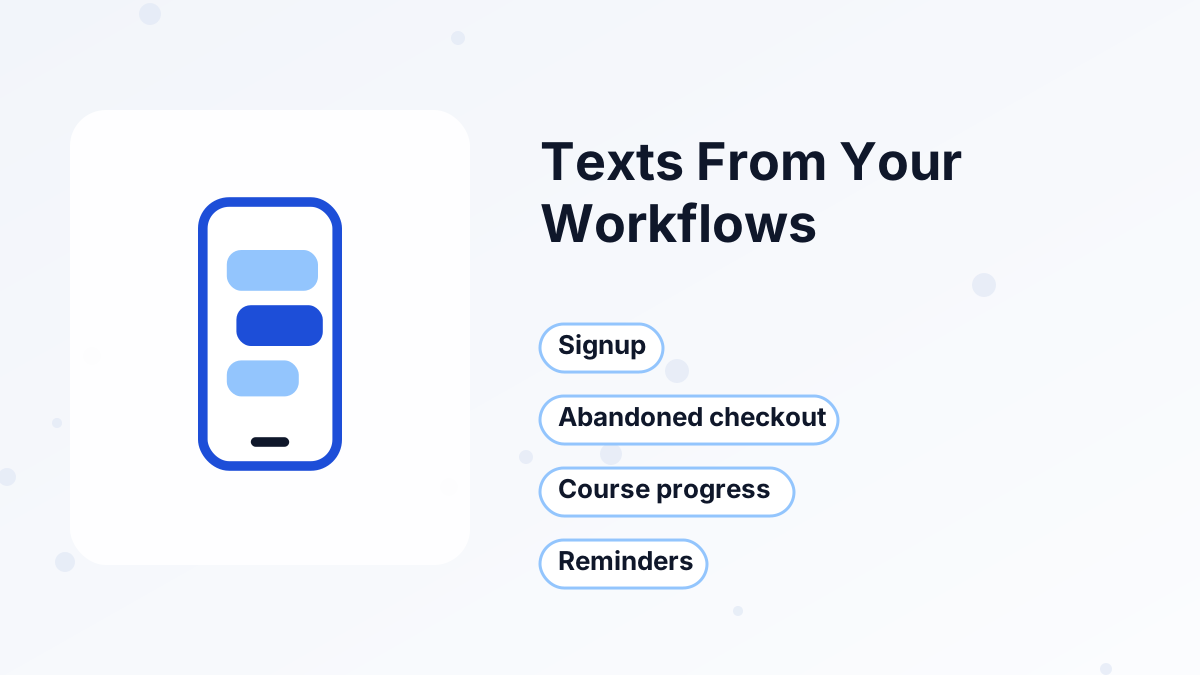
SMS messages are a step inside systeme.io workflows, the same automation builder used for emails, tags and course access. You choose a trigger, such as a new signup, an abandoned checkout or a completed course module, and add a "send SMS" step with your message.
Behind the scenes, systeme.io passes the message to your Twilio account, which sends it to the contact's phone number. That means you need a Twilio account and a sending number connected to systeme.io before texts can go out.
Because SMS shares the same database as everything else, you can combine channels. For example, a workflow can send a confirmation email straight away, then a short text an hour before a booked call.
What Systeme.io SMS Costs
There are two parts to the cost:
| Cost | Who charges it | How it works |
|---|---|---|
| SMS feature in workflows | Systeme.io | Included at no extra charge |
| Sending number | Twilio | Twilio's own pricing for phone numbers |
| Each text message | Twilio | Charged per message, varying by destination country |
Prices per message differ a lot between countries, and long messages or special characters can count as more than one message segment. Before you send texts at scale, check Twilio's pricing for the countries your contacts live in and estimate a monthly budget.
How to Set Up SMS in Systeme.io
- Create a Twilio accountSign up with Twilio and get a phone number that can send texts to your audience's country.
- Connect Twilio to systeme.ioAdd your Twilio account details in systeme.io's integration settings.
- Collect phone numbers with consentAdd a phone field to your opt-in or checkout form, with clear wording that people agree to receive texts.
- Build a workflowChoose a trigger, such as a webinar registration, and add a "send SMS" step.
- Write a short messageKeep it under one segment where you can, and include your business name.
- Test with your own numberRun the workflow on a test contact before turning it on for everyone.
Useful SMS Automations for Small Businesses
Texts work best when they're timely and expected. These are the automations we'd set up first:
Webinar and Call Reminders
A short text before a webinar or booked call can reduce no-shows. Pair it with the booking calendar.
Abandoned Checkout Nudge
A friendly text after someone leaves checkout, alongside your abandoned cart emails.
Course Progress Encouragement
A message when a student finishes a module, prompting the next lesson.
Order Confirmation
A quick text confirming a purchase and pointing to the access email.
Avoid using SMS for long promotions or frequent newsletters. People are more protective of their phones than their inboxes.
SMS Consent and Good Practice
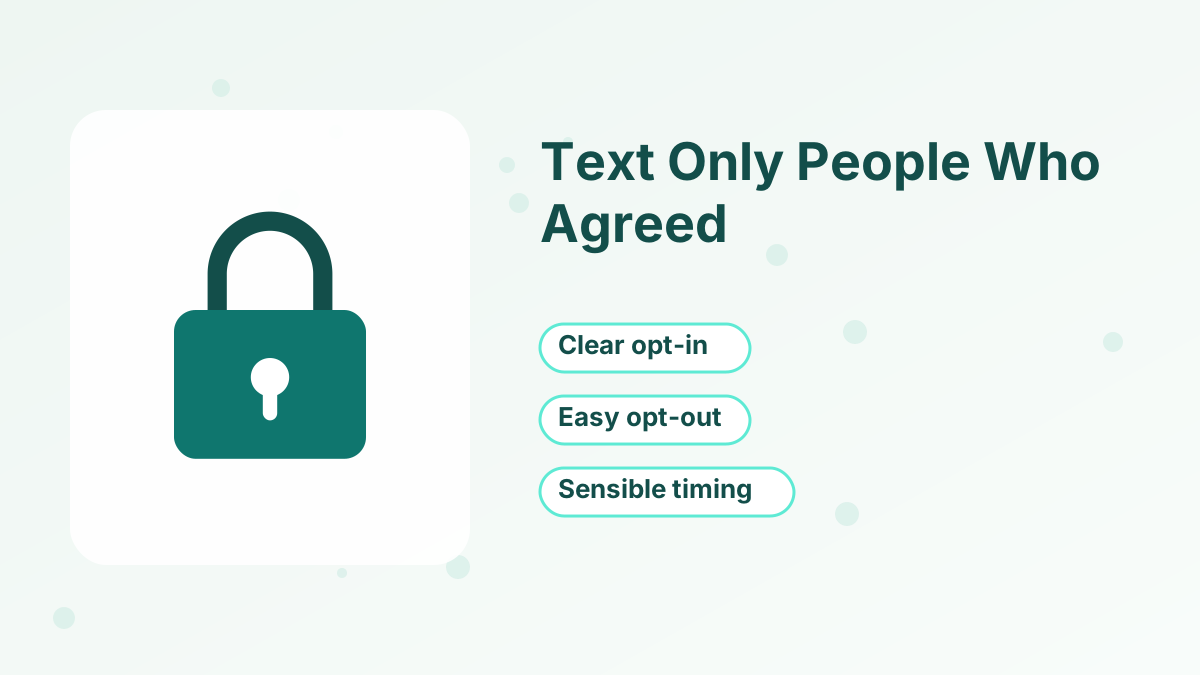
Text messaging is more tightly regulated than email in many countries. Rules vary, but the safe approach is the same everywhere:
- Get clear permission. Only text people who agreed to receive texts, separately from email consent where required.
- Identify yourself. Start messages with your business name.
- Offer an easy opt-out. Tell people how to stop receiving texts, and honor requests promptly.
- Send at sensible times. Avoid late nights and early mornings in the recipient's time zone.
- Keep records. Note when and how each contact gave consent.
We're not lawyers, so check the rules for each country where you send texts, or ask a qualified adviser if SMS is a big part of your marketing.
Writing Texts People Welcome
A text lands on the lock screen, so it needs to earn its interruption. These habits keep your SMS useful rather than annoying:
- Lead with the point. "Your call with Jane starts in 1 hour" beats a friendly preamble.
- Keep it short. Aim for one segment, roughly one or two short sentences.
- Include one link at most. And only when the reader needs to act, such as joining a webinar.
- Use texts sparingly. Reserve SMS for time-sensitive moments and leave long content to email.
- Match the channel to the moment. Reminders and confirmations suit SMS; lessons and stories suit email.
When a Dedicated SMS Tool Is Better
Systeme.io's SMS is built for automated, one-way messages inside your funnels. If you need two-way conversations, short codes, large SMS-first campaigns or detailed SMS analytics, a dedicated SMS platform will serve you better. Systeme.io's own FAQ says as much.
For most coaches, course creators and small sellers, though, reminders and nudges are all SMS needs to do, and keeping them inside systeme.io keeps your setup simple. See systeme.io email marketing and automation rules for the rest of the automation toolkit.
Build Email and SMS Automations Together
Create workflows that email and text your contacts from one systeme.io account.
Try Systeme.io FreeSysteme.io SMS Marketing FAQs
Is SMS included in systeme.io plans?
The SMS feature is included in systeme.io's workflows at no extra cost, but you pay Twilio for each message and for your sending number.
Do you need a Twilio account?
Yes. Systeme.io sends texts through a Twilio integration, so you connect your own Twilio account.
Can contacts reply to your texts?
Systeme.io's SMS is designed for automated outgoing messages. If two-way conversations matter to you, a dedicated SMS tool is a better fit.
Can you send SMS broadcasts to your whole list?
SMS in systeme.io runs from workflows. For large SMS-first campaigns, consider a dedicated SMS platform.