Affiliate Bridge Page - Structure, Copy, Bonuses and a Funnel That Follows Up (2026)
What Is an Affiliate Bridge Page?
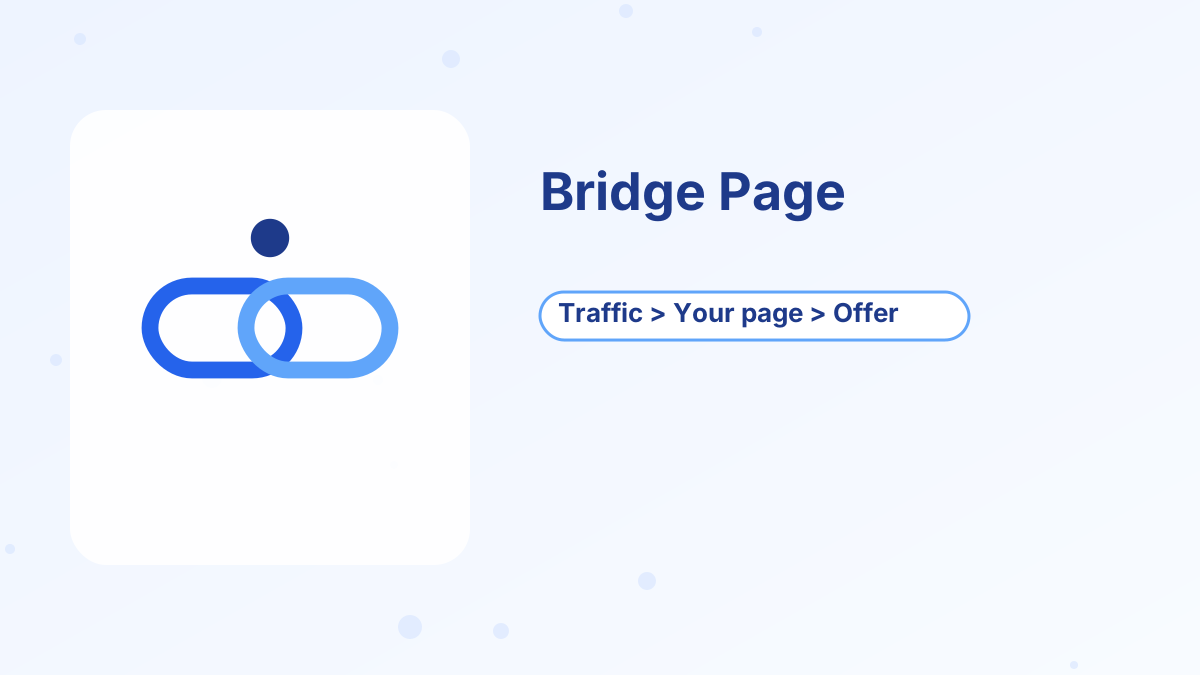
An affiliate bridge page is a short page that sits between your traffic source and the merchant's sales page. Instead of sending a click from a video, post or ad straight to the merchant, you send it to your own page first.
That page "bridges" the gap. It reminds visitors why they clicked, explains who the product is for in your own words, adds your perspective or a bonus and often captures their email before passing them on with your affiliate link.
What it means for you: a bridge page turns a one-time click into a relationship. Even visitors who don't buy today join your email list, so you can help them and recommend relevant products later.
Warm up the visitor, capture the email, then send them to the offer
A good bridge page has a clear headline, a short explanation of who the product helps, your honest take, an optional bonus, an email opt-in and a clearly disclosed button to the offer.
Why Use a Bridge Page?
Warm Up Cold Traffic
Visitors from social posts and ads often don't know the product yet. A short explanation prepares them.
Build Your Email List
Capture emails so you can follow up instead of losing visitors who aren't ready.
Add Your Perspective
Explain who the product suits and who it doesn't, which builds trust.
Offer a Bonus
A useful bonus for people who buy through your link can make your recommendation stand out.
Meet Ad Rules
Many ad platforms and affiliate programs don't allow direct linking, but accept pages that add value.
Track Results
Measure visits, opt-ins and clicks on a page you control.
What to Include on a Bridge Page
The best bridge pages are short and focused. Each section does one job.
| Section | Purpose | Example |
|---|---|---|
| Headline | Match the promise that brought them | "The simplest way to launch your first sales funnel for free" |
| Short intro | Explain the problem and who the product helps | Two or three sentences |
| Your take | Your honest summary, including who it isn't for | Key benefits and a limitation |
| Video or visual | Show the product or result, if you have one | Short walkthrough or diagram |
| Bonus (optional) | Extra value for buying through your link | Template pack or setup guide |
| Opt-in | Capture emails | "Get the free setup checklist" |
| Button | Send visitors to the offer | Clear, specific call to action |
| Disclosure | Tell readers you may earn a commission | Short sentence near the button |
Keep it honest. Don't promise results the product can't deliver, and don't invent scarcity or testimonials.
Two Common Bridge Page Formats
Opt-In First
The visitor lands on an opt-in page, enters their email for a free resource and then sees the bridge page with the offer. This builds your list fastest, and every visitor who opts in receives your follow-up emails.
Bridge First
The visitor sees the bridge page with an optional opt-in and a button to the offer. This lets ready buyers click through immediately while still offering a reason to subscribe.
Test both. Opt-in first usually grows a list faster, while bridge first can send more immediate clicks.
How to Build a Bridge Page Step by Step
- Pick one offerEach bridge page should focus on one product and one audience.
- Write the headlineMatch the message of the content or ad that sends traffic.
- Explain the fitDescribe the problem, who the product helps and your honest take.
- Create a lead magnetA checklist, guide or template related to the product. See lead magnet ideas.
- Build the pagesUse a funnel builder for the opt-in and bridge pages.
- Add the follow-upWrite a short email sequence that helps subscribers and recommends the offer.
- Add disclosurePlace it near the button in plain language.
- Test on mobileMost visitors will view it on a phone.
Systeme.io makes this simple: you can build the opt-in page and bridge page as steps in one funnel, deliver the lead magnet, start an email sequence automatically and place your affiliate link on the button. All of this works on the free plan. See systeme.io for affiliate marketing.
Writing the Follow-Up Emails
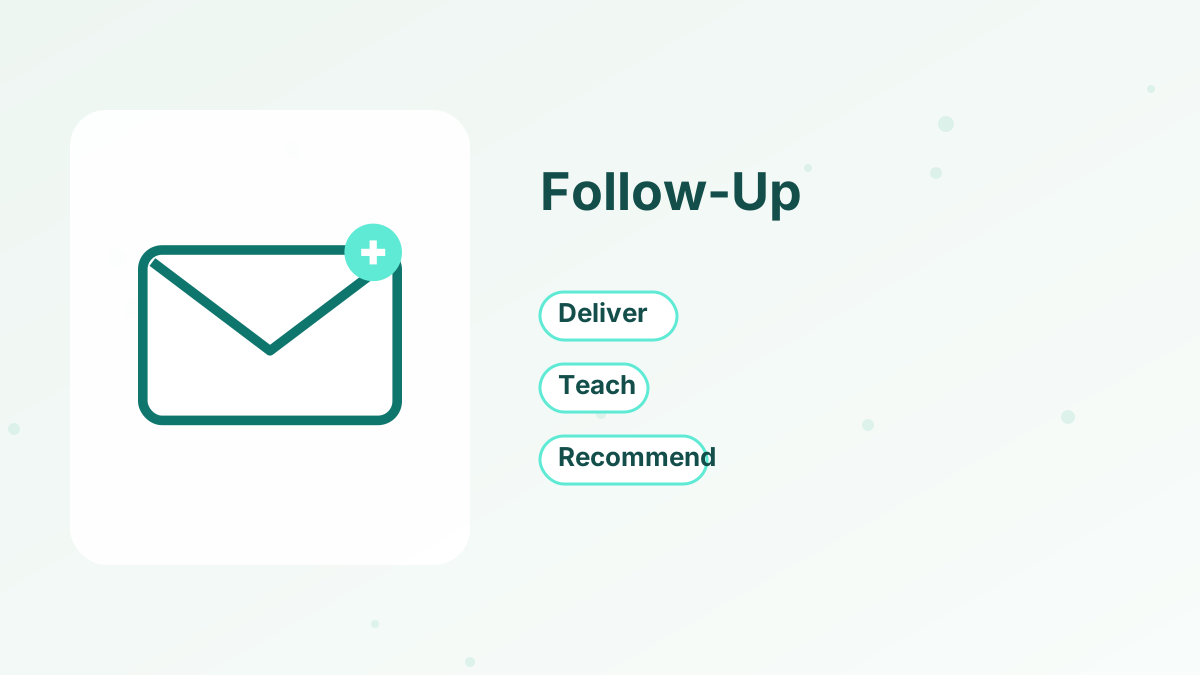
The bridge page starts the relationship; emails continue it. A short sequence might deliver the lead magnet, teach something useful related to the product, answer common objections and remind subscribers about any bonus.
Check each affiliate program's rules about links in emails. If direct links aren't allowed, link to your bridge page or a review page instead. See welcome email sequence.
Measuring Your Bridge Page
Track three numbers: the share of visitors who opt in, the share who click through to the offer and the sales reported in your affiliate dashboard. If opt-ins are low, improve the headline and lead magnet. If clicks are low, strengthen your explanation and button. If clicks are high but sales are low, check that the offer genuinely matches the audience.
Bridge Page Mistakes to Avoid
Avoid long, cluttered pages that distract from the main action. Don't use misleading headlines, fake countdown timers or invented testimonials. Don't hide the disclosure. And don't promote a product that doesn't match the content that brought visitors there.
Another common mistake is building the page but never following up. The email sequence is where most of the long-term value comes from.
Build Your Bridge Page Funnel Free
Opt-in pages, bridge pages and email follow-up on systeme.io's free plan.
Try Systeme.io FreeAffiliate Bridge Page FAQs
What is an affiliate bridge page?
A page between your traffic source and the merchant's sales page that warms up visitors, often captures emails and links to the offer.
Do bridge pages increase conversions?
They often help, especially with cold traffic, because visitors arrive better informed and you can follow up by email.
What should a bridge page include?
A matching headline, a short explanation, your honest take, an optional bonus, an opt-in, a clear button and disclosure.
Can you build a bridge page for free?
Yes. Systeme.io's free plan includes funnels, opt-in pages and email sequences.
Do you need to disclose affiliate links on a bridge page?
Yes. Place a clear disclosure near the button.