Create a Course in Systeme.io - Build, Price, Sell and Deliver It (2026)
Create a Course in Systeme.io: The Short Answer
To create a course in systeme.io, go to Assets and open Courses, create a new course, then add modules and lectures with your videos, text and downloads. Choose whether lessons unlock immediately or on a drip schedule. Then sell it through a sales funnel: attach the course to an order form, set a one-time, payment-plan or subscription price, and make sure buyers are enrolled automatically.
The free plan includes one course, so you can build and sell your first course without paying for software. This guide covers both halves: building the course itself and setting up the funnel that sells and delivers it.
Build Your Course on the Free Plan
Create one course, a sales funnel and a welcome sequence before you spend anything.
Try Systeme.io FreeBefore You Build: Plan the Course
Ten minutes of planning saves hours of rework. Decide these before you open the course builder:
- The result. What will students be able to do when they finish? Write it as one sentence.
- The modules. Three to seven big steps that take students from where they are to that result.
- The lectures. Short lessons within each module, ideally one idea per lesson.
- The format. Video, screen recordings, text, downloads or a mix.
- The release style. Everything at once, or unlocked over time.
If you're still shaping the idea, read our guide on how to create an online course first. It covers validating demand and outlining in more depth.
Step 1: Create the Course
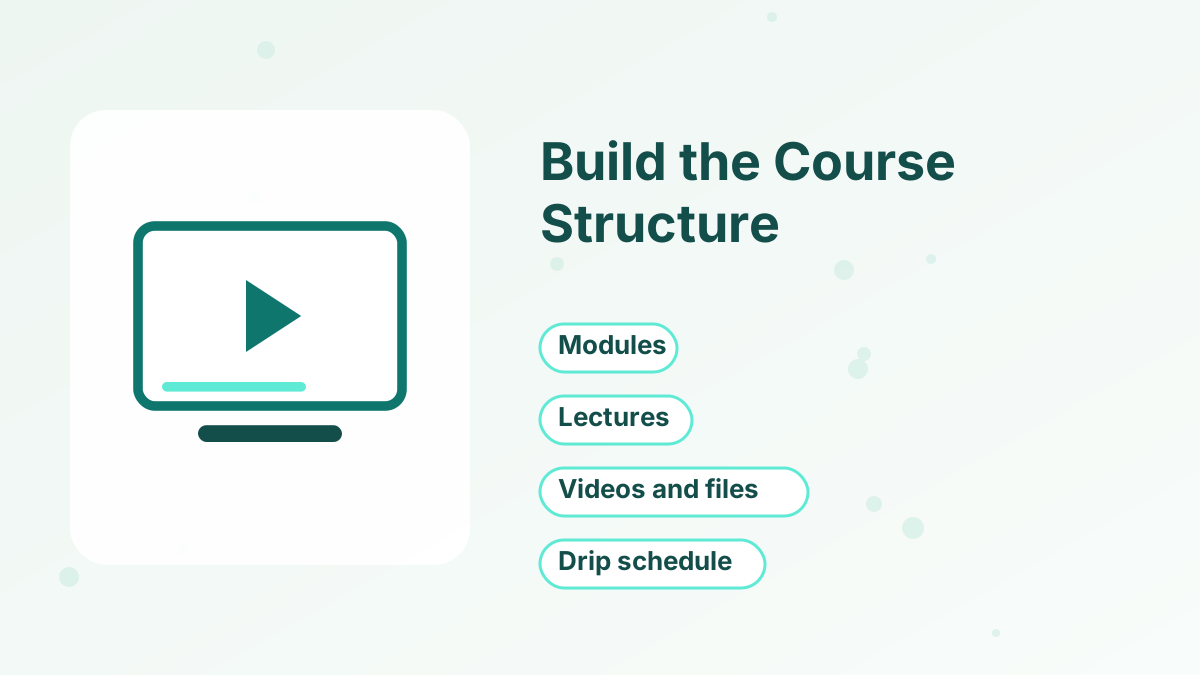
- Open the courses areaIn the menu, go to Assets and click Courses, as systeme.io's help center describes.
- Create a new courseGive it a clear title, a short description and a cover image.
- Add your modulesCreate one module per major step, in the order students should follow.
- Add lectures to each moduleName each lecture after the single outcome it teaches.
- Save and previewCheck the outline in the student view before uploading content.
A clear structure matters more than polish. Students should always know where they are and what comes next.
Step 2: Add Your Content
Each lecture can combine video, text, images and downloadable files. Upload your videos directly (every plan includes unlimited file storage), or embed them from a video host if you prefer.
Keep lessons short and focused. Five to fifteen minutes per video is a comfortable length for most topics, and a short written summary or worksheet under each video helps students act on it. If a lecture runs long, split it.
Add downloads, such as checklists, templates and slides, where students will actually use them. A worksheet at the end of a module is more useful than a big bundle of PDFs at the start.
Step 3: Set the Drip Schedule
Drip content releases lectures over time instead of all at once. You set delays between lectures, so content unlocks day by day or week by week after enrollment.
Use drip when your course has a natural pace, such as a six-week program, or when you sell a membership where new content arrives regularly. Skip it for short, self-paced courses; buyers of a quick course usually want everything immediately. Our guide to drip content helps you choose.
Step 4: Add Quizzes and Course Extras
Systeme.io lists quizzes among its course features, which you can use to check understanding at the end of a module. Keep quizzes short and practical; the aim is to help students apply ideas, not to test memory.
You can also create course bundles, which group several courses into one product. Bundles work well once you have two or more courses, for example a "complete toolkit" offer at a combined price.
If your students would benefit from discussion, pair the course with a community. See systeme.io communities.
Make the Course Feel Professional
A few small touches make a self-made course feel polished, without expensive production:
- A welcome lesson. Start with a short video or note that explains how the course works, how long it takes and how to get help.
- Consistent thumbnails. Use the same style of image for every module so the course looks organized.
- Clear lesson titles. Name lessons by outcome, such as "Write Your First Headline," not "Lesson 3."
- Good audio. Viewers forgive simple video, but poor sound makes lessons hard to follow. A basic microphone helps more than a better camera.
- A finish line. End with a short lesson on what to do next, including your next offer if it genuinely helps.
These details lower refund requests and raise completion rates, because students always know where they are and what to do.
Step 5: Build the Sales Funnel
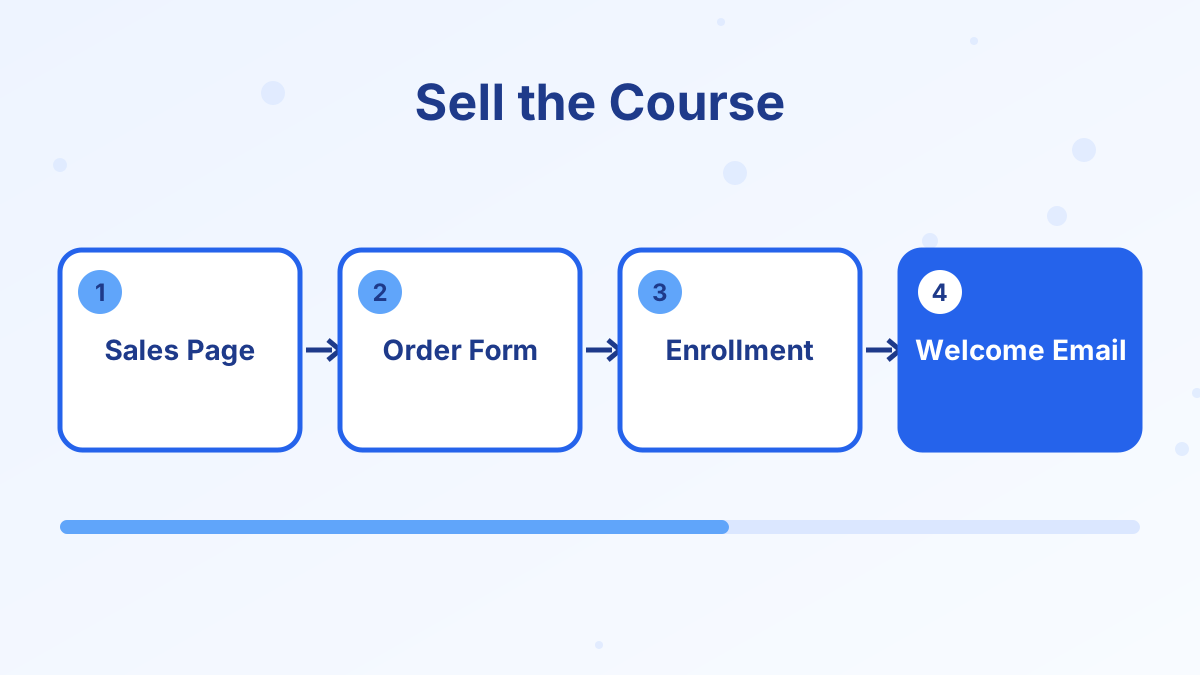
Now create the funnel that sells the course. In Sites, open Sales Funnels, click Create and choose the selling goal, with the currency your payment gateway supports.
- Write the sales pageLead with the result, then explain who the course is for, what's inside, the price and FAQs.
- Configure the order formAttach the course as the product and set its price plan.
- Choose the payment typeOne-time payment, payment plan or subscription.
- Add an order bumpOffer a small add-on such as templates or a workbook.
- Add an upsellOffer coaching or an advanced module after purchase.
- Edit the thank-you pageTell buyers how to log in and where to start.
Systeme.io charges 0% transaction fees, so you keep everything except your payment gateway's fees. See create a funnel in systeme.io for the full funnel walkthrough.
Step 6: Make Sure Buyers Get Access
Access is the part you can't afford to get wrong. Buyers should be enrolled automatically when they pay, and receive an email with their login details.
Check how enrollment is set for your offer, and use an automation rule if needed: "when this product is purchased, enroll in this course." Add a "customer" tag at the same time so you can stop sales emails and send onboarding emails instead. For subscriptions, make sure access ends if payments stop.
Step 7: Choose Your Pricing Model
| Model | How it works | Best for |
|---|---|---|
| Free course | No payment, used to build your list | Lead magnets and mini-courses |
| One-time payment | Pay once, keep access | Most self-paced courses |
| Payment plan | Price split into installments | Higher-priced courses |
| Subscription | Recurring payments for ongoing access | Memberships and evolving content |
A free mini-course can be a great lead magnet that leads into a paid course. For help choosing a price, read how to price an online course.
Step 8: Test, Then Launch
Before you announce the course, run through it as a student:
- Buy the course with a test purchase and check the receipt and login email.
- Log in as the student and open several lectures, including a download.
- Check that dripped lessons are locked and unlock when expected.
- Open the course on a phone.
- Test the bump and upsell paths.
Then launch to your email list first. Your subscribers already trust you, and their feedback helps you improve the course before wider promotion. Our guide on how to launch an online course covers launch emails and timing.
Course Limits by Plan
The free plan includes one course, Startup five, Webinar 20 and Unlimited no limit. The pricing page's FAQ also mentions a student limit for free accounts, alongside a separate "unlimited students" line, so check the current wording if you expect a large first cohort. Free accounts also stop taking payments after $10,000 in lifetime sales until you upgrade. See systeme.io courses for the full feature overview.
Create a Course in Systeme.io FAQs
Where do you create a course in systeme.io?
Go to Assets in the menu and click Courses, then create a new course and add modules and lectures.
Can you upload videos directly to systeme.io?
Yes. You can upload videos to your lectures, and every plan includes unlimited file storage.
Can you sell a course on the free plan?
Yes. The free plan includes one course, a sales funnel and payment integration, up to $10,000 in lifetime sales.
How do students get access after buying?
Attach the course to your order form and make sure enrollment happens on purchase, either through the offer settings or an automation rule.
Can you offer a free course?
Yes. A free course works well as a lead magnet to grow your email list.