Email Deliverability Tips - Authentication, Sender Rules and List Habits That Keep You in the Inbox (2026)
What Email Deliverability Means
Email deliverability is your ability to get emails into subscribers' inboxes rather than spam folders or nowhere at all. An email can be "delivered" by your platform and still land in spam, where few people ever see it.
Deliverability depends on three things: whether inbox providers can verify that you're a legitimate sender, how your recipients react to your emails, and the quality of your list. You control all three, which is good news: deliverability problems are almost always fixable.
What it means for you: every other part of email marketing, from subject lines to sales sequences, depends on deliverability. If emails land in spam, nothing else matters.
Authenticate, send to people who want it, keep complaints low
Set up SPF, DKIM and DMARC on your own domain, use one-click unsubscribe, keep spam complaints well under 0.3%, and remove inactive or invalid contacts.
The Current Sender Rules
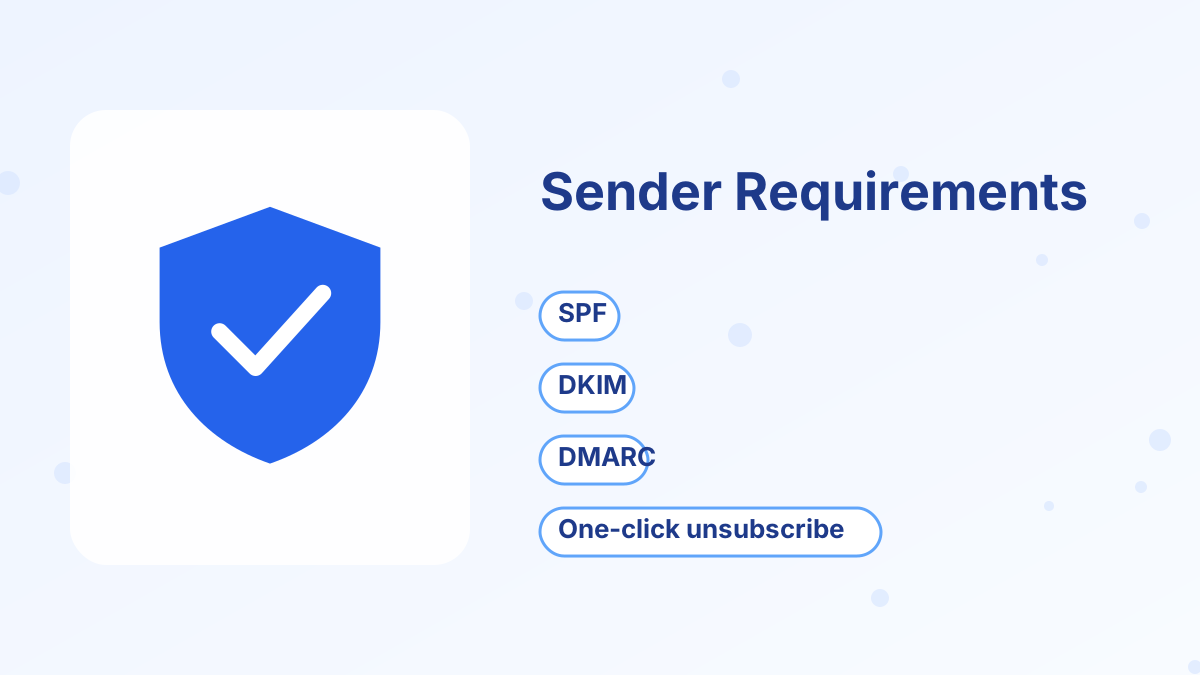
Since February 2024, Gmail and Yahoo have required senders, especially bulk senders, to meet stricter standards. Microsoft began enforcing similar requirements for Outlook.com and Hotmail in May 2025.
| Requirement | What it means | Who it applies to |
|---|---|---|
| SPF or DKIM authentication | Proves emails come from an authorized sender | All senders |
| SPF, DKIM and DMARC | Full authentication with an aligned From domain | Bulk senders (about 5,000+ emails a day to Gmail) |
| One-click unsubscribe | Unsubscribe header plus a visible link, honored within 2 days | Bulk and marketing senders |
| Spam complaint rate below 0.3% | Few recipients marking emails as spam; aim under 0.1% | All senders |
| Valid DNS for sending servers | Technical setup handled by your email platform | All senders |
Even if you send far fewer than 5,000 emails a day, following the bulk sender rules is the safest approach. Small senders benefit from the same signals, and you'll be ready as your list grows.
Tip 1: Use Your Own Domain
Send from a branded address on your own domain, such as [email protected], rather than a free webmail address. Free webmail domains like Gmail publish policies that make them unsuitable as senders through marketing platforms, and many platforms block them. Systeme.io, for example, hasn't allowed Gmail addresses as list senders since July 2024.
A branded domain also builds your own sending reputation, which you control.
Tip 2: Authenticate With SPF, DKIM and DMARC
Authentication proves to inbox providers that your platform is allowed to send on behalf of your domain.
SPF
A DNS record listing the servers allowed to send email for your domain.
DKIM
A digital signature added to each email, verified with a public key in your DNS.
DMARC
A policy that tells inbox providers what to do if SPF or DKIM fail, and sends you reports.
Your email platform gives you the exact records to add at your domain registrar. In systeme.io, sender authentication involves adding several CNAME records and a DMARC TXT record, then verifying them in your settings. See systeme.io sender email setup.
Start with a DMARC policy of "none" to monitor, then consider tightening it once you're confident all your legitimate email is authenticated.
Tip 3: Make Unsubscribing Easy
It may seem counterintuitive, but easy unsubscribing protects deliverability. If people can't find the unsubscribe link, they click "Report spam" instead, which damages your reputation far more.
Use your platform's one-click unsubscribe, keep a visible unsubscribe link in every marketing email and honor requests promptly.
Tip 4: Keep Spam Complaints Low
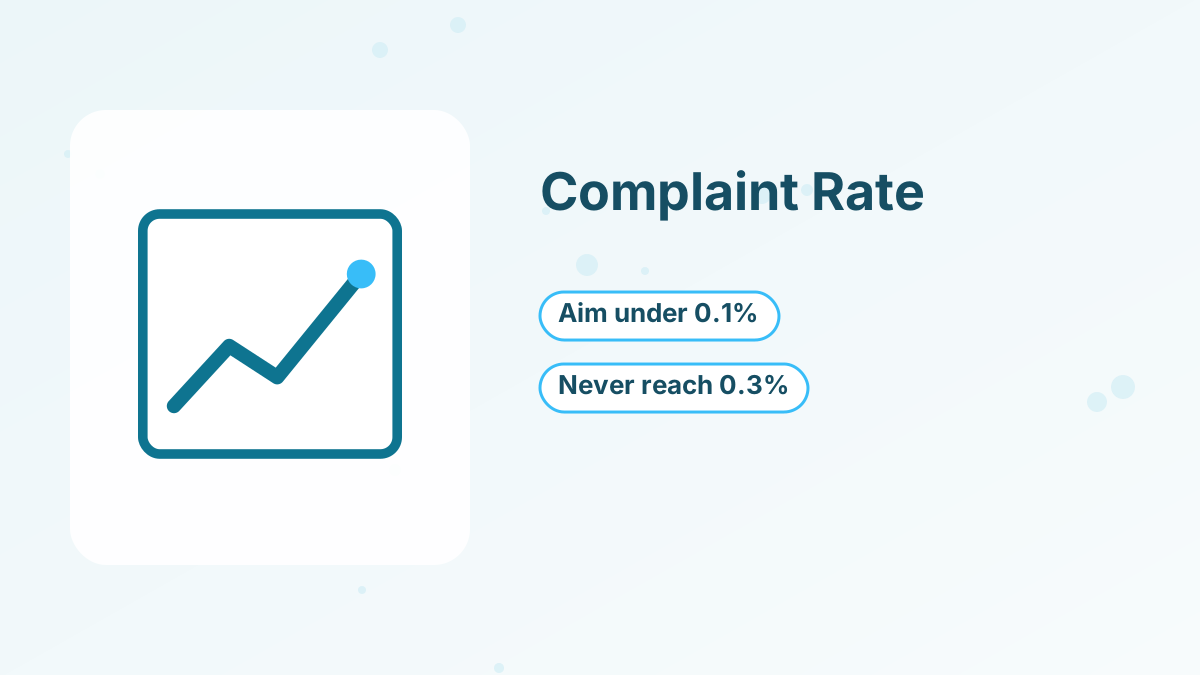
Gmail and Yahoo expect spam complaint rates below 0.3%, and recommend aiming below 0.1%. That's about one complaint per thousand delivered emails.
The best ways to keep complaints low are to only email people who opted in, send what you promised, keep a recognizable sender name and avoid long gaps followed by sudden heavy sending. If you haven't emailed a list in months, start with a short "here's what to expect" email to your most engaged subscribers.
Tip 5: Never Buy or Rent Lists
Purchased lists contain people who never asked to hear from you, plus invalid addresses and spam traps. Sending to them quickly damages your reputation and may break the law in many places. Build your list with opt-in forms and lead magnets instead. See how to start an email list.
Tip 6: Clean Your List Regularly
Inactive subscribers lower your engagement rates, which inbox providers use as a signal. Every few months, identify subscribers who haven't clicked in a long time, send them a short re-engagement email, and remove those who still don't respond.
Also remove hard bounces, which are addresses that don't exist. Most platforms do this automatically. See email list segmentation.
Tip 7: Write Emails People Engage With
Inbox providers watch how recipients respond. Opens, clicks, replies and moving emails to the inbox are positive signals; deleting without reading and marking as spam are negative ones.
Write useful emails, ask readers to reply occasionally and keep a consistent schedule. Avoid misleading subject lines, which may earn an open but cost you trust and complaints later.
Tip 8: Warm Up New Domains and Big Lists Gradually
If you're sending from a new domain or moving a large list to a new platform, start with your most engaged subscribers and increase volume gradually over a few weeks. A sudden spike in sending from an unknown sender looks suspicious to inbox providers.
Tip 9: Use Double Opt-In Where It Helps
This is especially worth considering if your signup forms are public and attract spam bots, or if you collect emails at events where typos are common.
Double opt-in, sometimes called confirmed opt-in, asks subscribers to confirm their email address before joining. It reduces fake and mistyped addresses and confirms genuine interest, at the cost of some sign-ups. It's especially useful if you see many bounces or bot sign-ups.
Tip 10: Monitor Your Reputation
Google Postmaster Tools shows your domain reputation and spam rate for Gmail recipients, once you're sending enough volume. Your email platform's reports show bounces, complaints and engagement. Check them monthly so you can fix problems early, before a small issue becomes a reputation problem that takes weeks to repair.
What to Do If Your Emails Are Going to Spam
If you suspect a deliverability problem, work through these checks in order. First, confirm your domain authentication is verified in your email platform, because a missing or broken record is the most common cause. Next, send a test email to addresses at several providers and see where it lands.
Then look at your recent sending. Did you email a large group of inactive subscribers, change your sender name or send much more than usual? Pause sending to unengaged contacts and focus on your most active subscribers for a few weeks, which helps rebuild positive signals.
Finally, review your content. Misleading subject lines, very image-heavy emails and many links to unfamiliar domains can all add risk. Plain, useful emails that people reply to are the most reliable way back to the inbox.
Deliverability Checklist
| Check | Healthy sign |
|---|---|
| Domain authentication | SPF, DKIM and DMARC verified |
| Sender address | Branded address on your own domain |
| Spam complaint rate | Well below 0.3%, ideally under 0.1% |
| Bounces | Low, with hard bounces removed |
| Inactive subscribers | Re-engaged or removed regularly |
| Unsubscribe link | One-click and visible in every marketing email |
Send From a Platform Built for Deliverability
Domain authentication, one-click unsubscribe and unlimited sends on systeme.io, free to start.
Try Systeme.io FreeEmail Deliverability FAQs
What is email deliverability?
Your ability to get emails into recipients' inboxes rather than spam folders or being blocked.
Do small senders need SPF, DKIM and DMARC?
Gmail and Yahoo require SPF or DKIM for all senders and full authentication for bulk senders. Setting up all three is the safest approach for everyone.
What spam complaint rate is acceptable?
Keep it below 0.3%, and aim for under 0.1%, which is about one complaint per thousand emails.
Why do emails go to spam?
Common causes include missing authentication, low engagement, purchased or old lists, misleading subject lines and sudden sending spikes.
Can you send marketing emails from a Gmail address?
Generally not through email platforms. Use a branded address on your own domain and authenticate it.