How to Start an Email List - From Zero to Your First Subscribers, Step by Step (2026)
Why Start an Email List Now
An email list is a group of people who've given you permission to email them. It's one of the most valuable assets a small business can build, because you own it. Social media followers can disappear with an algorithm change; your list stays with you.
The best time to start is before you think you're ready. Even if you don't have a product yet, an email list lets you learn what your audience wants and how they describe their problems, test ideas and build relationships, so that when you launch something, people are waiting for it.
What it means for you: you don't need a big audience or a finished product. You need a clear topic, a reason for people to subscribe and a simple way to sign up.
Tool, freebie, signup page, promotion, welcome emails
Choose an email platform, create a small free resource, build an opt-in page, share it wherever your audience is and send a welcome sequence to every new subscriber.
Step 1: Decide Who the List Is For
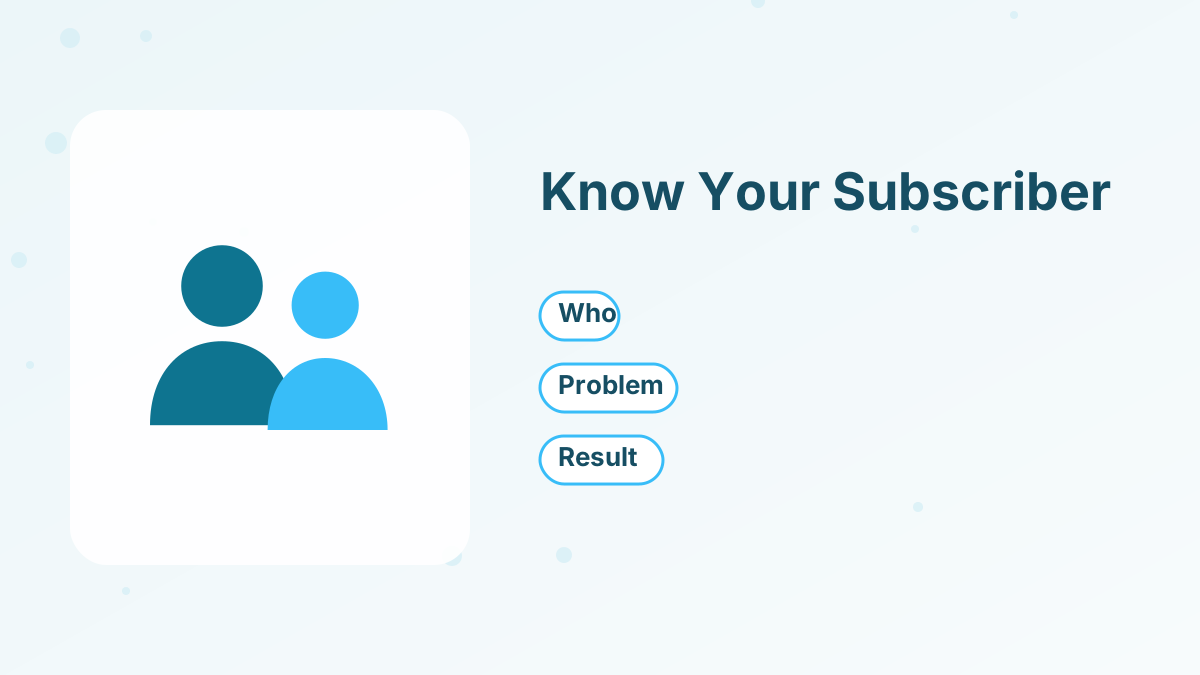
Before choosing tools, decide who you want on your list and what problem you'll help them with. A specific audience makes every later step easier, from your freebie to your emails.
Write one sentence: "This list is for [who] who want [result] but struggle with [problem]." For example: "This list is for freelance designers who want steadier income but struggle to find clients consistently."
That sentence shapes your lead magnet, your signup page headline and the topics you'll write about. Revisit it whenever you're unsure what to create next, and update it as you learn more about the people who actually subscribe.
Step 2: Choose an Email Platform
You need an email marketing platform to collect subscribers, send emails and handle unsubscribes. Look for free or low-cost plans, easy signup forms or landing pages, automation for welcome emails and room to grow.
| Platform | Free plan highlights | Best for |
|---|---|---|
| Systeme.io | 2,000 contacts, unlimited sends, landing pages, checkout | Creators who'll sell courses or products |
| Kit | Up to 10,000 subscribers for one user | Newsletter-first creators |
| Brevo | Up to 100,000 stored contacts, 300 emails a day | Large lists sending occasionally |
| MailerLite | 250 subscribers, 2,500 emails a month | Simple newsletters |
Free plan limits were reported in 2026 and can change. If you expect to sell courses, coaching or digital products, choosing an all-in-one platform now saves moving your list later. See the best free email marketing software.
Step 3: Set Up Your Sender Address
Use a branded email address on your own domain, such as [email protected], and follow your platform's steps to authenticate it. This helps your emails reach inboxes. Free webmail addresses like Gmail generally can't be used as senders on email platforms. See email deliverability tips.
Step 4: Create a Lead Magnet
People rarely subscribe to "a newsletter" without a clear benefit. A lead magnet is a free resource that gives them a reason: a checklist, template, cheat sheet, short email course or mini video training.
Keep it small and specific. The best lead magnets solve one problem quickly and relate to what you'll eventually offer. A one-page checklist that people use today beats a long ebook they never open. See lead magnet ideas.
Step 5: Build a Signup Page
Create a simple landing page for your lead magnet with a clear headline, a few bullet points about what's inside and a form asking for an email address. Remove distractions so the page has one job.
You'll share this page's link everywhere. Many platforms, including systeme.io, let you build it from a template in minutes, and the free plan includes a custom domain. See squeeze page and how to create a landing page.
Step 6: Write a Welcome Sequence
Before you share the page, write the emails new subscribers will receive. At minimum, send the lead magnet immediately. Better, add a short sequence of three to five emails that help them use it, introduce you and invite them to a next step. See welcome email sequence.
Step 7: Get Your First Subscribers
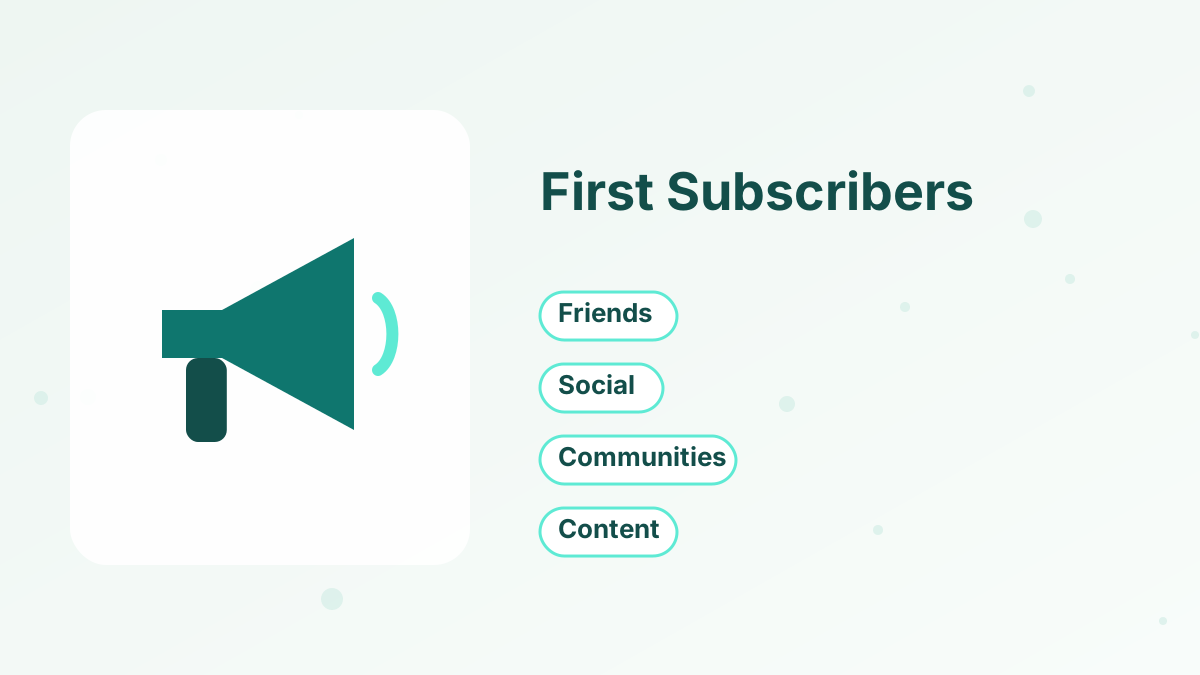
Your first subscribers usually come from people who already know you. Then you expand outward.
- Tell your existing networkShare your freebie with friends, colleagues and past clients who fit the audience, and ask them to pass it on.
- Add the link to your profilesPut your signup page in every social media bio and your email signature.
- Post helpful contentShare tips related to your lead magnet and invite people to get the full resource.
- Join communitiesContribute genuinely in groups where your audience gathers, and share your freebie when it's relevant and allowed.
- CollaborateOffer to guest on podcasts, newsletters or live sessions, and mention your freebie.
- Add forms to your websitePlace a signup form on your homepage, blog posts and about page.
Reaching your first 100 subscribers usually takes consistent sharing over several weeks. Each one is a real person who wants to hear from you, so start writing to them right away and ask what they'd like to learn next.
Step 8: Keep Emailing Consistently
Once people subscribe, keep in touch with a regular email, weekly or every two weeks. Share useful tips, stories and answers to questions. Consistency builds trust, and trust is what eventually turns subscribers into customers. See how to start a newsletter.
Growing Your List Faster
When the basics are working, add more ways to grow: a second lead magnet for a different audience segment, content that ranks in search, collaborations with complementary businesses, or paid ads once your signup page converts well.
Track where subscribers come from, so you know which channels to invest in and which to drop. Tags in your email platform make this simple: tag each subscriber by the lead magnet or page they used. See lead generation funnel.
Realistic Expectations for Your First Months
List growth is usually slow at first and speeds up as you find what works. In the beginning, you might add a few subscribers a week from your network and social posts. As you publish more content, refine your lead magnet and collaborate with others, growth tends to compound.
Focus on the things you control: how clear your offer is, how often you share it and how useful your emails are. A list of 200 engaged readers who open and reply is worth more than thousands who never read, and it's often enough to make your first sales.
Celebrate small milestones, such as your first 10, 50 and 100 subscribers. Each one represents real people who chose to hear from you, and the habits you build now will carry you to much larger numbers.
What Not to Do
Never buy email lists or add people without permission, even contacts from your phone or business cards, unless they clearly agreed to receive marketing emails. It damages deliverability and may break the law. Don't wait months between emails, or subscribers will forget who you are. And don't make your signup form complicated; an email address is enough.
Start Your Email List Free
Signup pages, lead magnet delivery and welcome emails on systeme.io, with 2,000 contacts free.
Try Systeme.io FreeHow to Start an Email List FAQs
How do you start an email list from scratch?
Choose an email platform, create a lead magnet, build a signup page, share it with your audience and send a welcome sequence.
Do you need a website to start an email list?
No. A landing page from your email or funnel platform is enough, and you can share its link anywhere.
How do you get your first 100 subscribers?
Start with your existing network, add your signup link to every profile, share helpful content and collaborate with others in your niche.
Can you start an email list for free?
Yes. Systeme.io's free plan includes 2,000 contacts and unlimited sends, and other platforms offer free plans too.
How often should you email a new list?
Start with a welcome sequence, then send a regular email weekly or every two weeks.