Email Marketing for Beginners - Build a List, Write Emails People Open and Sell Without Being Pushy (2026)
What Is Email Marketing?
Email marketing is sending useful, relevant emails to people who've chosen to hear from you. Those emails might share tips, stories, updates or offers, but the goal is always the same: build a relationship that turns readers into customers and customers into repeat buyers.
Email remains one of the most valuable channels for small businesses for a simple reason: you own your list. Social media reach depends on algorithms that change without warning. Your email list goes wherever your business goes, and every message reaches people who asked to hear from you.
What it means for you: even a small list of engaged subscribers can produce meaningful sales, because the people on it already know and trust you.
Start small, be useful, stay consistent
Pick a tool, offer a useful freebie to grow your list, automate a short welcome sequence, send a regular email, and measure clicks and sales rather than vanity numbers.
How Email Marketing Works
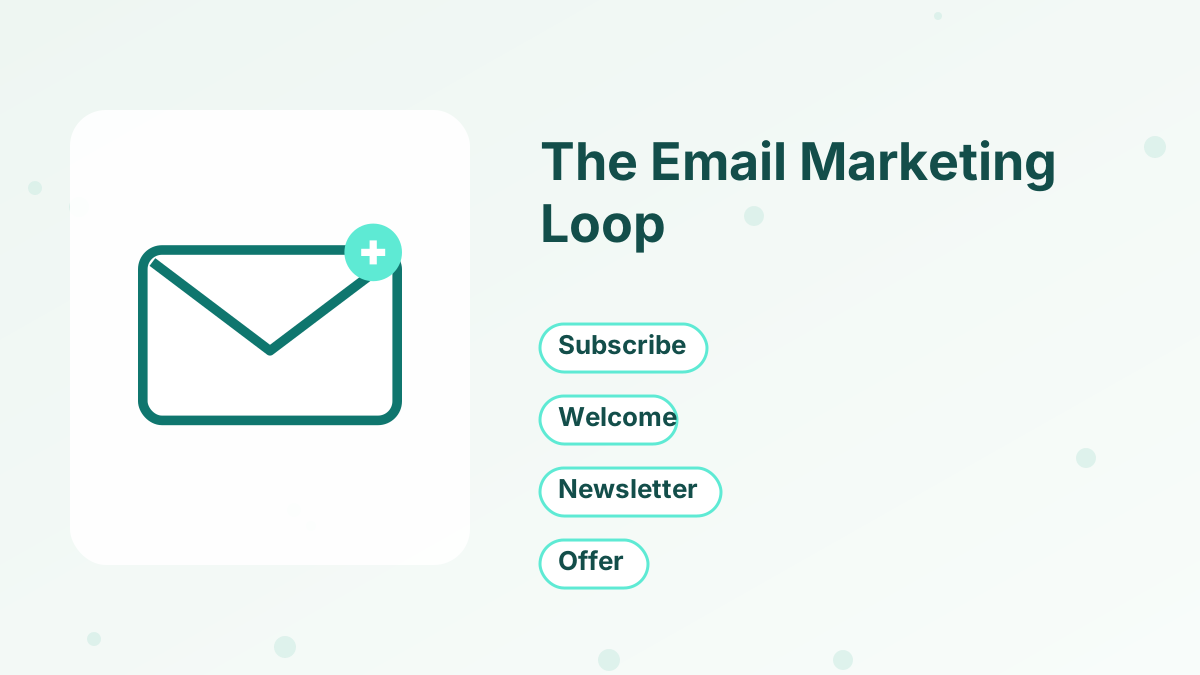
Most small-business email marketing follows a simple loop.
- People subscribeThey join through a form on your website, a landing page or a link in your social profile, usually in exchange for a free resource.
- They get a welcome sequenceAutomated emails deliver the freebie and introduce you over the first week or two.
- You send regular emailsA newsletter keeps you in touch with helpful content and occasional offers.
- Some people buyOffers are presented when they're relevant, often through automated sales sequences.
- You keep the relationship goingCustomers get onboarding emails, and everyone keeps receiving value.
The Main Types of Marketing Emails
| Email type | Purpose | Example |
|---|---|---|
| Welcome emails | Introduce yourself and deliver what was promised | "Here's your checklist, and how to use it" |
| Newsletters | Stay in touch with useful content | A weekly tip or story |
| Promotional emails | Present an offer | A course launch or limited bonus |
| Automated sequences | Follow up based on actions | A sales sequence after a webinar |
| Transactional emails | Confirm actions | Receipts and login details |
| Re-engagement emails | Win back quiet subscribers | "Still want to hear from us?" |
As a beginner, focus on two: a welcome sequence and a regular newsletter. Everything else builds on those, and you can add promotional and re-engagement emails once the basics run smoothly.
Step 1: Choose an Email Marketing Tool
You need an email service provider, a tool that stores your contacts, sends emails at scale, handles unsubscribes and tracks results. Sending marketing emails from a personal inbox isn't practical or compliant once your list grows.
Look for an easy editor, signup forms or landing pages, automation for welcome sequences, tags or segments, and clear reporting. Consider what else you'll need: if you plan to sell courses or products, a platform with funnels and checkout saves connecting tools later.
Systeme.io's free plan includes 2,000 contacts and unlimited email sends, plus landing pages, automation and checkout. Kit's free plan suits newsletter-only creators, with up to 10,000 subscribers. See the best free email marketing software.
Step 2: Set Up Your Sending Domain
Before you send, set up a branded sending address, such as [email protected], and authenticate your domain. Authentication tells inbox providers your emails really come from you, which helps them reach inboxes instead of spam.
Major inbox providers now require authentication for bulk senders, and free webmail addresses like Gmail generally can't be used as the sender for marketing emails through email platforms. Systeme.io, for example, hasn't allowed Gmail addresses as list senders since July 2024. See systeme.io sender email setup and email deliverability tips.
Step 3: Create a Reason to Subscribe
"Join the newsletter" rarely works on its own. Give people a specific reason: a free checklist, template, mini-course or useful resource related to what you'll eventually sell. That's called a lead magnet.
Make it specific and quick to use. "The 10-Minute Weekly Budget Checklist for Freelancers" is more compelling than "Free Budgeting Guide." See lead magnet ideas.
Step 4: Add Signup Forms and a Landing Page
Put a signup form where your audience already sees you: a landing page linked from your social profiles, a form at the end of blog posts and a simple box on your homepage. Ask only for an email address, or first name and email.
A dedicated landing page, sometimes called a squeeze page, often converts best because it focuses on one action. See opt-in forms and squeeze page.
Step 5: Write a Welcome Sequence
Your welcome sequence is the most important email series you'll write. New subscribers are paying the most attention right after they join.
A simple five-email sequence works well: deliver the freebie, share a quick win, tell your story, address a common mistake and invite readers to a next step. Set it up once, and it runs for every new subscriber. See welcome email sequence.
Step 6: Send a Regular Email
After the welcome sequence, keep in touch with a regular email, weekly or every two weeks. Consistency matters more than frequency. A dependable weekly email builds more trust than a burst of daily emails followed by silence.
Each email should give readers something useful: a tip, a story with a lesson, an answer to a common question or a resource you recommend. Occasionally, mention your offers when they're relevant. See how to start a newsletter.
Writing Emails People Want to Open
Write Clear Subject Lines
Tell readers what's inside or why it matters. Honest curiosity works; clickbait backfires.
Sound Like a Person
Write as you'd talk to one reader, with short paragraphs and plain language.
One Main Idea
Each email should focus on one idea and one link or call to action.
Make It Skimmable
Use short paragraphs, occasional bullets and a clear button or link.
Step 7: Use Tags and Automation
As your list grows, not everyone needs the same emails. Tags let you label subscribers by interest, the freebie they downloaded or the products they bought. Automation lets you send the right emails when people take actions, like buying a product or clicking a link.
Start simple: tag subscribers by lead magnet and by customer status. That alone lets you avoid pitching products people already own and send more relevant content. See email list segmentation and email automation workflows.
Step 8: Measure What Matters
Track a few numbers: list growth, click rate, unsubscribe rate and sales from email. Open rates are only approximate, because some email apps load images automatically, so treat them as a rough signal. Clicks and sales tell you more about real engagement.
Review your results monthly, ideally on the same day each month so it becomes a habit, and look for patterns: which subject lines earn clicks, which topics get replies and which emails lead to sales. Do more of what works. See sales funnel metrics.
A Simple First-Month Plan
If you're starting from zero, here's a realistic plan for your first month.
| Week | Focus | Tasks |
|---|---|---|
| Week 1 | Setup | Choose a tool, authenticate your domain, decide your audience and topic |
| Week 2 | Lead magnet | Create a one-page freebie and a simple signup page |
| Week 3 | Welcome sequence | Write five welcome emails and connect them to your form |
| Week 4 | Launch and promote | Share your signup page everywhere and send your first newsletter |
By the end of the month, you'll have a working system: a reason for people to subscribe, a way to collect their emails, an automated welcome and a regular newsletter. From there, every new subscriber enters a process that builds trust without extra work from you.
Don't worry if your first month brings only a handful of subscribers. The system is the achievement. Growth comes from promoting it consistently, and every improvement you make benefits every future subscriber.
Email Marketing Rules to Follow
Only email people who've opted in, and never buy lists. Include a clear unsubscribe link in every marketing email and honor unsubscribes promptly. Include your business contact details in your emails as required in many countries, and be honest in your subject lines and sender name.
Rules vary by country, such as CAN-SPAM in the United States and GDPR in the EU, so check what applies to your audience. Good email platforms handle unsubscribes and include settings to help you comply. If you're unsure about the rules for your situation, check the official guidance for the countries where most of your subscribers live.
Common Beginner Mistakes
Waiting until the list is "big enough" to start emailing is the most common mistake. Start writing to your first subscribers right away; they joined because they wanted to hear from you, and early readers often become your most loyal customers.
Others include sending only promotions, writing long walls of text, using a free webmail address as the sender and ignoring deliverability. Each one reduces engagement, and engagement is what keeps your emails in the inbox.
Start Email Marketing Free
2,000 contacts, unlimited sends, forms and automation on systeme.io's free plan.
Try Systeme.io FreeEmail Marketing for Beginners FAQs
How do you start email marketing as a beginner?
Choose an email tool, set up a branded sending domain, create a lead magnet, add a signup form, write a welcome sequence and send a regular email.
Is email marketing still effective?
Yes. Because you own your list and subscribers have opted in, email remains one of the most reliable channels for small businesses.
How often should you email your list?
Weekly or every two weeks is a good starting point. Consistency matters more than frequency.
Can you do email marketing for free?
Yes. Systeme.io's free plan includes 2,000 contacts and unlimited email sends, and Kit's free plan covers up to 10,000 subscribers.
Can you use a Gmail address to send marketing emails?
Generally not through email platforms; use a branded address on your own domain and authenticate it for better deliverability.