How to Create a Landing Page - Plan, Write, Build and Test in an Afternoon (2026)
What a Landing Page Is For
A landing page is a standalone web page built for one action. Visitors "land" on it from a link, an ad, a post or an email, and the page asks them to do one thing: join a list, register for a webinar, book a call or buy a product.
That single focus is what makes landing pages convert better than a typical website page for a specific campaign. A homepage offers many paths; a landing page offers one clear next step and removes distractions.
In this guide, we'll walk through how to create a landing page from scratch, even if you've never built a web page before. The process works with any builder, and we'll show where an all-in-one tool saves time.
One goal, one audience, one call to action
Decide the single action you want, write a clear headline and short supporting copy, build from a template, connect the form to email or checkout, then test on mobile.
Step 1: Choose One Goal
Before you write or design anything, decide what the page should achieve. Every element will support that goal, so it needs to be specific.
| Goal | Page type | Main metric |
|---|---|---|
| Grow your email list | Squeeze or opt-in page | Opt-in rate |
| Fill a webinar | Registration page | Registration rate |
| Get consultation requests | Booking or application page | Calls booked |
| Sell a product | Sales page | Purchase rate |
| Launch interest | Waitlist page | Sign-ups |
If you're tempted to add a second goal, such as "join the list and also follow us on social media," create a second page instead. Two calls to action compete with each other and usually reduce results for both.
Step 2: Know Who It's For
A landing page converts when it speaks to one specific audience about one specific problem. Write down who the page is for, what they want and what might stop them from acting.
For example: "Freelance designers who want more consistent clients, who worry that marketing takes too much time." That description shapes your headline, your benefits and even your button text.
What it means for you: if your traffic comes from different sources, such as a podcast audience and a paid ad, consider separate pages that match each group's language and expectations.
Step 3: Write the Copy First
Write the words before choosing a design. Copy decides whether the page works; design helps it get read. Drafting in a plain document first also keeps you focused on the message instead of fonts and colors.
- HeadlineName the result your visitor wants, as specifically as you can.
- SubheadlineOne sentence that explains who it's for or how it works.
- BenefitsThree to five bullet points describing what visitors get or learn.
- ProofGenuine testimonials, results or credentials, if you have them.
- Call to actionA button that says exactly what happens next, such as "Get the Free Template."
- Short FAQ or reassuranceAnswer the main hesitation, such as "Is this really free?" or "How long does it take?"
Keep paragraphs short and scannable. Most visitors skim before they read, so headings and bullets carry much of the message. For pages that sell, see how to write a sales page.
Step 4: Choose Your Builder
You can build a landing page with a website builder, a dedicated landing page tool or an all-in-one funnel builder. The right choice depends on what happens after someone takes action.
If the page collects emails, you'll need an email platform. If it sells, you'll need checkout and delivery. A standalone page builder connects to those tools through integrations; an all-in-one funnel builder includes them.
Systeme.io lets you build landing pages from templates with a drag-and-drop editor, and each page connects directly to email lists, tags, automation, checkout and course delivery. The free plan includes 3 funnels, 2,000 contacts and a custom domain. See the best landing page builders for other options.
Step 5: Build the Page From a Template
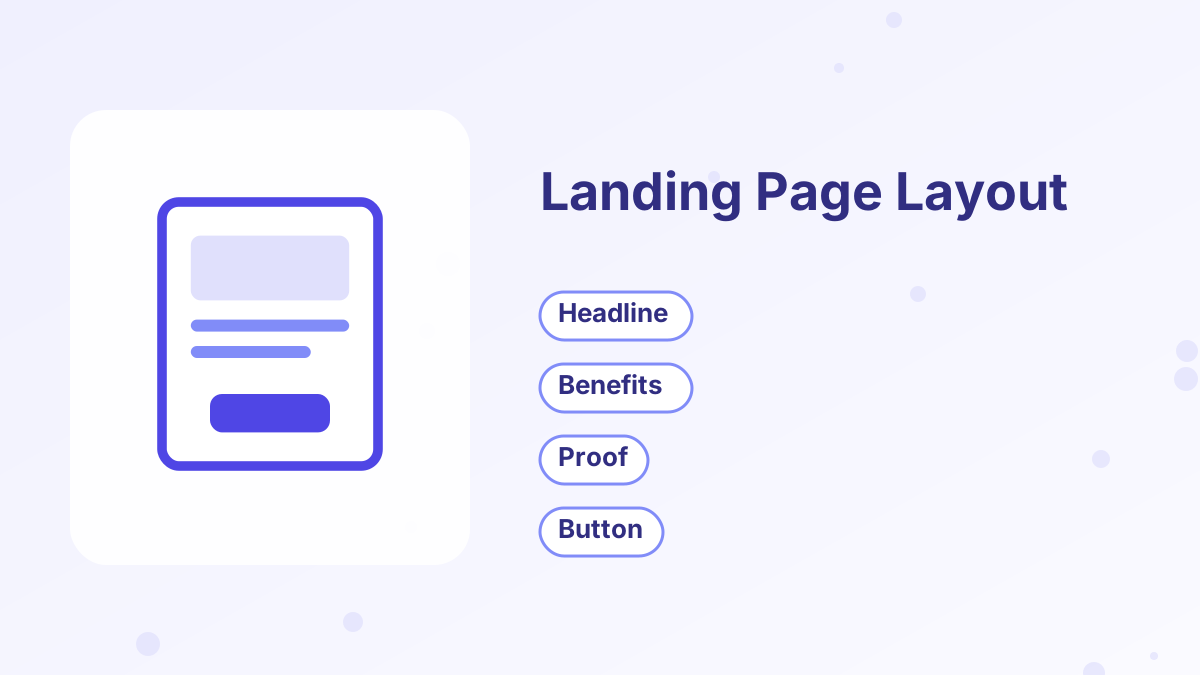
Templates save hours and come with layouts that already follow good practice, from spacing to button placement. Choose one close to your goal, then replace the content with your copy.
Keep the layout simple. Put the headline, a short benefit statement and the call to action near the top, so visitors can act without scrolling. Add supporting sections below for people who want more detail, and repeat the button after them.
Remove anything that doesn't support the goal: navigation menus, unrelated links and extra pop-ups. Keep small legal links, such as your privacy policy, at the bottom.
Step 6: Design for Mobile
Many visitors will see your page on a phone, especially from social media. Preview the mobile version and check that the headline is readable, the button is easy to tap, images aren't too large and the form is simple to complete.
Page speed matters too. Compress large images, avoid heavy video backgrounds and limit extra scripts. A page that loads slowly loses visitors before they read the headline.
Step 7: Connect What Happens Next
A landing page is the start of a process, not the end. Decide what happens after someone acts:
After an Opt-In
Show a thank-you page, deliver the freebie by email and start a welcome sequence.
After a Registration
Confirm the date, add calendar links and schedule reminders.
After a Booking
Send a confirmation and reminders, with preparation questions if useful.
After a Purchase
Deliver access instantly and offer a relevant next step.
With separate tools, you'll set up integrations for each of these. In an all-in-one platform, they're connected automatically. See thank-you page and welcome email sequence.
Step 8: Publish and Test
Connect your domain or subdomain, publish the page and test every path yourself: submit the form, check the email arrives, click every link and, for sales pages, make a test purchase.
Then send traffic and measure. Track how many visitors take the action, and give the page enough visits before judging it. When you test changes, change one element at a time, starting with the headline, then the offer, then the button and layout. See improve funnel conversion rate.
Landing Page Checklist
| Check | Why it matters |
|---|---|
| One clear goal and one call to action | Focus increases conversions |
| Headline names a specific result | Visitors decide in seconds |
| Form asks only for what you need | Fewer fields, more sign-ups |
| Page works and loads quickly on mobile | Many visitors use phones |
| Follow-up is connected and tested | Leads and buyers get what they expect |
| Privacy link and any required disclosures present | Builds trust and meets basic requirements |
Create Your Landing Page Free
Templates, forms, email and checkout connected in one systeme.io account.
Try Systeme.io FreeHow to Create a Landing Page FAQs
How do you create a landing page for free?
Use a free plan from a landing page or funnel builder. Systeme.io's free plan includes landing page templates, a custom domain and email for 2,000 contacts.
Do you need a website to have a landing page?
No. A funnel builder can host your landing page on its own domain or a subdomain you connect.
How long should a landing page be?
Opt-in pages can be short; pages that sell higher-priced products usually need more information and proof.
What makes a landing page convert?
A specific headline, a clear offer, a simple form or checkout, genuine proof and one call to action.
How many calls to action should a landing page have?
One action, though you can repeat the same button several times on a longer page.