Systeme.io Templates - Funnel, Page and Blog Templates Explained (2026)
Systeme.io Templates: The Short Answer
Systeme.io includes free templates for every funnel step, such as squeeze pages, sales pages, order forms, upsells and thank-you pages, plus layouts for blog and website pages. You'll find them inside the funnel builder and the blog builder, and they're available on every plan, including the free one.
The key thing to know is that templates are organized by step, not as complete ready-made funnels. You build the funnel structure first, then pick a template for each page. That keeps things flexible, but it means a little more assembly than tools that hand you a finished funnel in one click.
You can also import complete funnels that other systeme.io users share, which is how many third-party template packs are delivered.
How Systeme.io Templates Are Organized
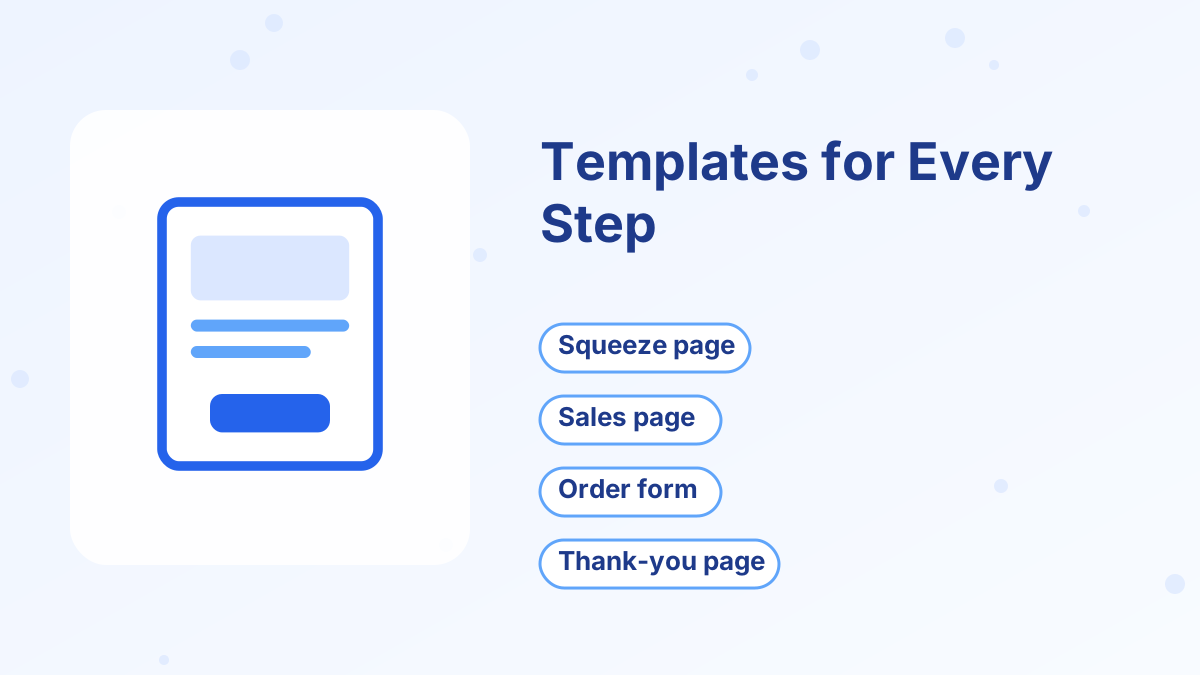
When you create a funnel, you pick a goal such as building an audience, selling a product or running an evergreen webinar. Systeme.io then adds the usual steps for that goal, and each step opens a gallery of templates designed for that page type.
For example, an audience-building funnel starts with a squeeze page and a thank-you page. Click the squeeze page, and you'll see only squeeze page templates. That's helpful because every option you see already has the right building blocks, such as an email form on an opt-in page or a payment form on an order page.
Once you choose a template, it opens in the drag-and-drop editor, where you can change text, images, colors, fonts and layout. Our funnel builder guide explains the editor in more detail.
Template Types by Funnel Step
Here's what you'll typically find for each step and what to look for when choosing:
| Step | What the template includes | What to look for |
|---|---|---|
| Squeeze page | Headline, bullets, email form | Short, focused layout with one button |
| Pop-up and inline forms | Email capture form | Clear promise and minimal fields |
| Opt-in thank-you page | Confirmation and next step | Space for a video or small offer |
| Sales page | Long-form sections, benefits, FAQ | Room for proof, details and multiple buttons |
| Order form | Product details and payment form | Space for an order bump and guarantee text |
| Upsell and downsell pages | Offer and accept or decline buttons | Short, single-offer layout |
| Webinar pages | Registration, thank-you and broadcast layouts | Date and time display, replay space |
| Info and contact pages | General content layouts | Simple, readable structure |
Pick templates based on structure, not color. Colors and fonts take minutes to change, while restructuring a page that has the wrong sections takes much longer.
Blog and Website Templates
The blog builder has its own templates for the blog home page and individual posts. Website pages, such as a home page or about page, can be built as funnel steps or info pages using the same editor.
This means your site, blog and funnels can share a consistent look. Set your brand colors and fonts once, apply them to your main templates and reuse those pages as a base. See our guides to the systeme.io website builder and blogging on systeme.io.
Importing Shared Funnel Templates
Systeme.io lets users share funnels with each other, and the recipient can import a full funnel into their own account. That's how many template sellers on marketplaces deliver their designs: you buy or download the pack, open the share link and import it.
Imported funnels can save hours, especially for complex pages like long sales letters. Before importing anything, keep a few points in mind:
- Check the steps. Some funnels need plan-specific features. Evergreen webinar funnels, for example, need the Webinar plan or higher.
- Watch your funnel limit. Each imported funnel counts toward your plan's funnel allowance, which is 3 on the free plan.
- Rewrite the copy. Template copy is generic. Replace every headline and paragraph with words written for your audience.
- Check the license. Most paid template packs forbid reselling or sharing the templates.
- Re-link automations and products. Imported pages don't automatically know which tags, emails or products to use in your account.
How to Customize a Template So It Looks On-Brand
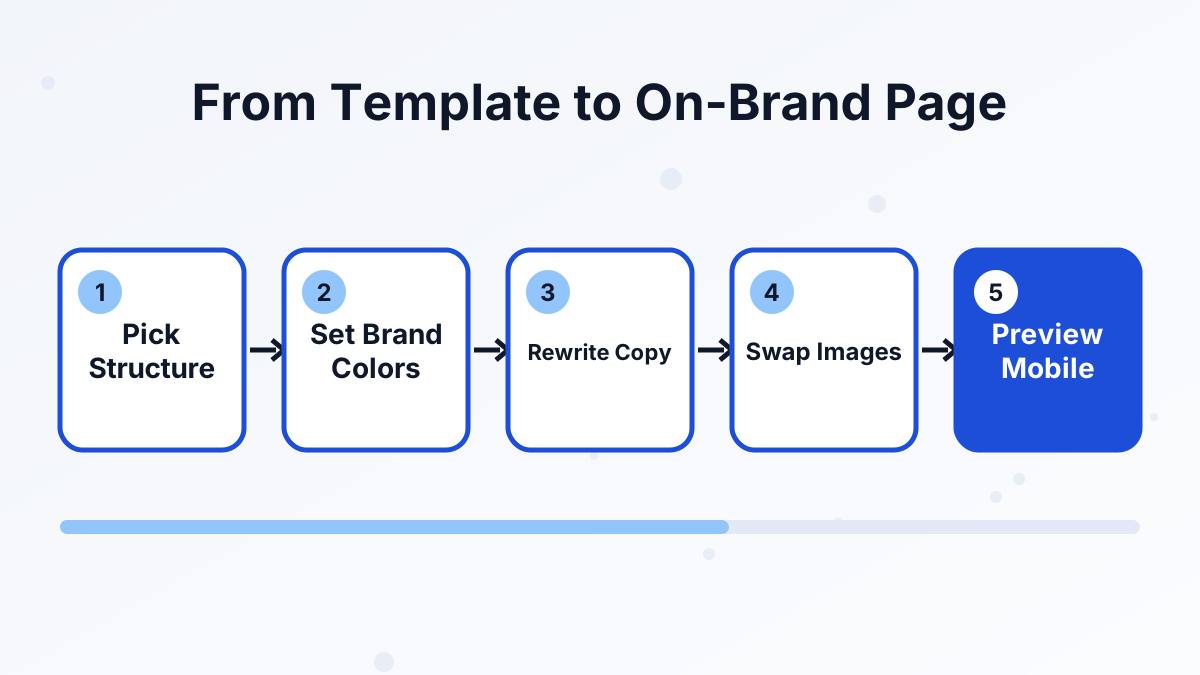
A template is a starting point, not a finished page. Here's the order we'd work in:
- Choose by structurePick the template whose sections match what you need to say.
- Set brand colors and fontsApply your colors to buttons and headings, and keep to one or two fonts.
- Rewrite every line of copyWrite the headline first, then the bullets, then the button text. Use your audience's own words.
- Swap imagesReplace stock images with your own photos, product mockups or simple graphics.
- Remove what you don't needDelete sections that don't support the page's single goal.
- Preview on mobileCheck spacing and headline wrapping on a phone-sized screen before publishing.
For copywriting help, see our guides to squeeze pages, writing a sales page and thank-you pages.
Common Template Mistakes
Keeping the template's sample copy. Generic headlines like "Grow Your Business Today" don't tell visitors anything. Replace every line with copy about your specific offer.
Using a long sales page template for a cheap product. A $9 download doesn't need a 20-section sales letter. Match the page length to the price and complexity of the offer.
Leaving the menu and footer links on funnel pages. Extra links give visitors more ways to leave. Keep funnel pages focused on one action.
Forgetting to connect the form. An opt-in template only works when the form is connected to the right tag, campaign or automation. Test the form with your own email before publishing.
Which Templates to Start With
Building Your List
Start with a squeeze page and an opt-in thank-you page. See lead generation funnels.
Selling a Digital Product
Use a sales page, order form with bump and an upsell page. See how to sell digital products.
Running a Webinar
Use the webinar registration, thank-you and broadcast templates on the Webinar plan. See webinar funnels.
Affiliate Promotions
Use a squeeze page as a bridge page before sending people to the offer. See affiliate bridge pages.
Browse the Templates Free
Every step template is available on the free plan, so you can explore them before you build.
Try Systeme.io FreeSysteme.io Templates FAQs
Are systeme.io templates free?
Yes. The built-in step and blog templates are included on every plan, including the free plan.
Does systeme.io have complete funnel templates?
The built-in templates are per step. You can import complete funnels that other users share through a share link.
Can you use imported templates on the free plan?
Usually, yes, as long as the funnel doesn't need a feature from a higher plan, such as evergreen webinars, and you're within your three-funnel limit.
Can you change a template's design after publishing?
Yes. You can edit any page at any time, and changes go live when you save.