Abandoned Cart Emails - Timing, Copy and a 3-Email Sequence That Brings Buyers Back (2026)
What Are Abandoned Cart Emails?
Abandoned cart emails are automated reminders sent to people who started checkout, entered their email address and left without buying. They help you recover sales from buyers who were interested but got distracted, had a question or weren't quite ready.
Cart abandonment is extremely common. Research tracked over many years by the Baymard Institute puts the average online cart abandonment rate at roughly 70%. Not every abandoned cart can be recovered, and some visitors were only browsing, but a well-timed reminder brings a meaningful share back, often with very little effort once it's set up.
For digital products, courses and coaching, "abandoned cart" usually means an abandoned checkout page: someone entered their details on your order form but didn't complete payment.
Three emails: remind, reassure, then a final nudge
Send a simple reminder within a few hours, a reassuring follow-up the next day and a final email after two to three days, with an optional incentive in the last one.
Why People Abandon Checkout
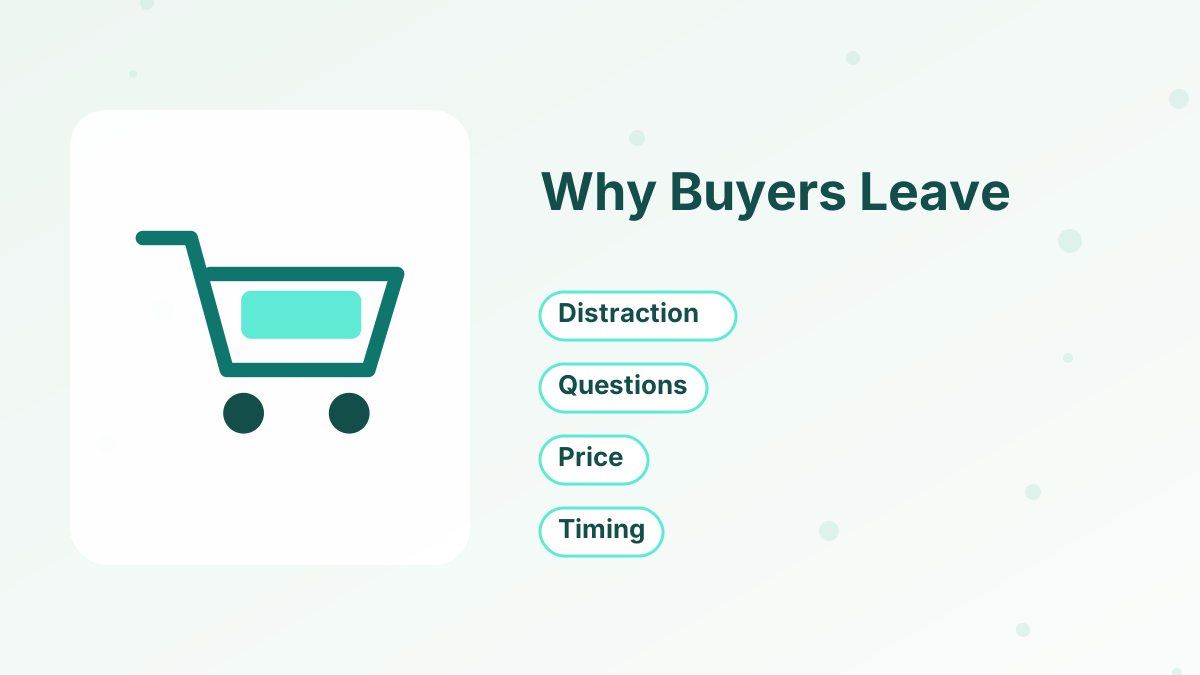
Understanding why people leave helps you write emails that bring them back.
Distraction
Something interrupted them, and they meant to come back.
Unanswered Questions
They weren't sure about access, refunds or whether the product fits.
Price or Budget
They needed time to decide or check their budget.
Checkout Friction
Too many fields, a missing payment method or unexpected costs.
Comparison
They wanted to compare options before buying.
Timing
They intended to buy later, on payday or after a busy week.
The 3-Email Abandoned Cart Sequence
| Timing | Purpose | Incentive? | |
|---|---|---|---|
| 1 to 4 hours after abandonment | Simple reminder while interest is high | No |
| About 24 hours later | Answer questions, share proof or the guarantee | Usually no |
| 48 to 72 hours later | Last reminder, optionally with a small incentive | Optional |
Some sellers send the first email sooner, within an hour, especially for low-priced items. Test timing with your own audience.
Email 1: The Simple Reminder
The first email is short and friendly. Remind them what they were buying, include a clear button back to the checkout and offer help if they had a problem.
Subject line ideas: "Did something go wrong?" or "Your course is waiting." Avoid pressure; many people simply got distracted and appreciate the reminder.
Email 2: Reassurance
The second email addresses hesitation. Answer the most common questions: how access works, what the guarantee covers, how long it takes and who it's for. Add genuine testimonials if you have them.
This is also a good place to invite replies: "Reply to this email if you have a question before buying." Personal answers often turn hesitant buyers into customers.
Email 3: The Final Nudge
The last email is a final reminder. You can include a small, genuine incentive, such as a bonus resource or a modest discount, but think carefully first. Regular discounts in cart emails can train buyers to abandon carts on purpose, waiting for a code.
A bonus often works as well as a discount and protects your price. If you offer anything time-limited, make sure the time limit is real.
Example Abandoned Cart Emails
Here are illustrative examples for a course priced at $97.
Email 1, two hours later. Subject: "Your spot in the course is still open." Body: a short note saying they started checking out, a one-line reminder of what the course helps with, a button back to checkout and an invitation to reply if anything went wrong with payment.
Email 2, the next day. Subject: "A few quick answers before you decide." Body: answers to three common questions, such as how long access lasts, how much time each week it takes and how the refund policy works, followed by the checkout button.
Email 3, three days later. Subject: "Last reminder about your checkout." Body: a brief summary, a bonus worksheet for anyone who enrolls in the next 48 hours, and the button. When the 48 hours pass, the bonus ends.
Writing Tips for Cart Emails
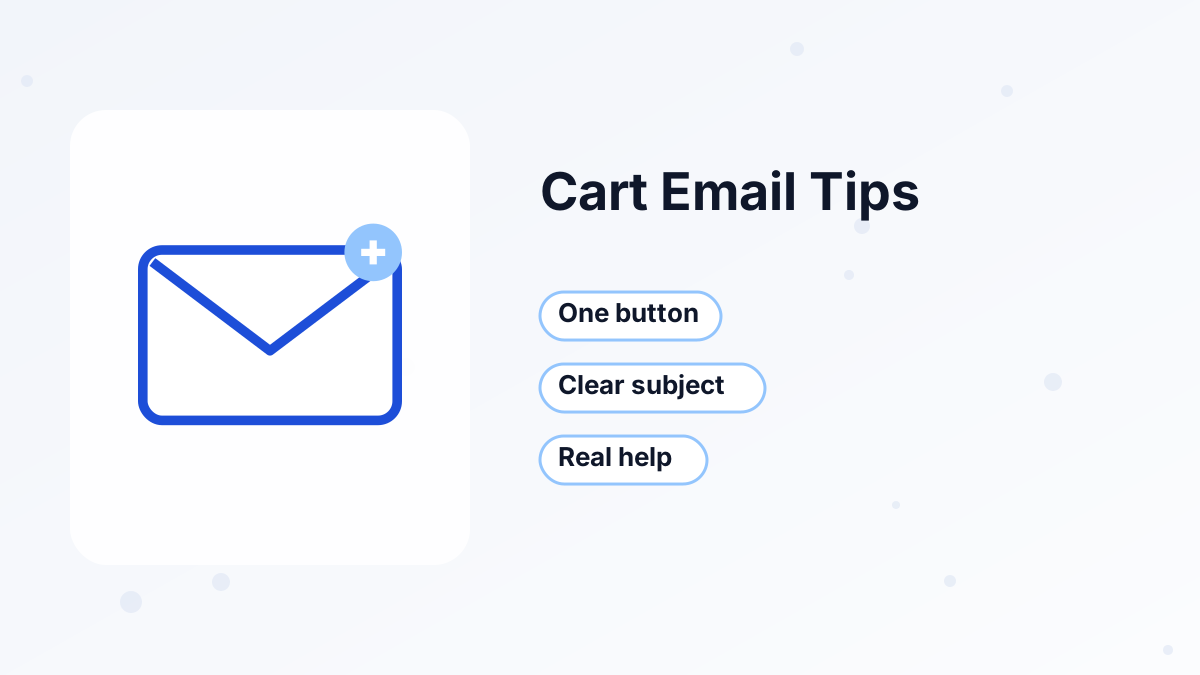
Keep each email short, with one clear button that returns to checkout and the item or course name visible near the top. Use a subject line that makes the purpose clear. Write as a helpful person, not a collections department; the tone should feel like a friendly follow-up.
Make sure the link works on mobile and returns people to the right checkout page. If your checkout has multiple steps or products, test the link carefully.
Fixing the Checkout Itself
Cart emails recover some sales, but the best fix is preventing abandonment in the first place. Review your checkout for common causes: unnecessary fields, missing payment methods, surprise costs and slow pages.
If many buyers abandon at the same point, the checkout is telling you something. Simplifying the form or adding a payment method your audience expects can recover more sales than any email. See improve funnel conversion rate.
Setting Up Abandoned Cart Emails
To send abandoned cart emails, your platform needs to know who started checkout but didn't buy. Many e-commerce and funnel platforms include a trigger for this.
In systeme.io, the automation builder can respond to checkout activity, and its features page lists abandoned checkout among the triggers available for automated follow-up, including SMS through a Twilio connection. A common setup is to start a short email sequence when someone reaches checkout without completing payment, and stop it automatically when they buy, using tags. Test your setup with a real checkout before relying on it. See systeme.io automation rules and systeme.io SMS marketing.
Rules and Respect
Only email people who entered their address at checkout and, where rules require it, agreed to receive emails. Include an unsubscribe link and your business details, and keep the number of reminders reasonable. Three emails is plenty; more can feel intrusive.
Respect matters for your reputation too, and for the relationship with someone who was clearly interested. Cart emails that feel aggressive generate spam complaints, which hurt deliverability for all your emails. See email deliverability tips.
Measuring Results
Track how many abandoned checkouts receive emails, how many recover and the revenue recovered. Compare the performance of each email to see where most recoveries happen, and test timing, subject lines and incentives one at a time.
Recover More Checkouts With Automation
Funnels, checkout, tags and automated follow-up on systeme.io, starting free.
Try Systeme.io FreeAbandoned Cart Emails FAQs
What is an abandoned cart email?
An automated email sent to someone who started checkout but didn't complete the purchase, reminding them and helping them finish.
How many abandoned cart emails should you send?
Three is a common sequence: a reminder within a few hours, a follow-up after about a day and a final email after two to three days.
Should abandoned cart emails include a discount?
Not usually in the first emails. A small, genuine incentive in the final email is optional; bonuses can protect your price.
Do abandoned cart emails work for digital products?
Yes. For courses and digital products, they recover buyers who left the checkout page without paying.
Can systeme.io send abandoned checkout emails?
Systeme.io's automation features include an abandoned checkout trigger; set it up with tags and test it before relying on it.