Email Automation Workflows - Triggers, Actions and the Workflows Every Small Business Needs (2026)
What Is an Email Automation Workflow?
An email automation workflow is a set of rules that sends the right emails, or takes the right actions, automatically when something happens. Someone joins your list, buys a product, clicks a link or stops opening your emails, and the workflow responds without you lifting a finger.
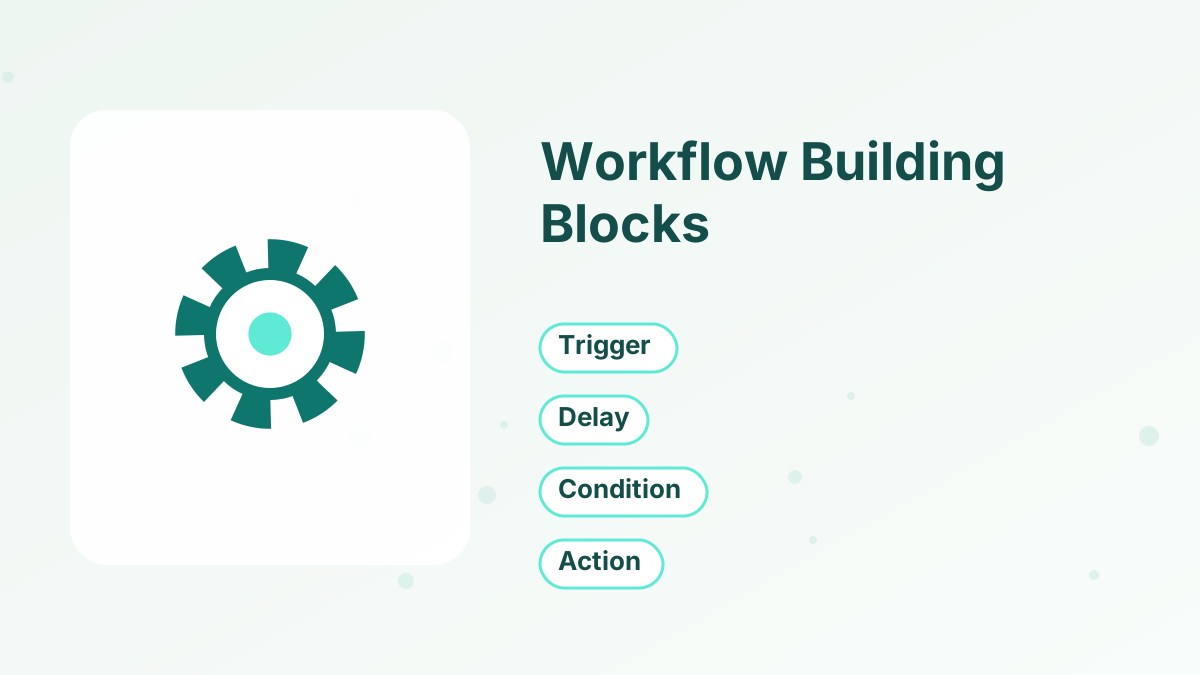
Every workflow has the same three parts: a trigger that starts it, actions such as sending emails or adding tags, and often conditions or delays that shape what happens and when.
For small businesses and solo creators, automation is how you deliver a consistent experience to every subscriber and customer while spending your own time on creating, selling and serving. You set a workflow up once, and it runs every day, including weekends and holidays.
Trigger, then action, then wait, then the next action
Start with a welcome workflow, a post-purchase workflow and a sales follow-up, then add cart recovery, re-engagement and tagging workflows as you grow.
How Triggers and Actions Work
| Triggers (what starts it) | Actions (what happens) |
|---|---|
| Subscribes through a form | Send an email or start a sequence |
| Buys a product | Add or remove a tag |
| Tag is added | Enroll in a course or grant access |
| Clicks a link in an email | Move to another sequence |
| Registers for a webinar | Send an SMS or notify you |
| Completes a course lesson | Update a CRM stage |
Delays control timing, such as waiting two days before the next email. Conditions create branches, such as "if they bought, send onboarding; if not, send a reminder."
10 Email Automation Workflows to Set Up
1. Welcome Workflow
Trigger: someone subscribes. Actions: deliver the lead magnet, tag by source and start a three- to six-email welcome sequence. This is the most important workflow you'll build. See welcome email sequence.
2. Lead Magnet Tagging Workflow
Trigger: a specific form is submitted. Actions: add a tag for that lead magnet, so you know what each subscriber is interested in. This makes all later segmentation easier. See email list segmentation.
3. Sales Follow-Up Workflow
Trigger: the welcome sequence ends or someone clicks a sales page link. Actions: start a short sales sequence about the relevant offer, ending with a genuine deadline. See sales email sequence.
4. Post-Purchase Onboarding Workflow
Trigger: someone buys. Actions: remove them from sales emails, grant access, add a customer tag and send onboarding emails that help them get started and get a first result.
5. Abandoned Checkout Workflow
Trigger: someone starts checkout but doesn't pay. Actions: send two or three reminders over a few days, stopping when they buy. See abandoned cart emails.
6. Webinar Workflow
Trigger: webinar registration. Actions: send confirmation and reminders, then different follow-ups for attendees and non-attendees, with the replay and offer. See webinar funnel.
7. Course Progress Workflow
Trigger: a student completes a lesson or module, or stops progressing. Actions: congratulate milestones, nudge inactive students and invite finishers to the next offer.
8. Booking Workflow
Trigger: a call is booked. Actions: send confirmation and reminders, a preparation questionnaire and a follow-up after the call.
9. Re-Engagement Workflow
Trigger: no clicks for a long period. Actions: send a short series asking whether they still want to hear from you, then remove those who don't respond. This protects deliverability. See email deliverability tips.
10. Upsell and Cross-Sell Workflow
Trigger: a set time after purchase or course completion. Actions: recommend the next relevant product to people who don't already own it.
Which Workflows to Build First
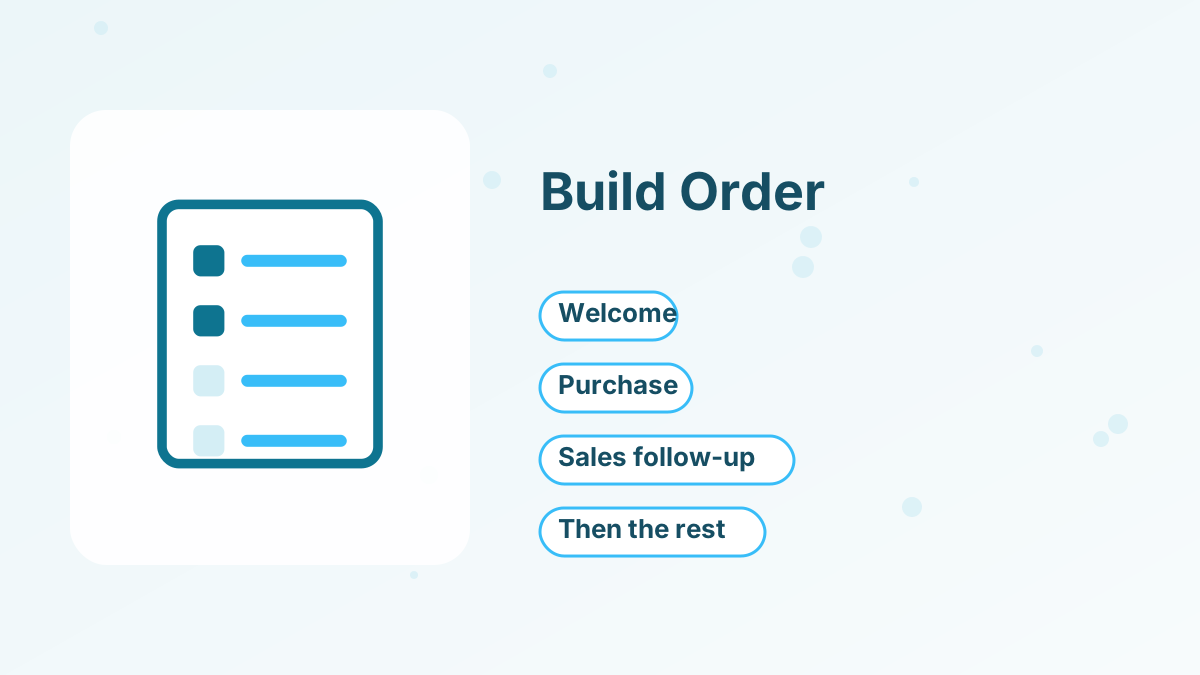
You don't need all ten on day one. Build in this order:
- Welcome workflowEvery subscriber gets a consistent first experience.
- Post-purchase workflowEvery buyer gets access and onboarding immediately.
- Sales follow-up workflowSubscribers are invited to your offer automatically.
- Abandoned checkout workflowRecover buyers who almost purchased.
- Re-engagement workflowKeep your list healthy over time.
Add webinar, course, booking and upsell workflows as those parts of your business grow.
An Automation Example for a Course Creator
Here's how several workflows work together for an illustrative course creator selling a $147 course on starting a vegetable garden.
A visitor downloads a free planting calendar. The welcome workflow tags them "LM - Planting Calendar," delivers the calendar and sends five welcome emails over ten days. When the welcome sequence ends, the sales follow-up workflow starts a four-email sequence about the course, with a bonus that expires after five days.
If the subscriber starts checkout but doesn't finish, the abandoned checkout workflow sends two reminders. When they buy, the post-purchase workflow removes them from all sales emails, adds the tag "Customer - Garden Course," enrolls them in the course and sends three onboarding emails.
Inside the course, the course progress workflow congratulates students when they finish Module 1 and nudges anyone who hasn't logged in for two weeks. Months later, students who finished the course receive an invitation to an advanced program through the upsell workflow.
Each workflow is simple on its own. Together, they create a complete journey that runs every day without manual work.
Common Automation Mistakes
The most common mistake is forgetting to remove buyers from sales sequences, so customers keep receiving pitches for something they own. Another is building workflows and never testing them, which leaves broken links or missing emails unnoticed for months.
Over-automation is a risk too. Too many overlapping workflows can send several emails on the same day. Check which workflows a typical subscriber might be in at once, and add rules so they don't collide.
Keeping Workflows Simple
Complex workflows with many branches are hard to maintain and easy to break. Start with simple, linear workflows and add branches only when you have a clear reason, such as sending different follow-ups to buyers and non-buyers.
Name workflows and tags clearly, such as "LM - Budget Checklist" for a lead magnet tag or "Customer - Course A" for buyers. Clear names make it easy to see who's in which workflow months later.
Document what each workflow does in a simple list: its trigger, its actions and its goal. When something goes wrong, you'll know where to look.
Building Workflows in an All-in-One Platform
When pages, email, checkout and courses live in separate tools, workflows depend on integrations between them, and each connection is a point of failure. In an all-in-one platform, triggers and actions share the same contact record.
Systeme.io offers two ways to automate. Automation rules connect a trigger, such as a form submission, purchase, tag added or course progress, to actions like sending an email, adding a tag, enrolling in a course or subscribing to a campaign. Visual workflows let you build multi-step sequences with delays and conditions. The free plan includes 1 automation rule and 1 campaign, and paid plans add more. See systeme.io automation rules.
Testing Your Workflows
Test every workflow before relying on it. Subscribe with a test email address, buy a product with a test or low-cost purchase and check that each email arrives, each tag is added and each access grant works.
Recheck workflows when you change products, forms or tags. A renamed tag or a deleted form can silently break an automation that worked for months.
Measuring Automation Results
Track each workflow's key outcome: welcome sequence clicks, sales from the follow-up workflow, recovered checkouts, course completion rates and re-engaged subscribers. Review them monthly, improve the weakest and remove workflows that no longer serve a purpose.
Automate Your Emails With Systeme.io
Automation rules, workflows, tags and email campaigns, free to start.
Try Systeme.io FreeEmail Automation Workflows FAQs
What is an email automation workflow?
A set of rules that automatically sends emails or takes actions when a trigger happens, such as a sign-up or purchase.
Which email automation should you set up first?
A welcome workflow for new subscribers, followed by a post-purchase onboarding workflow.
What is the difference between a sequence and a workflow?
A sequence is a series of emails; a workflow is the logic around it, including triggers, tags, conditions and other actions.
Do automation workflows hurt deliverability?
Not when they send relevant emails to opted-in subscribers. Re-engagement workflows can actually help by cleaning inactive contacts.
Does systeme.io include email automation?
Yes. Systeme.io includes automation rules and visual workflows, with 1 rule and 1 campaign on the free plan.