How to Use Systeme.io - A Step-by-Step Guide From Signup to First Sale (2026)
How to Use Systeme.io: The Short Answer
To use systeme.io, you create a free account, set up your sender email, payment gateway and domain, then build your first funnel: an opt-in page that collects emails, connected to an email sequence. Once that works, you add a product or course, a sales funnel with a checkout, and a few automation rules that tag buyers and give them access.
That's the whole business in one dashboard. The order matters, though. Most beginners get stuck because they start with the fun parts, like page design, before the plumbing, like sender settings and automation. This tutorial follows the order that avoids the usual headaches, and everything here works on the free plan.
Follow Along on the Free Plan
Create a free systeme.io account and build each step as you read. No credit card is needed.
Try Systeme.io FreeBefore You Start: What You Need
You don't need technical skills, but a little preparation saves time. Have these ready:
- An offer idea. A course, coaching program, digital product or affiliate offer you want to sell.
- A lead magnet idea. A free checklist, template or mini-training that attracts the right people.
- A business email address. Ideally on your own domain, such as [email protected], for better email deliverability.
- A domain name (optional). You can start on a systeme.io subdomain and connect your own domain later.
- A Stripe or PayPal account (if selling). You'll connect it so your funnels can take payments.
If you're still choosing what to sell, read digital product ideas or how to start an online business first.
Step 1: Create Your Account and Learn the Dashboard
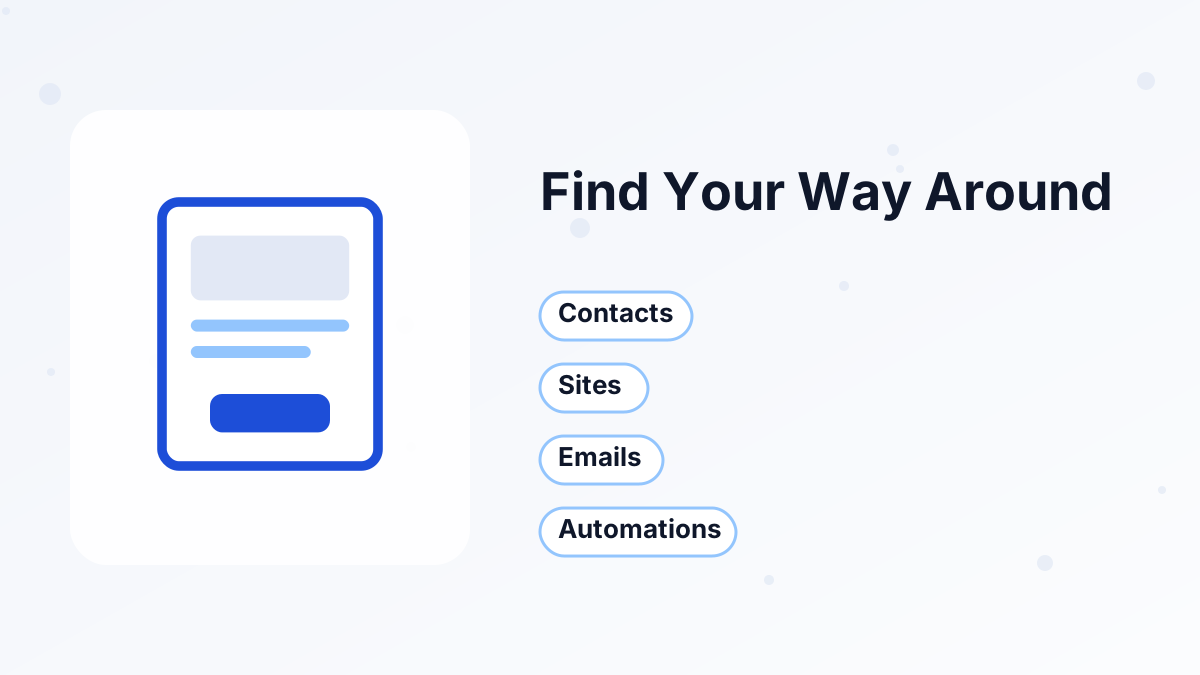
Sign up with your email address on the free plan. You'll land on a dashboard with the main areas of your business across the top. Here's what each area is for:
| Area | What you do there |
|---|---|
| Contacts | See everyone who has subscribed or bought, with their tags |
| Sites | Build sales funnels, blogs and your website |
| Emails | Write newsletters (one-off emails) and campaigns (automated sequences) |
| Products and courses | Create courses, communities and products to sell |
| Automations | Set up automation rules and workflows |
| Sales | View orders, subscriptions and revenue |
Your account settings live under your profile picture in the top corner. That's where you'll find payment gateways, domains, sender email settings and sub-accounts. Take five minutes to click through each area so nothing feels unfamiliar later.
Step 2: Configure Your Settings First
Settings are dull, but they decide whether your emails land in inboxes and whether your checkout works. Do these before building anything:
- Add your business detailsFill in your name, company name and address, which appear in email footers.
- Set up your sender emailChoose the address your emails come from and authenticate your domain. Our sender email setup guide explains the DNS records.
- Connect a payment gatewayOpen Settings, then Payment Gateways, and connect Stripe, PayPal or a regional option. See systeme.io payment gateways.
- Connect your domain (optional)Add your custom domain so pages use your brand. See our custom domain guide.
If you skip sender authentication, your first emails are more likely to land in spam, which makes it look like the funnel isn't working when it's really a settings problem.
Understanding Contacts and Tags
Before building pages, it helps to understand how systeme.io organizes people, because almost everything else depends on it.
Every person who signs up or buys becomes a contact. One person is one contact, no matter how many funnels they join. That's different from tools that keep separate lists, where the same person can appear several times and be counted (and billed) more than once.
Tags are labels on contacts that describe what they did or what they're interested in, such as "lead-checklist," "attended-webinar" or "customer-course-a." You'll use tags to decide who gets which emails, who sees which offers and who has bought what.
A simple naming habit from day one saves confusion later. We'd use a prefix for the type of tag: "lead-" for how someone joined, "customer-" for purchases and "interest-" for topics. Our email list segmentation guide shows how tags turn into useful segments.
Step 3: Build Your First Funnel
Your first funnel should collect emails, because an email list is the foundation of everything else. Go to Sites, open Sales Funnels and create a new funnel.
- Choose the "build an audience" goalSysteme.io adds a squeeze page and a thank-you page for you.
- Pick a template for the squeeze pageChoose one with a simple layout and a clear form.
- Write your headline and bulletsName the specific result your lead magnet delivers, then list three things inside it.
- Edit the thank-you pageConfirm the signup and tell people to check their inbox.
- Set the page URLsUse short, readable paths such as /free-checklist.
Keep the squeeze page focused: one headline, a few bullets, one form and one button. Our guides to squeeze pages and the systeme.io funnel builder go deeper.
Step 4: Create Your Email Sequence and Connect It
Now create the emails that follow the signup. In the email area, create a campaign, which is an automated sequence.
A simple first sequence has four to six emails: one that delivers the lead magnet immediately, two or three that teach something useful, and one or two that introduce your offer. Space them a day or two apart.
Here's the step most beginners miss: a campaign doesn't send by itself. People must be enrolled in it. Connect your squeeze page form to the campaign, either in the funnel step's settings or with an automation rule that says "when someone subscribes through this form, subscribe them to this campaign."
Test it by signing up with your own email. If the first email arrives within a few minutes, your funnel is working. Our welcome email sequence guide has templates you can adapt.
Step 5: Create Your Product or Course
If you're selling a course, create it in the courses area. Add modules and lectures, upload your videos and files, and decide whether lessons unlock all at once or on a drip schedule.
If you're selling a digital download, such as a template or ebook, you can deliver it through a simple course, a thank-you page download or an automated email. If you're selling coaching, set up a booking calendar event instead.
Don't wait until the course is perfect. Many creators sell a first version, deliver it to a small group and improve it from feedback. See creating a course in systeme.io for the full walkthrough.
Step 6: Build a Sales Funnel With Checkout
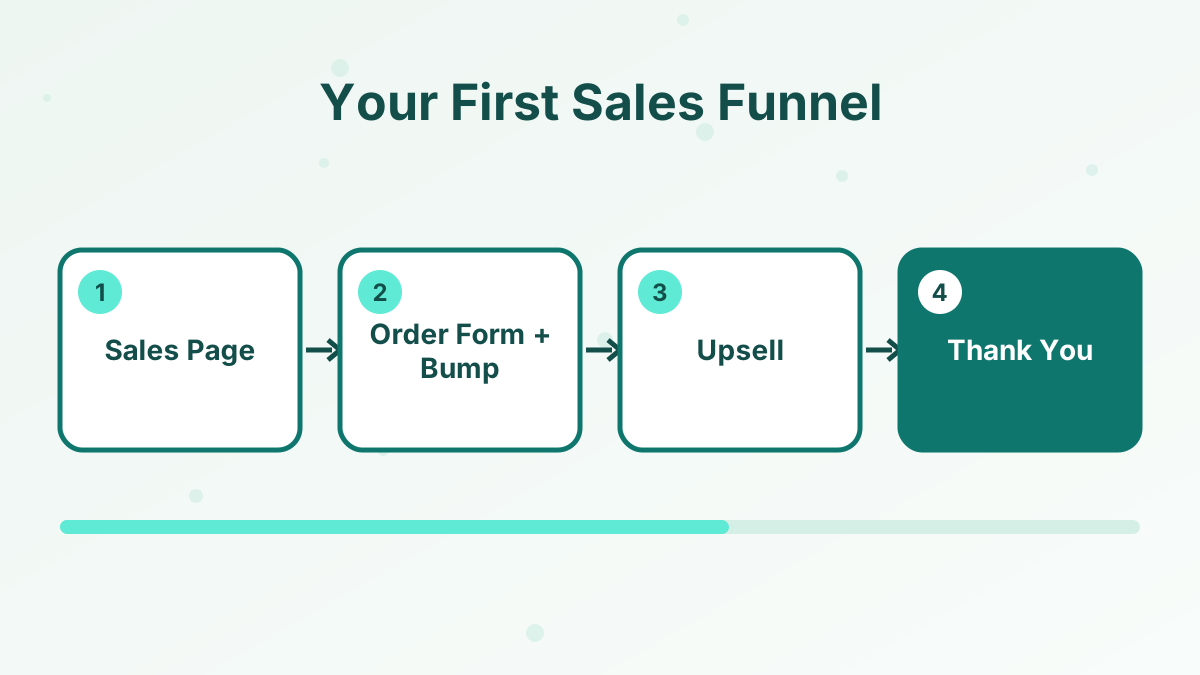
Create a second funnel with the goal of selling a product. Systeme.io adds a sales page, an order form and a thank-you page.
- Write the sales pageExplain the problem, the result, what's included, the price and answers to common questions.
- Set up the order formAttach your course or product and set the price: one-time, payment plan or subscription.
- Add an order bump (optional)Offer a small add-on as a checkbox on the order form.
- Add an upsell step (optional)Offer a bigger next step after purchase with one click.
- Edit the thank-you pageTell buyers how to access what they bought.
Systeme.io charges 0% transaction fees, so you'll only pay your payment gateway's processing fees. For copywriting help, read how to write a sales page and order bumps and upsells in systeme.io.
Step 7: Automate the Basics
Automation is what lets the business run without you checking every signup. Start with the essentials:
Tag New Leads
When someone subscribes through your lead magnet, add a tag such as "lead-checklist."
Enroll Buyers
When someone buys, enroll them in the course automatically.
Tag Customers
Add a "customer" tag on purchase so you can email buyers separately.
Stop Selling to Buyers
Remove buyers from the sales campaign so they don't keep getting pitched.
The free plan includes one automation rule, so choose the most important one first, usually enrolling buyers. When you need more, the Startup plan raises the limit. Our automation rules guide has more recipes.
Step 8: Add a Blog or Website (Optional)
You don't need a full website to start selling, but a simple site helps people trust you. Systeme.io lets you build site pages and a blog with the same editor, and the free plan includes one blog.
A good starter site has a home page, an about page, your lead magnet page and a few blog posts that answer questions your audience asks. Link every post to your lead magnet. See the systeme.io website builder and systeme.io blog guides.
Step 9: Test Everything, Then Launch
Before sending traffic, walk through your funnel exactly like a new visitor would:
- Sign up on the squeeze page and check that the first email arrives.
- Click every link in your emails and pages.
- Buy your product with a test purchase or a low-priced test product.
- Check that access is granted and the thank-you page makes sense.
- Preview every page on a phone.
Then share your squeeze page link wherever your audience is: social media, a blog post, a YouTube description or your existing email list. Watch your opt-in rate and email clicks for the first week, and fix the weakest step first.
Step 10: Grow Your List After Launch
A working funnel is the start, not the finish. Once it's live, your job shifts to bringing in the right visitors and improving each step.
Pick one main traffic source and stick with it for a few weeks. If you enjoy writing, publish blog posts that answer specific questions and link to your lead magnet. If you prefer video, make short tutorials and put your opt-in link in the description. If you already have followers, share the lead magnet with them first.
Then look at your numbers once a week. A low opt-in rate points to the headline or lead magnet. Low email clicks point to subject lines or content. Few sales point to the offer or sales page. Change one thing at a time so you know what made the difference. Our guide to improving funnel conversion rates goes deeper.
Which Plan to Start On
| Plan | Price | Choose it when |
|---|---|---|
| Free | $0 | You're building your first funnel and list |
| Startup | $17 a month | You need more than one email sequence or automation rule, or more funnels |
| Webinar | $47 a month | You want to sell with evergreen webinars |
| Unlimited | $97 a month | Your list is large or you run many products |
We'd start almost everyone on the free plan and upgrade when a specific limit gets in the way. Our systeme.io pricing guide explains each plan's limits.
Where to Get Help
Systeme.io has a help center with step-by-step articles on funnels, emails, courses, payments, the booking calendar and more, plus video tutorials. Support is by email around the clock, and the pricing page lists average response times as under two hours.
When you contact support, include the funnel or campaign name, what you expected to happen and what actually happened. Clear details get faster answers. For common problems and fixes, see our systeme.io troubleshooting guide.
A 7-Day Plan for Your First Week
If you like a schedule, here's a realistic first week for a beginner working a few hours a day:
| Day | Focus | Outcome |
|---|---|---|
| 1 | Account, settings, sender email, payment gateway | Platform ready to send and sell |
| 2 | Lead magnet and squeeze page | Opt-in page published |
| 3 | Welcome email sequence | Emails written and connected |
| 4 | Product or course setup | Something to sell |
| 5 | Sales page and order form | Checkout working |
| 6 | Automation rules and full test | Everything tested end to end |
| 7 | Share your funnel | First visitors and subscribers |
Common Beginner Mistakes
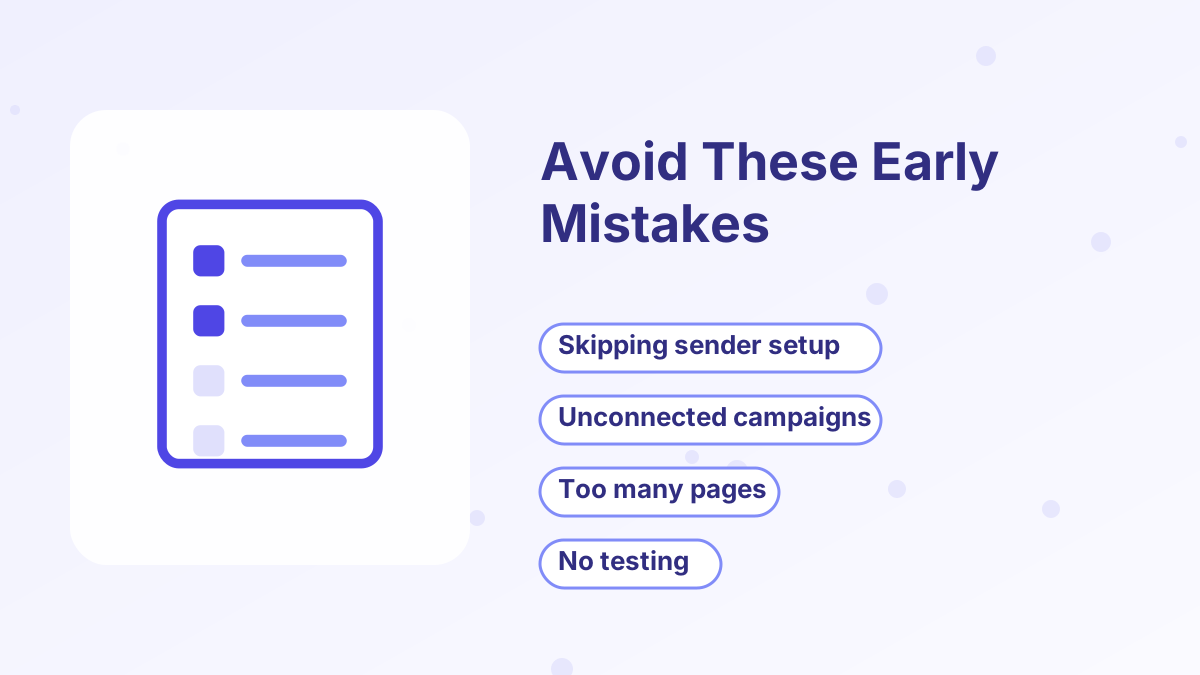
Designing before deciding. Choose your offer and lead magnet before spending hours on page design.
Forgetting to enroll subscribers. Campaigns need an automation or form setting to enroll people. Without it, nobody gets your emails.
Skipping sender authentication. Unauthenticated sending domains hurt deliverability. Set it up on day one.
Building too many funnels at once. One lead funnel and one sales funnel are enough to start learning.
Not testing purchases. A broken checkout or missing course access is the fastest way to lose a buyer's trust.
Ignoring plan limits. The free plan has caps such as one automation rule, one campaign and a $10,000 lifetime sales limit. Plan your upgrade before a big launch. See systeme.io pricing.
Start Building Today
Everything in this tutorial works on the free plan. Upgrade only when your business outgrows it.
Try Systeme.io FreeHow to Use Systeme.io FAQs
Is systeme.io easy for beginners?
Yes. It's one of the more beginner-friendly all-in-one tools, especially if you follow a clear order: settings, lead funnel, emails, product, sales funnel, automation.
Can you use systeme.io for free?
Yes. The free plan includes 3 funnels, 2,000 contacts, unlimited emails, 1 course, 1 blog and 1 automation rule, with no time limit.
Why aren't your systeme.io emails being sent?
Usually because subscribers aren't enrolled in the campaign, or the sender email isn't set up. Check the form or automation connection and your sender settings.
Do you need a website to use systeme.io?
No. Systeme.io hosts your funnel pages, so you can start without a website.
How long does it take to set up systeme.io?
A basic lead funnel and email sequence can be live in a day. A complete setup with a product and checkout usually takes a few days.